
-
×
 Sandisk Flash Drive i-xpand Dual Luxe 64GB Type-C to Lightning
1 × 11.500 OMR
-
×
 Belkin F2CU012bt Mixit Cable Usb A to Micro 3mtr
1 × 1.900 OMR
-
×
 Google Fitbit Edge Fitness & Health Tracking Smart Band Black
1 × 86.900 OMR
-
×
 Google Fitbit Edge Fitness & Health Tracking Smart Band Green
1 × 86.900 OMR
-
×
 A03007 HDMI Male to Female CONNECTOR
1 × 2.000 OMR
-
×
 YH 31 PS4 2 in 1 Charging Heat Sink
1 × 11.900 OMR
-
×
 OTVO P4 USB DATA CABLE (For P4 Host & Handle)
1 × 1.900 OMR
-
×
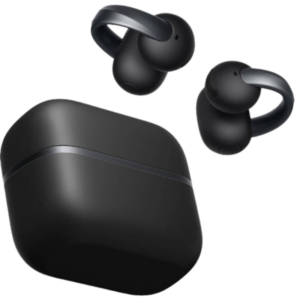 Anker D1105 Earbuds Aero Clip-2 Soundcore Black
1 × 59.900 OMR
-
×
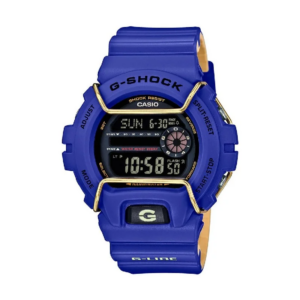 Casio 3450 G Shock St Steel Wr Gls 6900 2Dr Watch
1 × 39.000 OMR
-
×
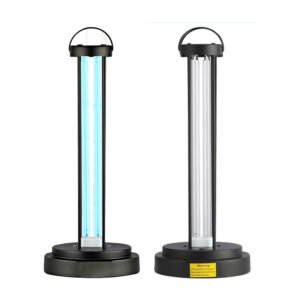 HY 015 Ultraviolet Disinfection Lamp
1 × 3.450 OMR
-
×
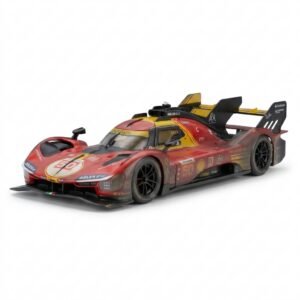 BBurago Metal Car Ferrari 499P Size 1.18
1 × 42.900 OMR
-
×
 HOCO X92 USB-C to USB-C 60w SILICON Data Cable - 3mtr
1 × 4.900 OMR
-
×
 Cleo-EL Portable Power Station 300W ZHY-CN01
1 × 44.900 OMR
-
×
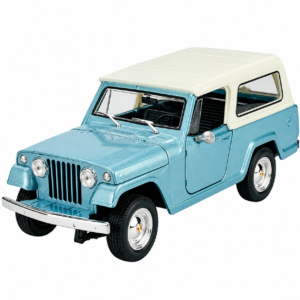 Welly Metal Car Jeep Jeepster Commando Station Wagon Size 1.24 WL-24117H-W
1 × 12.900 OMR
-
×
 Biba Flute Deluxe
1 × 6.500 OMR
-
×
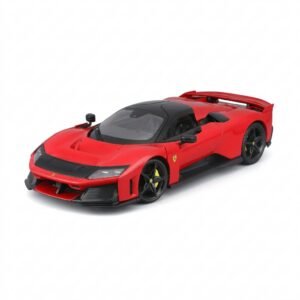 BBurago Metal Car Ferrari F80 Size 1.18 18-16022
1 × 42.900 OMR
-
×
 Philips 1000 Series Body Groomer BG1025/15
1 × 10.900 OMR
-
×
 Shure Pg42 Usb Usa Vox Record Microphone
1 × 99.000 OMR
Subtotal: 570.250 OMR
 New Arrivals
 Offers
 Service & Repair


There are no reviews yet.