
-
×
 Babyliss c Straightener Titanium Plate 230C ST395SDE
1 × 26.900 OMR
Babyliss c Straightener Titanium Plate 230C ST395SDE
1 × 26.900 OMR -
×
 Bm 13k Bee Melodica
1 × 5.900 OMR
Bm 13k Bee Melodica
1 × 5.900 OMR
Subtotal: 32.800 OMR
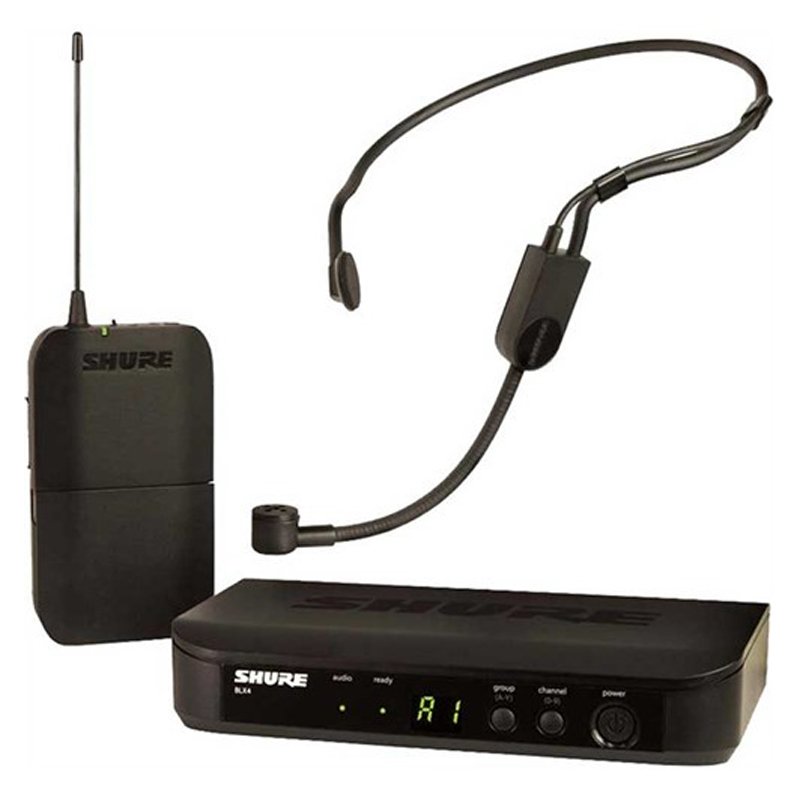
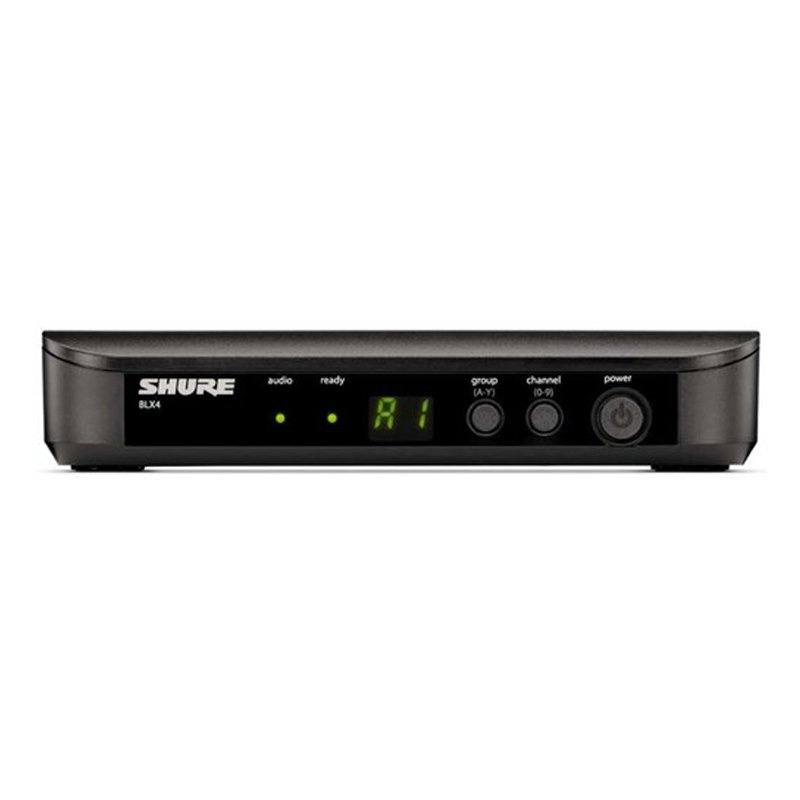
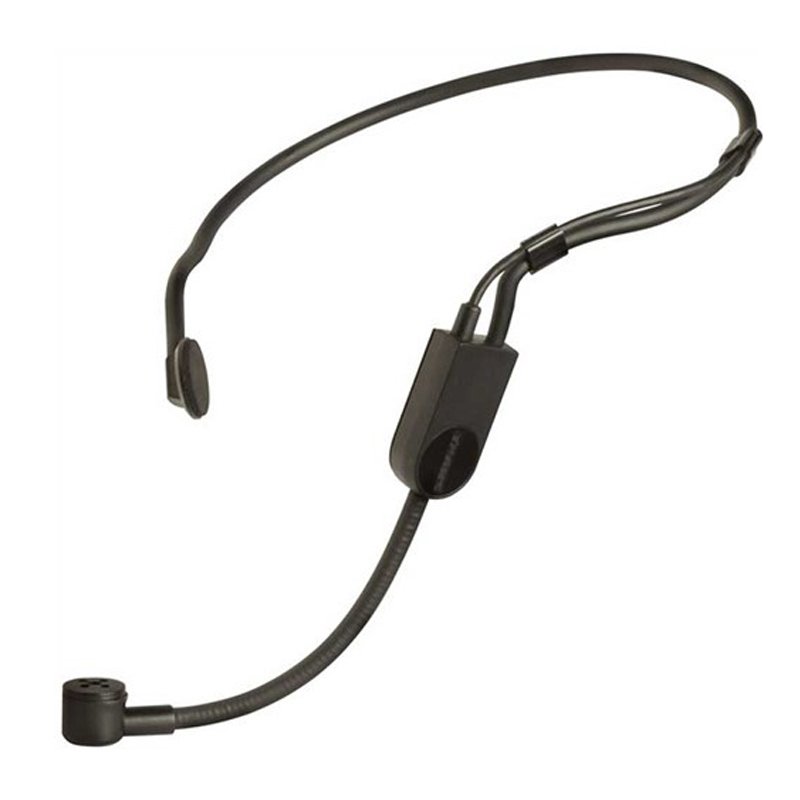
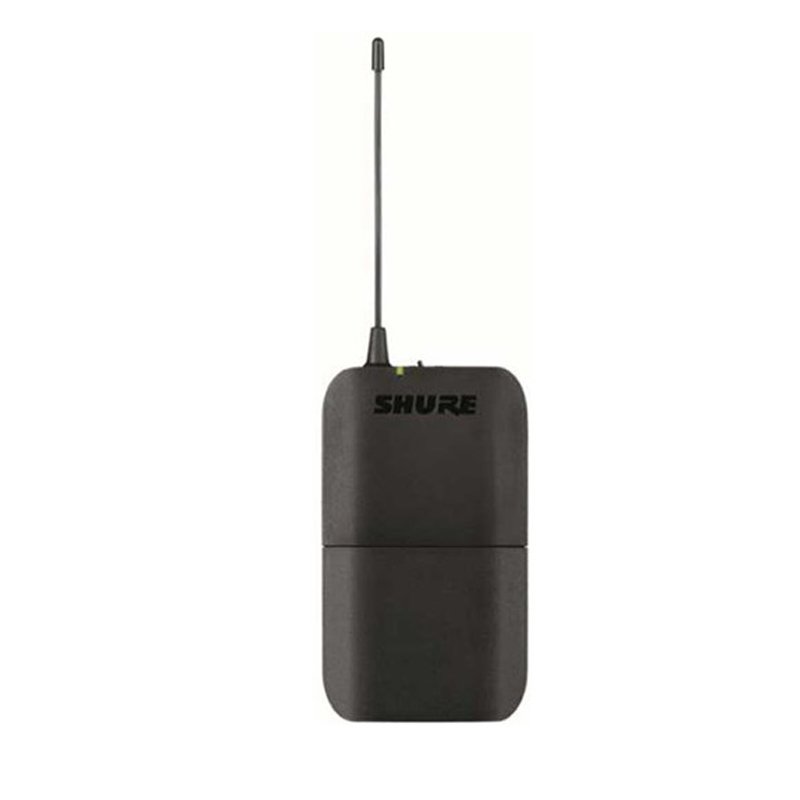
SKU: SHURE BLX14UK/P31 Headset Mic
In stock
The SHURE BLX14UK/P31 Headset Mic offers exceptional sound quality and hands-free convenience for performers and presenters. With its comfortable headset design and reliable wireless connectivity, this system allows freedom of movement without sacrificing audio clarity. The included BLX1 bodypack transmitter and BLX4 receiver ensure seamless operation, making it an ideal choice for musicians, fitness instructors, public speakers, and more.
130.000 OMR
In stock
1. Preparation: Ensure the SHURE BLX14UK/P31 Headset Mic system is fully charged and ready for use. Verify that the headset mic and the bodypack transmitter are both powered on.
2. Connection: Attach the headset mic securely to your head, adjusting the frame for a comfortable and secure fit. Position the microphone boom near your mouth for optimal audio capture.
3. Bodypack Setup: Attach the bodypack transmitter to your waistband or clothing using the clip provided. Connect the headset mic cable to the input port on the bodypack transmitter.
4. Receiver Setup: Connect the receiver unit to your sound system or amplifier using the appropriate audio cables. Ensure the receiver is powered on and set to the same frequency as the bodypack transmitter.
5. Testing: Perform a sound check to ensure everything is functioning correctly. Speak or sing into the headset mic while monitoring the audio output through your sound system. Adjust the microphone position, transmitter frequency, and receiver settings as needed for optimal sound quality and performance.
*Ideal for interviews, ENG/EFP,film production *compander for high quality and clear sound *dual channel wireless receiver *48 UHF channels * more than 6 hours continuous operation * operation range cn rech upto 100m (wihout obstacle) * automatic LCD locked function *easy to read LCD disply
 New Arrivals
 Offers
 Service & Repair


There are no reviews yet.