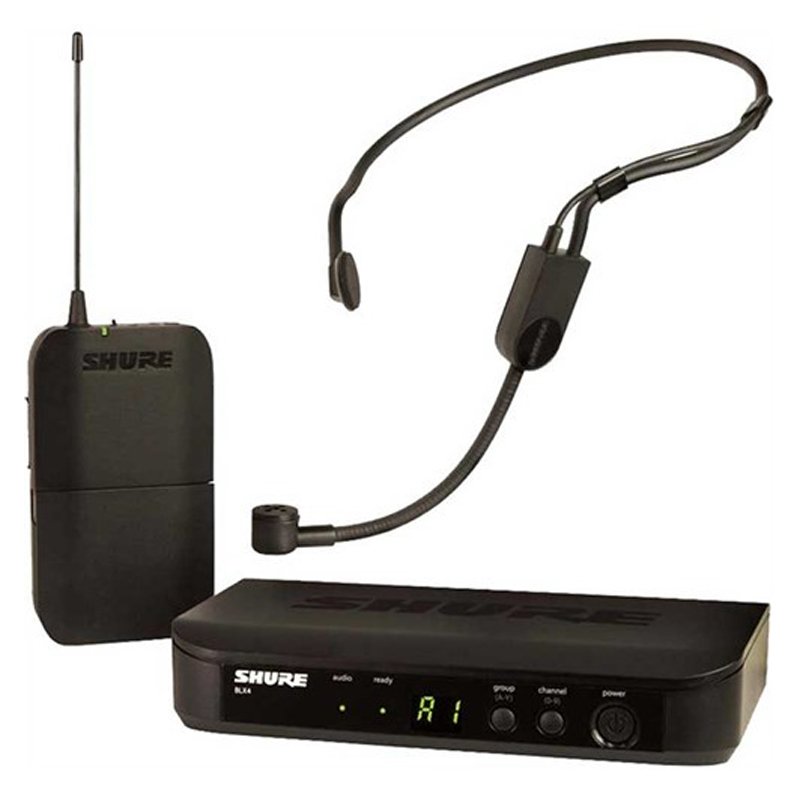
1. Preparation: Ensure the SHURE BLX14UK/P31 Headset Mic system is fully charged and ready for use. Verify that the headset mic and the bodypack transmitter are both powered on.
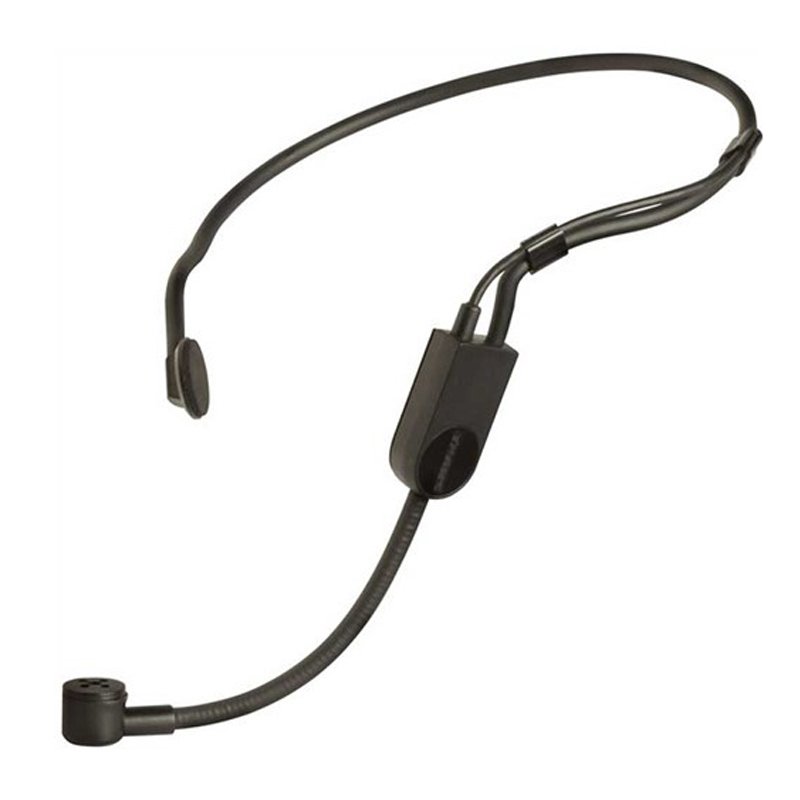
2. Connection: Attach the headset mic securely to your head, adjusting the frame for a comfortable and secure fit. Position the microphone boom near your mouth for optimal audio capture.
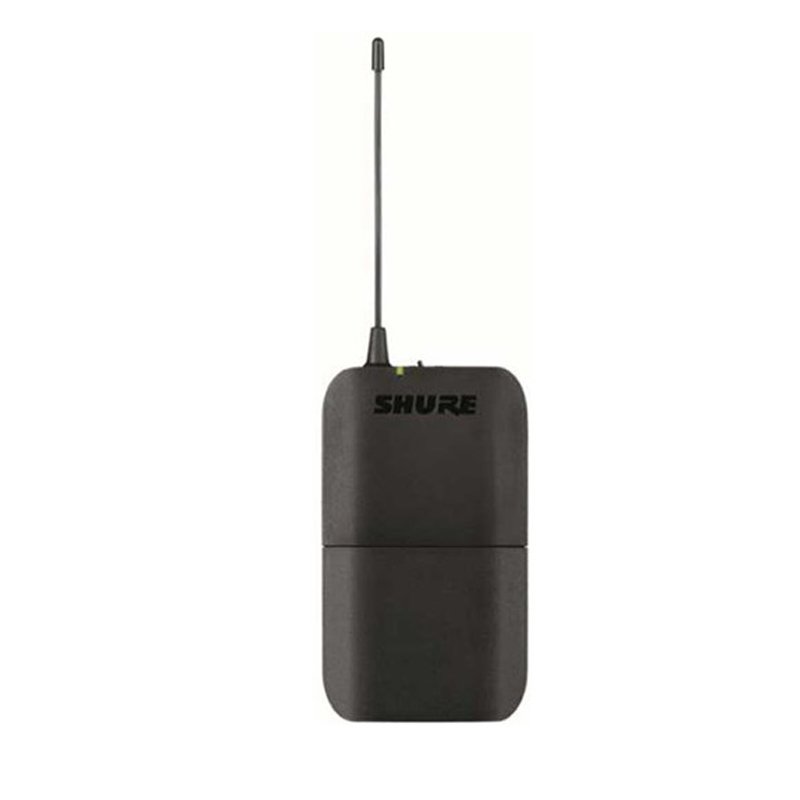
3. Bodypack Setup: Attach the bodypack transmitter to your waistband or clothing using the clip provided. Connect the headset mic cable to the input port on the bodypack transmitter.
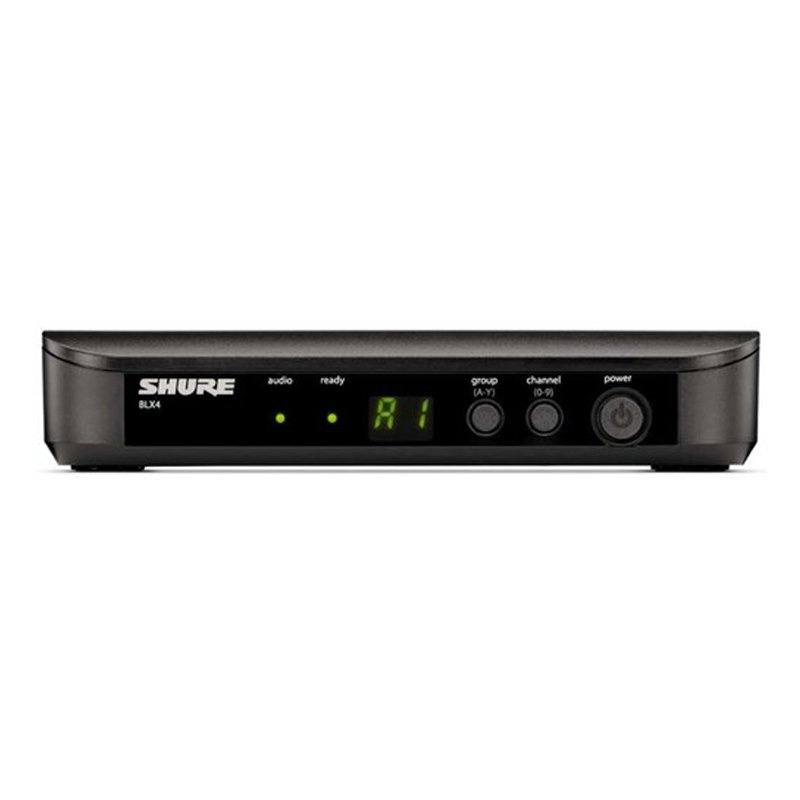
4. Receiver Setup: Connect the receiver unit to your sound system or amplifier using the appropriate audio cables. Ensure the receiver is powered on and set to the same frequency as the bodypack transmitter.
5. Testing: Perform a sound check to ensure everything is functioning correctly. Speak or sing into the headset mic while monitoring the audio output through your sound system. Adjust the microphone position, transmitter frequency, and receiver settings as needed for optimal sound quality and performance.

 Xiaomi Power Adapter Hypercharge 90W 3 Port
1 × 9.900 OMR
Xiaomi Power Adapter Hypercharge 90W 3 Port
1 × 9.900 OMR  Xiaomi Braided Cable Usb C to Usb C 6A 120w 2mtr
1 × 4.900 OMR
Xiaomi Braided Cable Usb C to Usb C 6A 120w 2mtr
1 × 4.900 OMR  Boya Lavalier Microphone By M40d
1 × 20.000 OMR
Boya Lavalier Microphone By M40d
1 × 20.000 OMR  New Arrivals
 Offers
 Service & Repair



There are no reviews yet.