
-
×
 Ahuja Utp30 Wired Tie Clip Mic
1 × 10.000 OMR
-
×
 OTVO P4 USB DATA CABLE (For P4 Host & Handle)
1 × 1.900 OMR
-
×
 Cpt Guitar 3713c
1 × 3.800 OMR
-
×
 YH 31 PS4 2 in 1 Charging Heat Sink
1 × 11.900 OMR
-
×
 Boya Wireless Microphone By Wm4 Pro
1 × 47.900 OMR
-
×
 Bm 13k Bee Melodica
1 × 5.900 OMR
-
×
 BBurago Metal Car Ferrari 499P Size 1.18
2 × 42.900 OMR
-
×
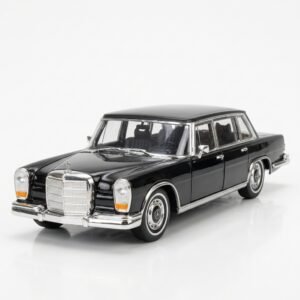 Welly Metal Car Mercedes Benz 600 Size 1.24 WL-24121W
3 × 12.900 OMR
-
×
 Fantech Fb 301 Turbine Addressable Rgb Pc Fan
1 × 6.950 OMR
-
×
 Welly Metal Car Jeep Jeepster Commando Station Wagon Size 1.24 WL-24117H-W
2 × 12.900 OMR
-
×
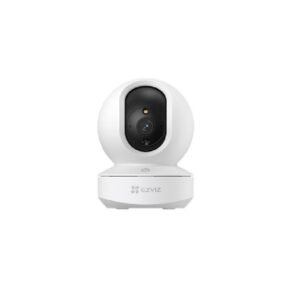 Ezviz Smart Wi-Fi Pan & Tilt Camera TY1 Pro 2k
1 × 8.500 OMR
-
×
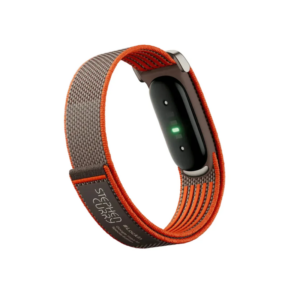 Google Fitbit Air Screen less Fitness & Health Tracking Stephen Curry Edition
1 × 61.900 OMR
-
×
 OMNIKEY 3121 CARD READER
1 × 7.900 OMR
-
×
 XBOX WIRELESS CONTROLLER CARBON BLACK
1 × 20.900 OMR
-
×
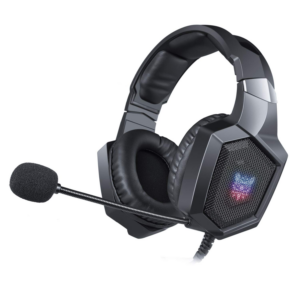 Onikuma Professional Gaming Headset K8
1 × 6.900 OMR
-
×
 Philips BHH880/00 52W Heated Straightening Brush
1 × 19.900 OMR
-
×
 FITBIT FB169C INSPIRE ACCESSORY CLIP BLACK
1 × 7.900 OMR
-
×
 Kalimba 17 Keys Finger Piano
1 × 13.800 OMR
Subtotal: 386.350 OMR
 New Arrivals
 Offers
 Service & Repair


There are no reviews yet.