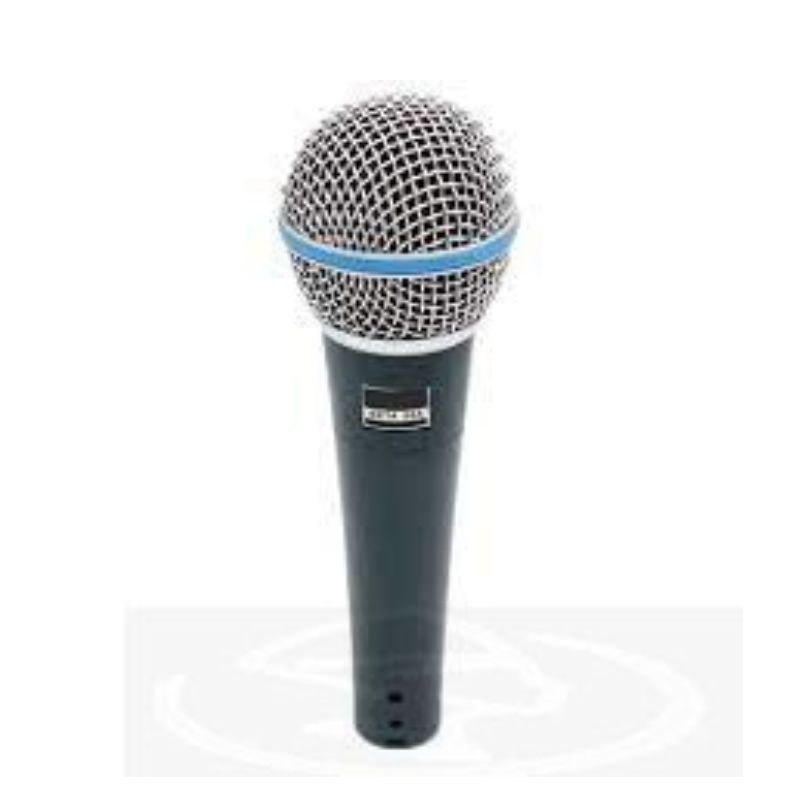
1. Setup: Position the SHURE BETA 58A Wired Mic securely on a microphone stand or hold it comfortably in your hand, ensuring the grille is facing your mouth for optimal sound capture.
2. Cable Connection: Attach one end of the microphone cable (XLR) to the bottom of the SHURE BETA 58A Mic. The connector should securely click into place.
3. Mixer Connection: Connect the other end of the microphone cable to an audio mixer or sound interface. Ensure the cable is plugged into the appropriate input channel on the mixer.
4. Check Levels: Before use, adjust the microphone input level on the mixer to ensure optimal audio quality without clipping or distortion. You can do this by speaking or singing into the microphone while monitoring the mixer’s level meters.
5. Performance: Once levels are set, you’re ready to use the SHURE BETA 58A Mic for your performance or recording needs. Speak or sing directly into the microphone at a comfortable distance to achieve clear and professional sound reproduction.
Welly Metal Car Mercedes Benz 600 Size 1.24 WL-24121W
BBurago Metal Car Ferrari 499P Size 1.18
Boya Wireless Microphone By Wm4 Pro
YH 25 PS4 Multifunctional Heat Dissipation Charging Bracket
Tolaye Ks06 Keyboard Stand
New Arrivals
Offers
Service & Repair


There are no reviews yet.