
-
×
 USAMS Iphone 11 Pro Metal Camera Lens Glass Film
1 × 1.900 OMR
USAMS Iphone 11 Pro Metal Camera Lens Glass Film
1 × 1.900 OMR -
×
 L-1 Professional Streaming Player Stand
1 × 13.900 OMR
L-1 Professional Streaming Player Stand
1 × 13.900 OMR
Subtotal: 15.800 OMR
SKU: 020320000009
In stock
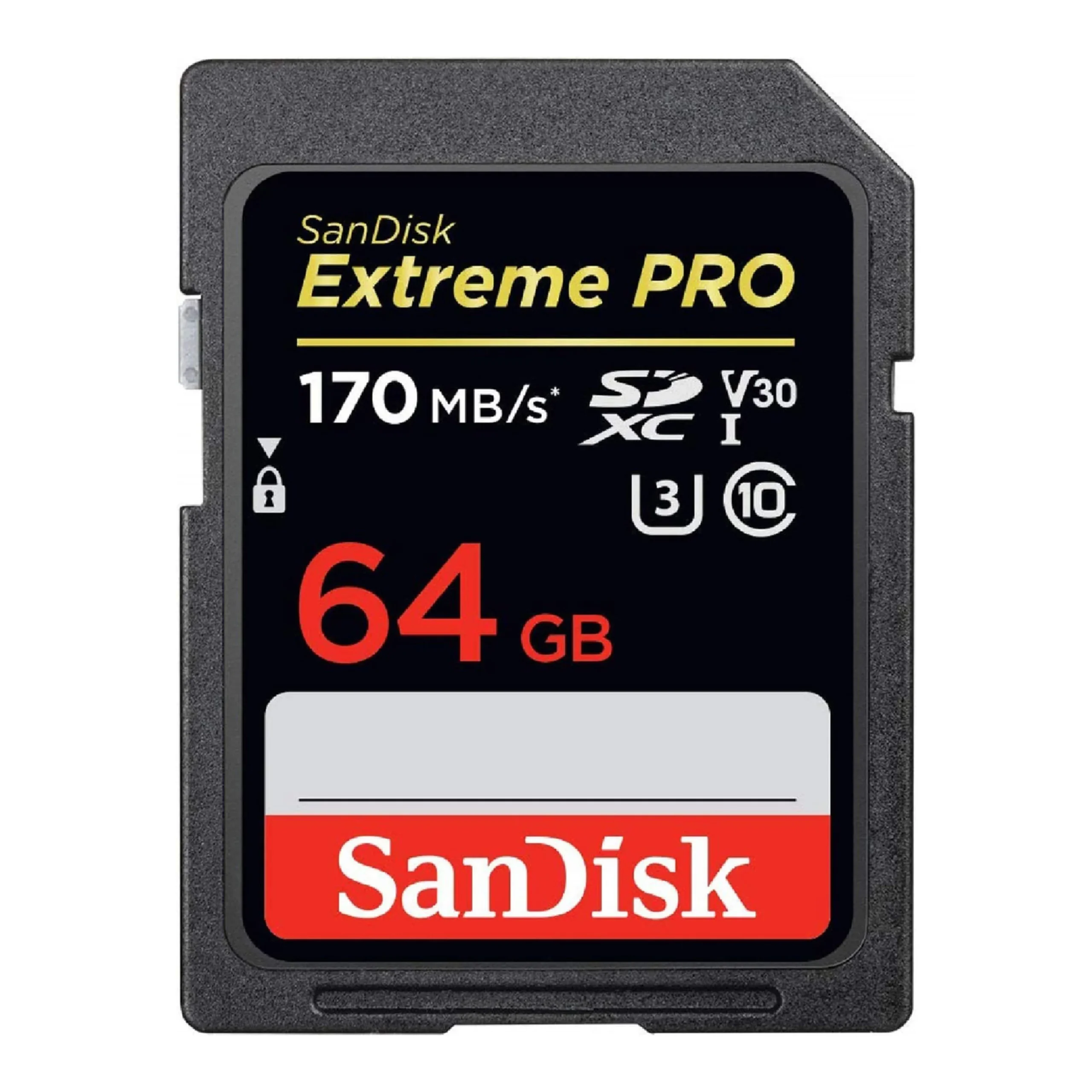
The SanDisk Extreme Pro SD Card 64GB is a high-performance memory card designed for professional photographers and videographers. With fast read and write speeds, it’s ideal for capturing high-resolution photos and 4K videos without missing a moment. Its rugged design ensures durability, making it suitable for use in challenging environments. Whether you’re shooting in extreme conditions or simply need reliable storage for your media files, the SanDisk Extreme Pro SD Card delivers top-notch performance and peace of mind.
6.500 OMR
In stock
1. **Unboxing**: Carefully open the packaging of the SanDisk Extreme Pro SD Card 64GB and remove the card from its packaging.
2. **Inspect the Card**: Before using the SD card, inspect it for any visible damage or defects. Ensure that the card is genuine and matches the specifications stated on the packaging.
3. **Device Compatibility**: Check if your device supports SD cards and is compatible with SDXC cards like the SanDisk Extreme Pro SD Card 64GB. Most modern cameras, camcorders, and other electronic devices support SDXC cards.
4. **Insert the Card**: Locate the SD card slot on your device and insert the SanDisk Extreme Pro SD Card 64GB into the slot. Ensure that the card is inserted in the correct orientation to avoid damaging the card or the device.
5. **Format the Card (Optional)**: If the SD card is new or has been used in another device, it’s recommended to format the card using your device’s formatting function. This ensures compatibility and removes any existing data or file system errors.
6. **Storage Allocation**: Set your device to save photos, videos, or other files directly to the SanDisk Extreme Pro SD Card 64GB if applicable. This can usually be done through your device’s settings or menu options.
7. **Capture Media**: Use your device to capture photos, record videos, or store other types of data directly onto the SanDisk Extreme Pro SD Card 64GB. The card’s high-speed performance ensures smooth and reliable recording of high-resolution content.
8. **Transfer Data (Optional)**: If needed, use a compatible card reader or adapter to transfer files between the SanDisk Extreme Pro SD Card 64GB and your computer or other devices. Follow the instructions provided with the card reader or adapter for proper usage.
9. **Eject the Card**: When finished using the SD card, safely eject it from your device to prevent data loss or corruption. Follow the proper ejection procedure outlined in your device’s user manual to avoid damaging the card or the device.
10. **Storage and Care**: Store the SanDisk Extreme Pro SD Card 64GB in a protective case or sleeve when not in use to prevent physical damage or exposure to environmental hazards. Avoid bending, dropping, or exposing the card to extreme temperatures or moisture.
By following these steps, you can effectively use the SanDisk Extreme Pro SD Card 64GB to store and transfer your valuable data with ease and reliability.
| Weight | 1 kg |
|---|
 New Arrivals
 Offers
 Service & Repair

There are no reviews yet.