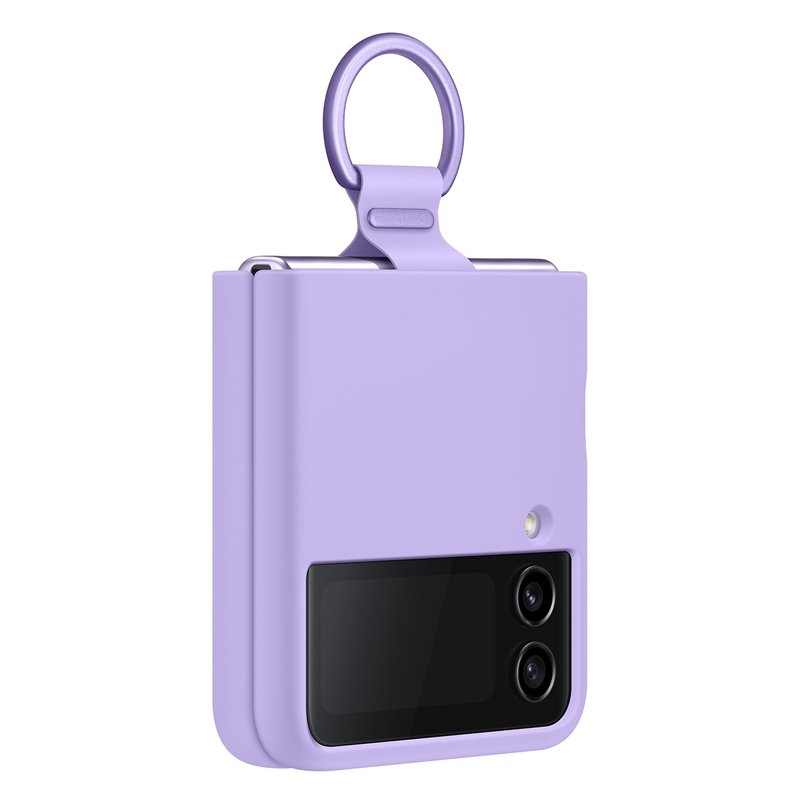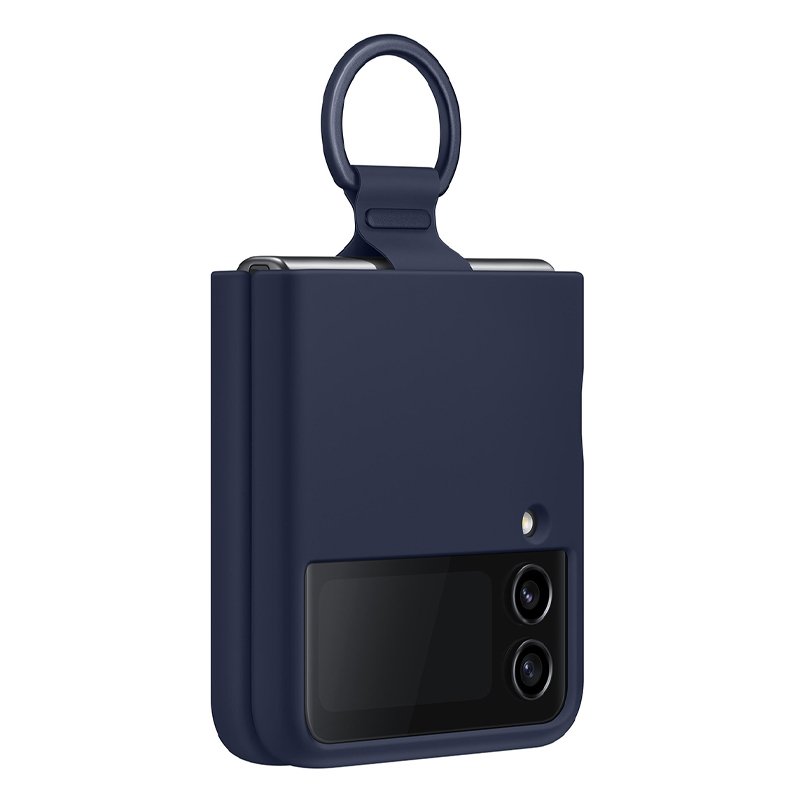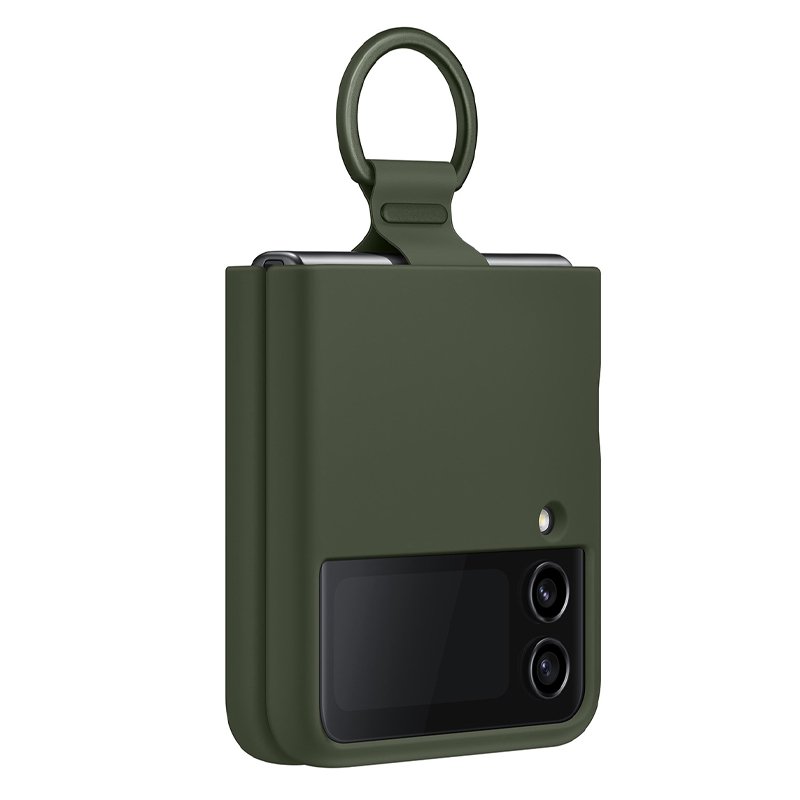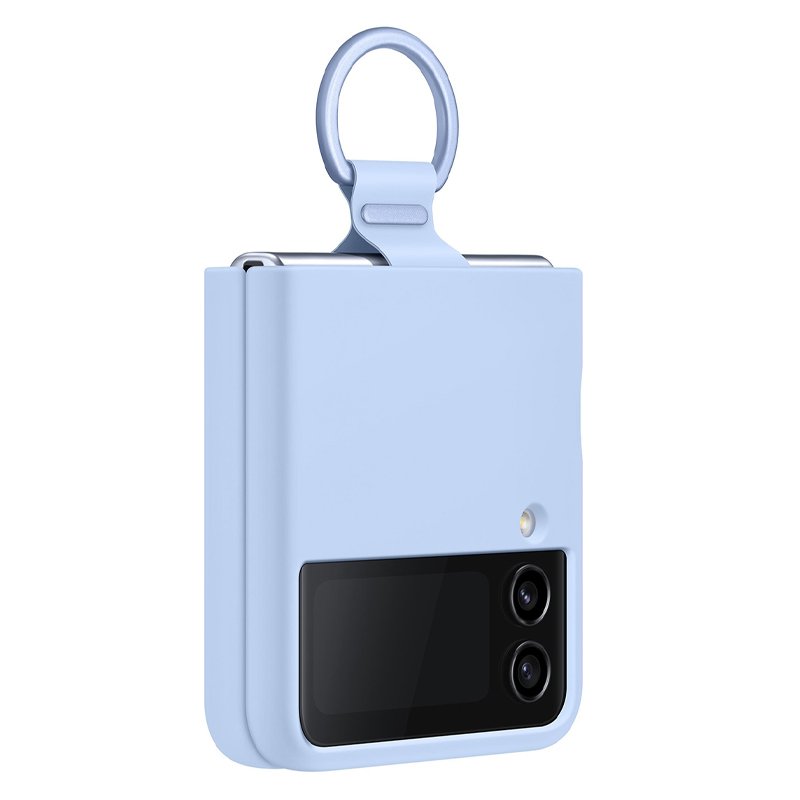
1. **Unbox the Case**: Start by unboxing the Samsung Galaxy Z Flip 4 Original Case. Ensure that all components, including the case itself and any additional materials, are present and in good condition.
2. **Inspect the Case**: Carefully examine the case for any defects or damage. Check that the interior is soft and won’t scratch your device, and ensure that the exterior is sturdy and provides adequate protection.
3. **Insert the Device**: Gently insert your Samsung Galaxy Z Flip 4 smartphone into the case. Ensure that it fits snugly and securely, with all ports, buttons, and the camera properly aligned and accessible.
4. **Secure Closure**: If the case features a closure mechanism, such as a snap-on or magnetic closure, ensure that it securely fastens to protect your device when not in use. Make sure the closure does not interfere with the device’s functionality.
5. **Test Functionality**: After inserting your device into the case, test its functionality. Ensure that all buttons, ports, and features of the Samsung Galaxy Z Flip 4 remain easily accessible and functional while the device is in the case. Additionally, verify that the case does not obstruct the device’s folding mechanism or cause any interference with its operation.
Cleo-MA Essager 100W Usb A To Type C Fast Charging Cable
Bose Fs2se Surface Mounted Speaker
NewStar Wall Mount 91-Wws0601
HUAWEI BETOP G1 GAME CONTROLLER
Sony Ps 4 Mdievil CD
Yamaha Mg12xu Mixer
Candc DC C9 Cardioid Microphone
SONY PS4 Rock of Ages 3 Game CD
GameSir F5 Falcon Mini Mobile Gaming Controller
ProCoat 06 Gaming Set 4 in 1 Combo
Google Fitbit Edge Fitness & Health Tracking Smart Band Green
Welly Metal Car Mercedes Benz 600 Size 1.24 WL-24121W
USAMS Iphone 11 Pro Metal Camera Lens Glass Film
New Arrivals
Offers
Service & Repair


There are no reviews yet.