
 New Arrivals
 Offers
 Service & Repair

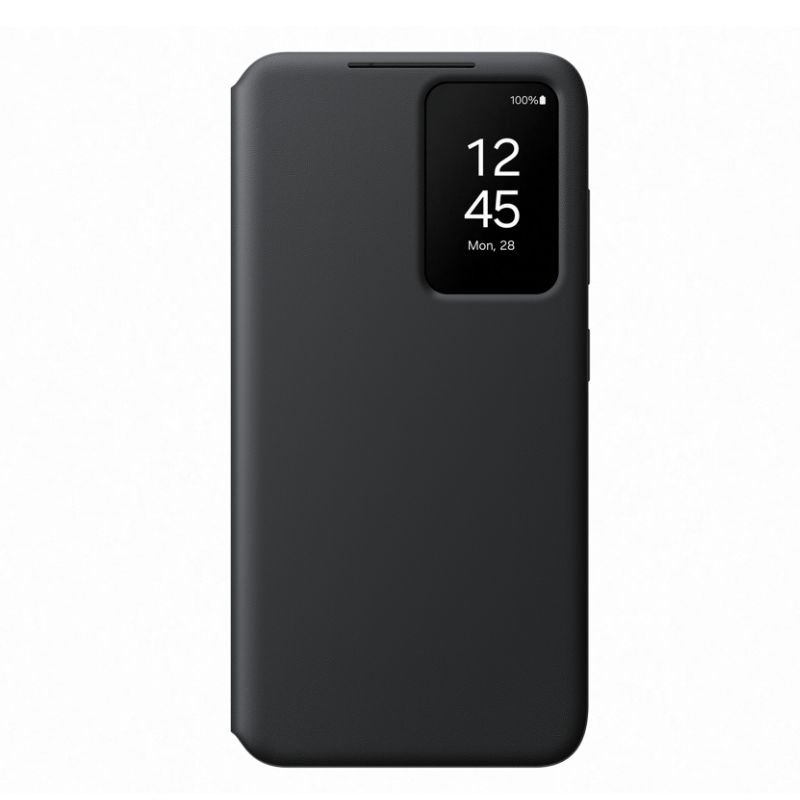
Samsung GALAXY S24 PLUS SMART VIEW FLIP CASE ORG – BLACK
SKU: 20103000556
In stock
The Samsung Galaxy S24 Plus Smart View Flip Case in Orange-Black offers stylish protection and convenience. With its innovative design, this case allows you to view notifications and control calls without opening the cover. Its sleek and durable construction ensures your phone stays safe from scratches and impacts, while the vibrant orange and black color combination adds a touch of personality. Experience enhanced functionality and style with the Samsung Galaxy S24 Plus Smart View Flip Case.
12.200 OMR
In stock
Step 1: Case Attachment – Align your Samsung Galaxy S24 Plus with the Smart View Flip Case, ensuring all buttons and ports match up correctly.
Step 2: Secure Installation – Gently press the phone into the case, ensuring it snaps securely into place for a snug fit.
Step 3: Smart View Functionality – Close the flip cover to activate the Smart View feature, which displays notifications and important information through the clear front cover.
Step 4: Viewing Notifications – Check incoming calls, messages, and other alerts through the transparent front cover without needing to open the case, providing quick access to essential information.
Step 5: Protection and Style – Enjoy the stylish design and added protection provided by the Smart View Flip Case, safeguarding your Samsung Galaxy S24 Plus from scratches, bumps, and everyday wear and tear while adding a touch of sophistication with its orange-black color combination.
Following these steps ensures you can utilize the functionality and protection offered by the Samsung Galaxy S24 Plus Smart View Flip Case in Orange-Black with ease and style.
There are no reviews yet.