1. **Power Source**: Make sure the device is powered by either batteries or by plugging it into a power outlet using an AC adapter, depending on the model.
2. **Power On**: Locate the power switch or button on the device and turn it on.
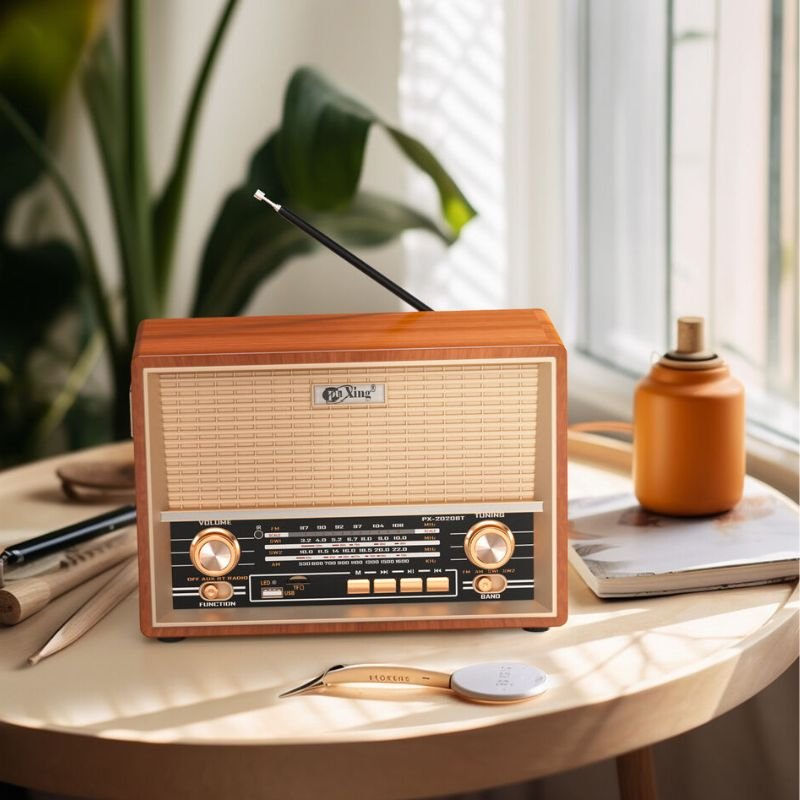
3. **Select Mode**: Choose the desired band or mode of operation using the mode selector switch or buttons. Options typically include AM radio, FM radio, and shortwave (SW) bands such as SW1 and SW2.
4. **Tuning Radio Stations**: If you’re using the radio function, use the tuning knob or buttons to search for and tune in to your desired radio station. Switch between AM, FM, and shortwave bands as needed.
5. **Adjust Volume**: Use the volume knob or buttons to adjust the volume to your preferred level.
6. **Fine-Tuning (if applicable)**: Some models may have a fine-tuning knob or feature to precisely adjust the radio frequency for optimal reception. Use this feature if necessary.
7. **Save Presets (if applicable)**: Many radios offer preset memory slots where you can save your favorite radio stations. If your device has this feature, follow the manufacturer’s instructions to save and access presets.
8. **External Antenna (if applicable)**: If your device has an external antenna jack, consider connecting an external antenna for improved reception, especially for shortwave bands.
9. **Bluetooth Connectivity (if applicable)**: If your device supports Bluetooth, activate Bluetooth mode and pair it with your smartphone or other Bluetooth-enabled devices to stream audio wirelessly.
10. **Adjust Settings**: Use any available knobs or buttons to adjust settings such as tone (bass and treble), balance, and stereo/mono mode according to your preferences.
11. **Power Off**: When you’re finished using the device, turn it off to conserve power.
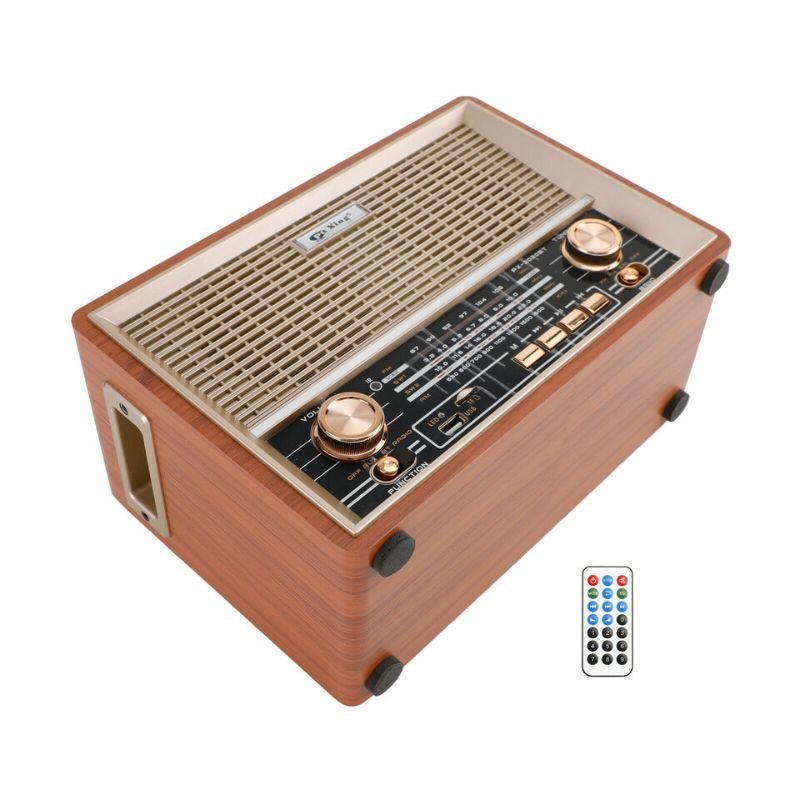
By following these steps, you can effectively use the PU XING PX-2002BT AM/FM/SW1/SW2 4 Band Radio to enjoy radio broadcasts across multiple bands.

 CPT 73233 1-24 FORD
1 × 7.900 OMR
CPT 73233 1-24 FORD
1 × 7.900 OMR  DOBE PS4 TP4 016 Mobile Phone CLAMP
1 × 1.900 OMR
DOBE PS4 TP4 016 Mobile Phone CLAMP
1 × 1.900 OMR 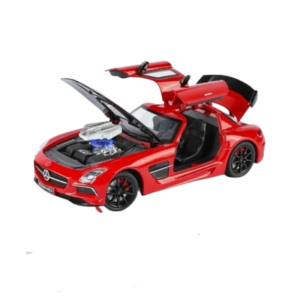 Cleo-TY Metal Car Mercedes Benz SLS A2451 Size 1.24
1 × 6.500 OMR
Cleo-TY Metal Car Mercedes Benz SLS A2451 Size 1.24
1 × 6.500 OMR  DOBE PS4 TP4 023B Charging STAND
1 × 6.900 OMR
DOBE PS4 TP4 023B Charging STAND
1 × 6.900 OMR  OMNIKEY 3121 CARD READER
1 × 7.900 OMR
OMNIKEY 3121 CARD READER
1 × 7.900 OMR  KCHIBO KK MP979 Mp3 Radio
1 × 4.800 OMR
KCHIBO KK MP979 Mp3 Radio
1 × 4.800 OMR 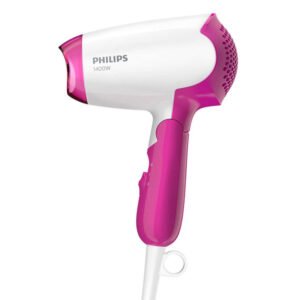 Philips Hair Dryer BHD003/03
1 × 7.900 OMR
Philips Hair Dryer BHD003/03
1 × 7.900 OMR 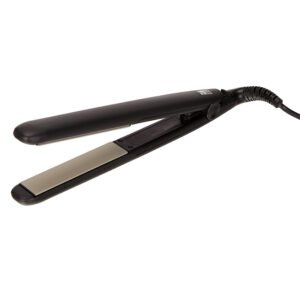 (Remington Ceramic Slim Hiar Straightener S3500
1 × 12.900 OMR
(Remington Ceramic Slim Hiar Straightener S3500
1 × 12.900 OMR  Panasonic rf 2400d fm-am-radio
1 × 15.900 OMR
Panasonic rf 2400d fm-am-radio
1 × 15.900 OMR  New Arrivals
 Offers
 Service & Repair


There are no reviews yet.