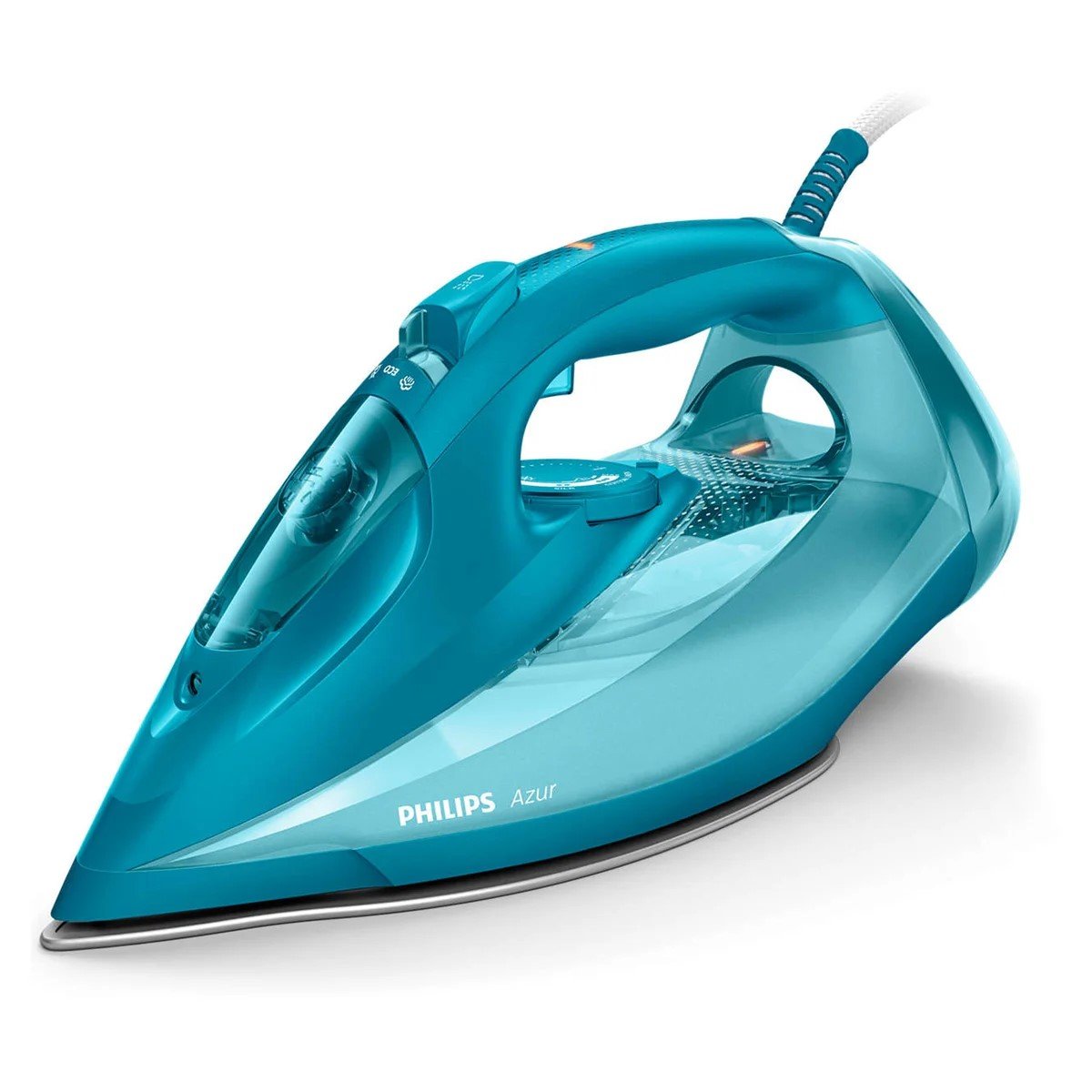
Here’s a step-by-step guide on how to use the Philips GC4558 Azur Steam Iron:
1. **Unboxing and Inspection**:
– Carefully unbox the Philips GC4558 Azur Steam Iron and inspect it for any damage or defects.
2. **Water Filling**:
– Remove the water tank from the iron by detaching it from the base.
– Open the water inlet cover and fill the tank with tap water. Be sure not to exceed the maximum water level indicated on the tank.
3. **Power On**:
– Plug in the iron to a power outlet.
– Press the power button to turn on the iron. Allow it a few moments to heat up.
4. **Selecting Temperature**:
– Set the desired temperature on the temperature control dial located on the iron. Refer to the fabric care labels on your clothes to determine the appropriate temperature setting.
5. **Ironing**:
– Place the garment you want to iron on the ironing board.
– Hold the iron with the soleplate facing down and glide it smoothly over the fabric. Apply gentle pressure as needed.
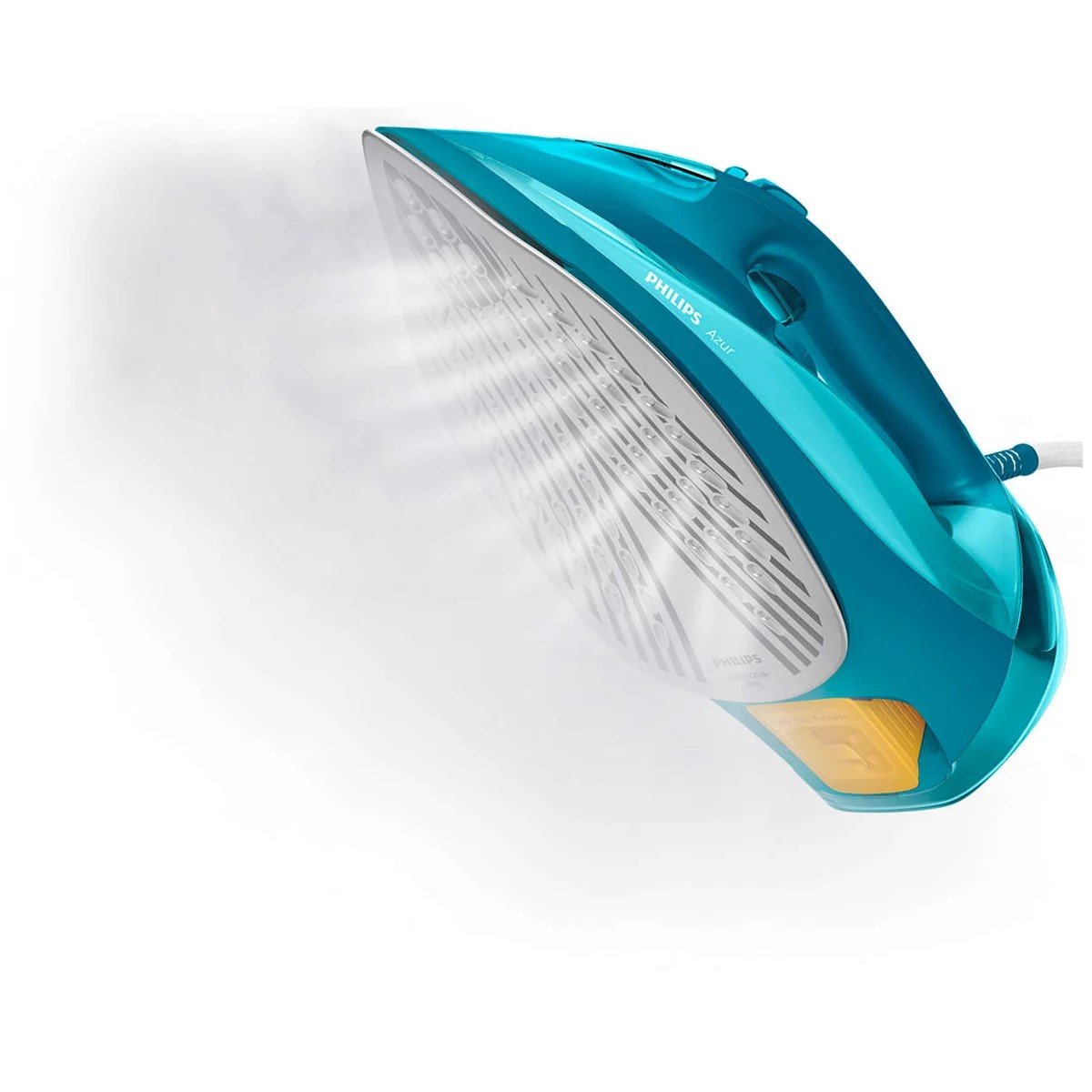
– For stubborn wrinkles, you can use the steam function by pressing the steam trigger on the handle of the iron. Hold the trigger down to release steam while ironing.
6. **Vertical Steaming (Optional)**:
– If you need to steam hanging garments or curtains, you can use the iron in a vertical position.
– Hold the iron upright and press the steam trigger as needed to release steam.
7. **Auto Shut-Off**:
– The Philips GC4558 Azur Steam Iron is equipped with an auto shut-off feature for safety.
– If the iron is left idle for a certain period, it will automatically shut off to prevent accidents. The exact time varies depending on the model.
8. **Refilling Water**:
– If the water level in the tank becomes low, unplug the iron and allow it to cool down before refilling.
– Refill the water tank as described in step 2.
9. **Cleaning and Maintenance**:
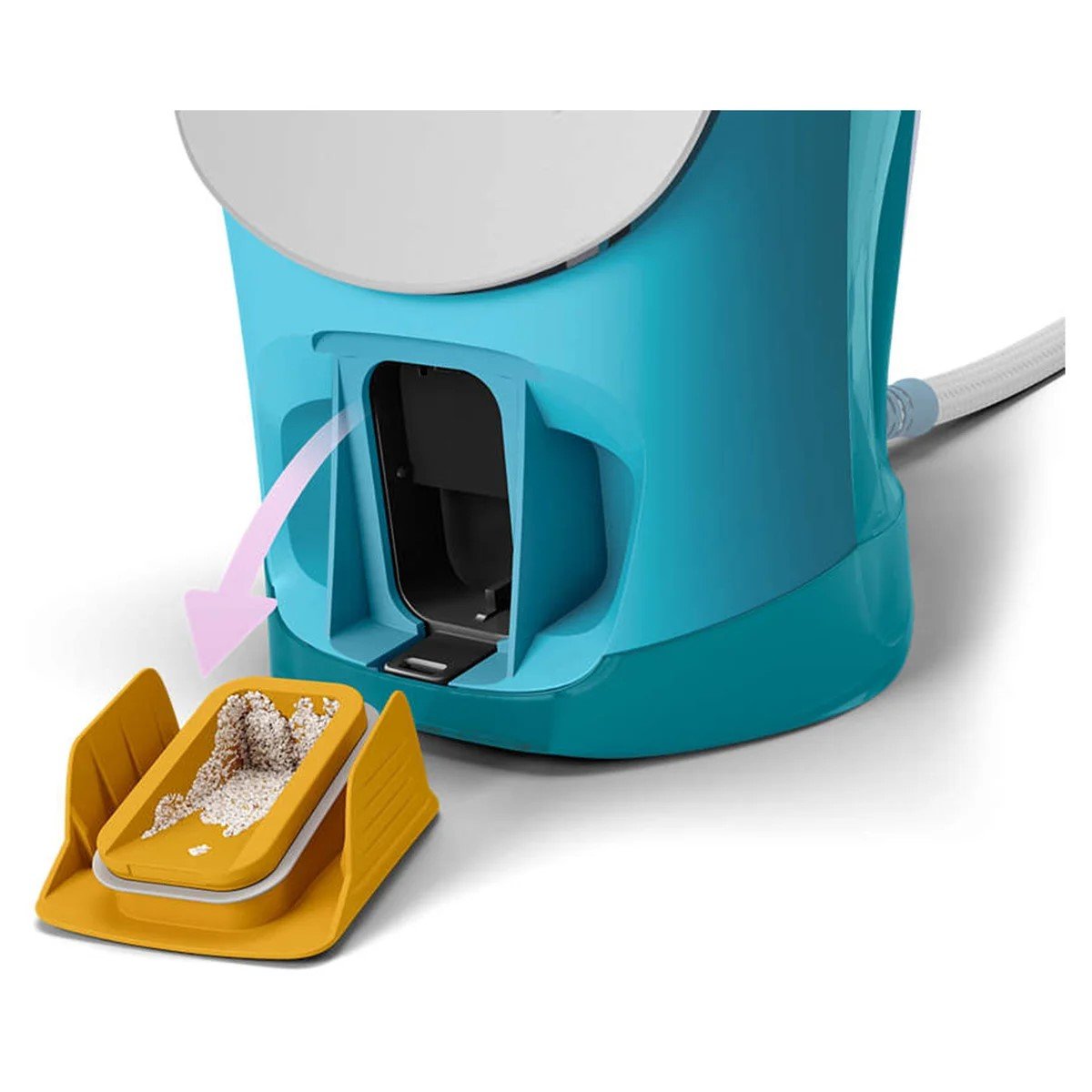
– Regularly clean the soleplate of the iron to remove any mineral deposits or residues. You can use a damp cloth or sponge for this purpose.
– Empty any remaining water from the tank after each use to prevent the growth of bacteria.
10. **Storage**:
– Once you have finished ironing, unplug the iron and allow it to cool down completely.
– Store the iron in an upright position in a safe and dry place.
By following these steps, you can effectively use the Philips GC4558 Azur Steam Iron to achieve smooth and wrinkle-free clothes.

 Thrustmaster Ts8H- Add-on Shifter With Code
1 × 30.900 OMR
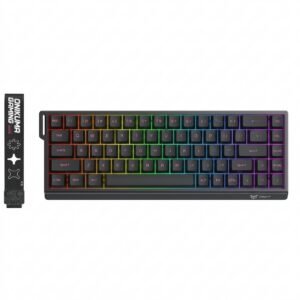 Onikuma Gaming Keyboard MT603
1 × 12.900 OMR
 Lavalier Microphone Lj02
1 × 1.800 OMR
 New Arrivals
 Offers
 Service & Repair


There are no reviews yet.