
-
×
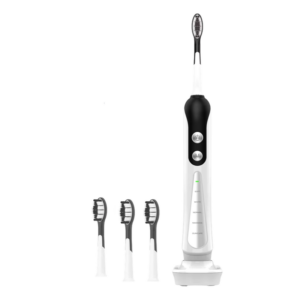 Cleo-HB Sonic Electric Toothbrush S9
1 × 8.900 OMR
Cleo-HB Sonic Electric Toothbrush S9
1 × 8.900 OMR -
×
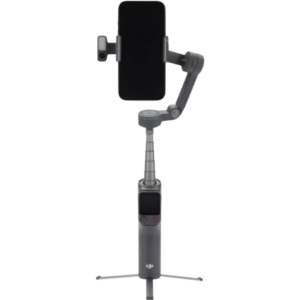 Dji Gimbal Osmo Mobile 8 P Advance Tracking Combo
1 × 61.900 OMR
Dji Gimbal Osmo Mobile 8 P Advance Tracking Combo
1 × 61.900 OMR
Subtotal: 70.800 OMR
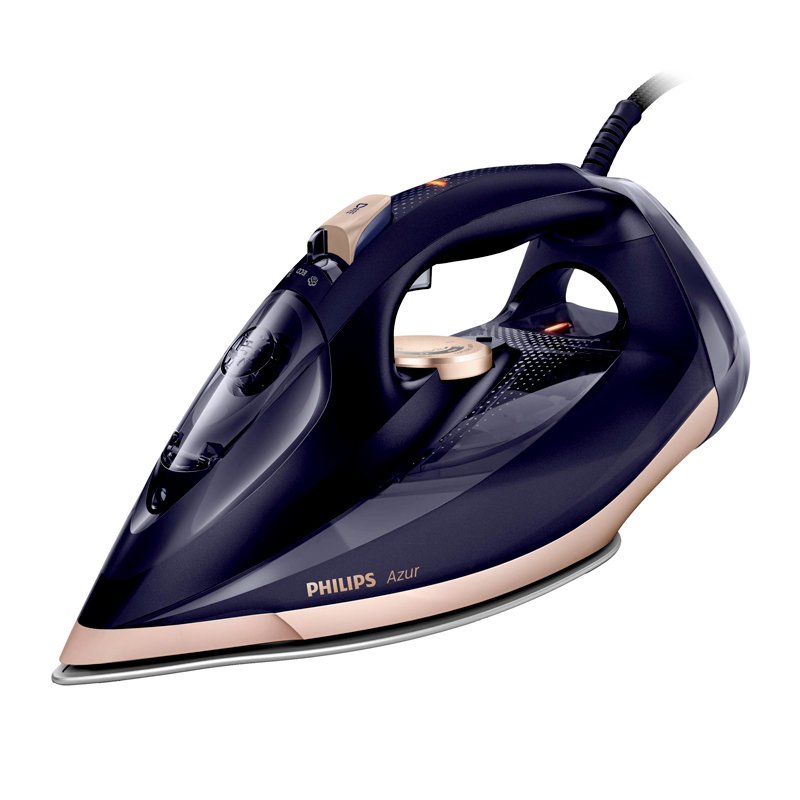
SKU: Philips GC-4909 Azur Steam Iron
Out of stock
The PHILIPS DST8021/30 Steam Iron combines advanced steam technology with precision engineering for efficient and effective ironing. Featuring a durable soleplate and powerful steam output, it effortlessly removes wrinkles and creases from fabrics, delivering professional results with ease. With its ergonomic design and user-friendly controls, this steam iron offers comfort and convenience during ironing sessions. Additionally, its compact size and lightweight construction make it easy to maneuver and store. Say goodbye to stubborn wrinkles and hello to perfectly pressed clothes with the PHILIPS DST8021/30 Steam Iron.
Out of stock
Here’s a detailed step-by-step guide on how to use the Philips DST8021/30 Steam Iron:
1. **Unboxing and Inspection**:
– Carefully unbox the Philips DST8021/30 Steam Iron and inspect it for any signs of damage or missing parts.
2. **Water Filling**:
– Remove the water tank from the iron by detaching it from the base.
– Open the water inlet cover and fill the tank with tap water. Make sure not to exceed the maximum water level indicated on the tank.
3. **Power On**:
– Plug the iron into a power outlet.
– Press the power button to turn on the iron. Allow it a few moments to heat up.
4. **Selecting Temperature**:
– Adjust the temperature setting on the iron’s temperature control dial according to the fabric type you intend to iron. Consult the fabric care labels on your garments for guidance.
5. **Ironing**:
– Place the garment you want to iron on the ironing board.
– Hold the iron with the soleplate facing down and glide it smoothly over the fabric. Apply gentle pressure as needed to remove wrinkles.
– For tougher wrinkles, you can activate the steam function by pressing the steam trigger on the iron’s handle. Hold down the trigger to release a continuous burst of steam while ironing.
6. **Vertical Steaming (Optional)**:
– If you need to steam hanging garments or curtains, you can use the iron in a vertical position.
– Hold the iron upright and press the steam trigger as needed to release steam.
7. **Auto Shut-Off**:
– The Philips DST8021/30 Steam Iron is equipped with an auto shut-off feature for safety.
– If the iron is left idle for a certain period, it will automatically shut off to prevent accidents. The exact time may vary depending on the model.
8. **Refilling Water
 New Arrivals
 Offers
 Service & Repair

There are no reviews yet.