
-
×
 Apple Ipad Pro 12.9" 4th Gen Smart Keyboard Folio
1 × 94.900 OMR
-
×
 Philips STE1030 Garment steamer
1 × 34.800 OMR
-
×
 Cleo-GA Handheld Game ConsoleR36S
1 × 14.900 OMR
-
×
 Boya By Wm8 Pro K2 Uhf Dual Channel Wireless Microphone
1 × 76.800 OMR
-
×
 X BOX WIRELESS CONTROLLER ELECTRIC VOLT YELLOW
1 × 20.900 OMR
-
×
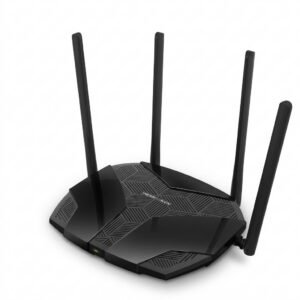 Mercusys AX3000 Dual-Band Wi-Fi 6 Router MR80X
2 × 15.900 OMR
-
×
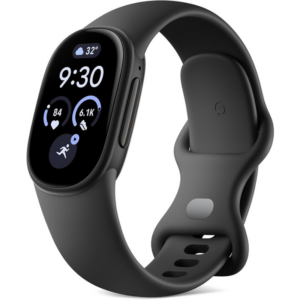 Google Fitbit Edge Fitness & Health Tracking Smart Band Black
2 × 86.900 OMR
-
×
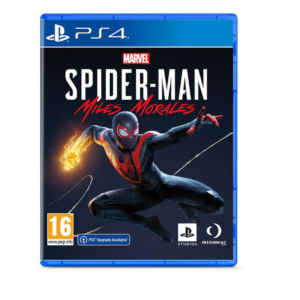 Sony PS4 Spider Man Game CD
1 × 12.900 OMR
-
×
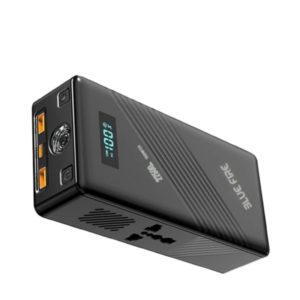 Blue Fire 22500MAh 150W Portable Power Bank
1 × 24.900 OMR
-
×
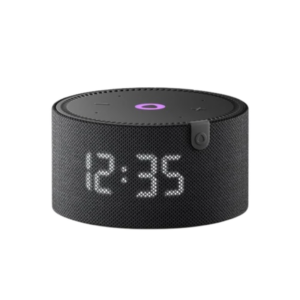 Yasmina Mini Smart Portable Bluetooth Speaker Black
1 × 29.900 OMR
-
×
 Max Bms 135 Boom Mic Stand
1 × 9.500 OMR
-
×
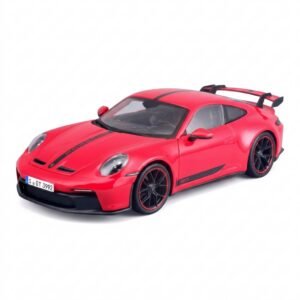 Maisto Metal Car Porsche 911 GT3 Size 1.18 36458
3 × 42.885 OMR
-
×
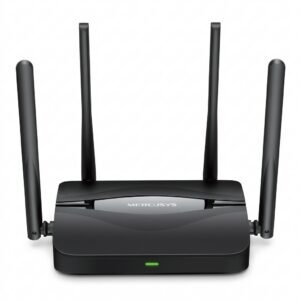 Mercusys BE3600 Dual Band Wi-Fi 7 Router MR25BE
1 × 19.900 OMR
-
×
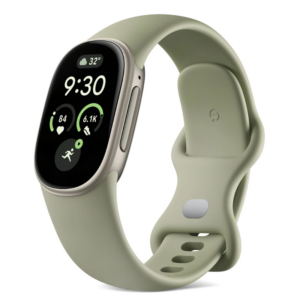 Google Fitbit Edge Fitness & Health Tracking Smart Band Green
2 × 86.900 OMR
-
×
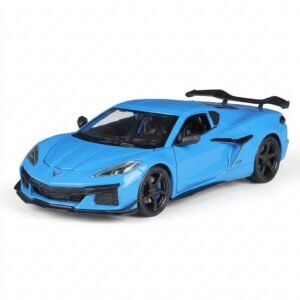 Welly Metal Car Chevrolet Corvette Z06 Size 1.24 WL-24120W
1 × 13.500 OMR
-
×
 DOBE PS4 TP4 016 Mobile Phone CLAMP
1 × 1.900 OMR
Subtotal: 862.855 OMR
 New Arrivals
 Offers
 Service & Repair



There are no reviews yet.