
-
×
 Cleo-TY Metal Car Mercedes-Benz E300L Taxi Size 1.24
1 × 5.900 OMR
-
×
 SONY PS4 CD DOOM
1 × 10.800 OMR
-
×
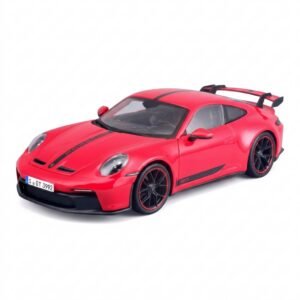 Maisto Metal Car Porsche 911 GT3 Size 1.18 36458
6 × 42.885 OMR
-
×
 YH 31 PS4 2 in 1 Charging Heat Sink
1 × 11.900 OMR
-
×
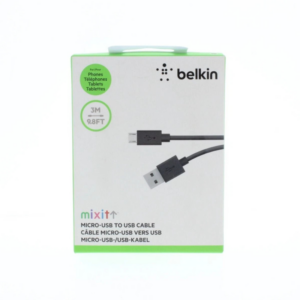 Belkin F2CU012bt Mixit Cable Usb A to Micro 3mtr
1 × 1.900 OMR
-
×
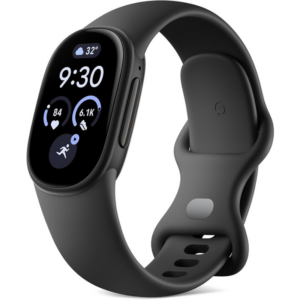 Google Fitbit Edge Fitness & Health Tracking Smart Band Black
1 × 86.900 OMR
-
×
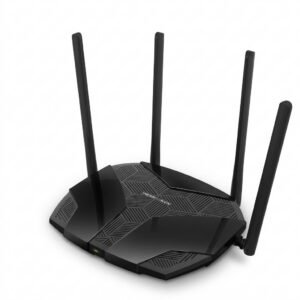 Mercusys AX3000 Dual-Band Wi-Fi 6 Router MR80X
1 × 15.900 OMR
-
×
 OTVO P4 USB DATA CABLE (For P4 Host & Handle)
1 × 1.900 OMR
-
×
 USAMS Iphone 11 Pro Metal Camera Lens Glass Film
1 × 1.900 OMR
-
×
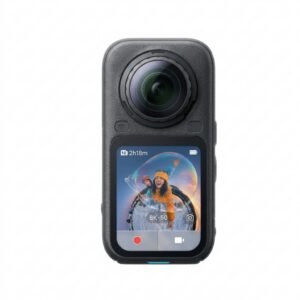 Insta360 X6 8K 360 Action Camera
1 × 239.900 OMR
-
×
 Cleo-TY 360 Remote Control Car HT36803
1 × 10.900 OMR
-
×
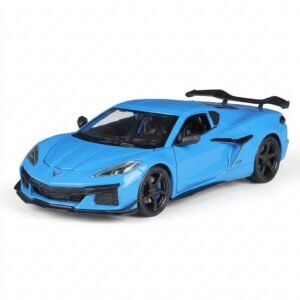 Welly Metal Car Chevrolet Corvette Z06 Size 1.24 WL-24120W
1 × 13.500 OMR
-
×
 Hot Wheels Deutschland Design
2 × 4.900 OMR
-
×
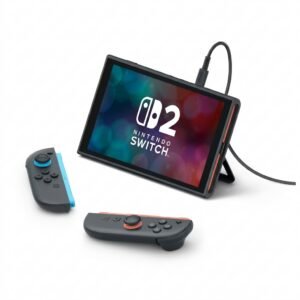 Nintendo Switch 2 Pokemon Pokopia Limited Edition Console
1 × 249.900 OMR
-
×
 Cle Usb Fridge
1 × 5.900 OMR
Subtotal: 924.310 OMR
 New Arrivals
 Offers
 Service & Repair


There are no reviews yet.