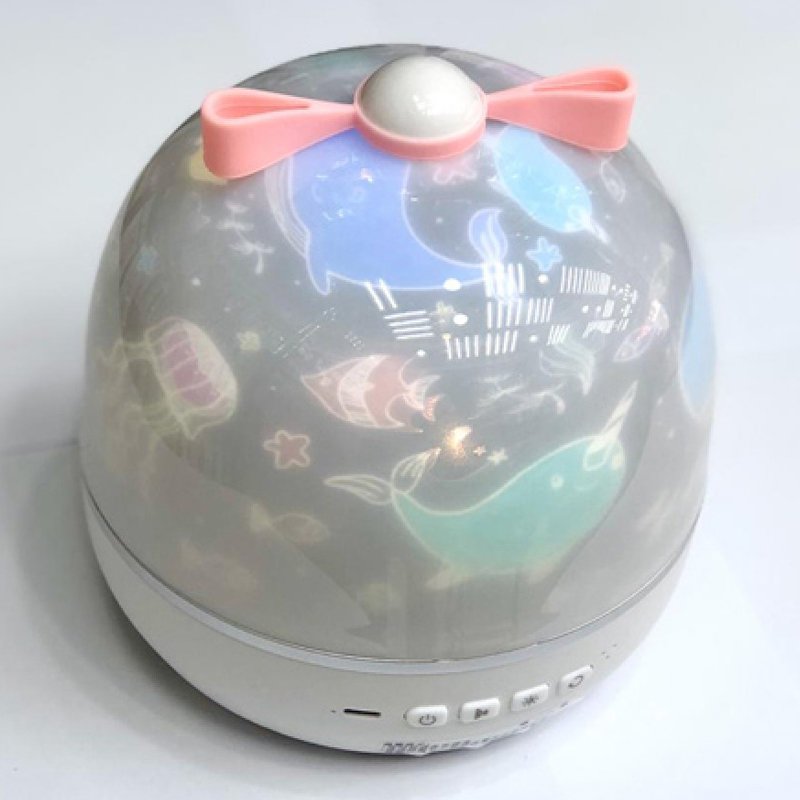
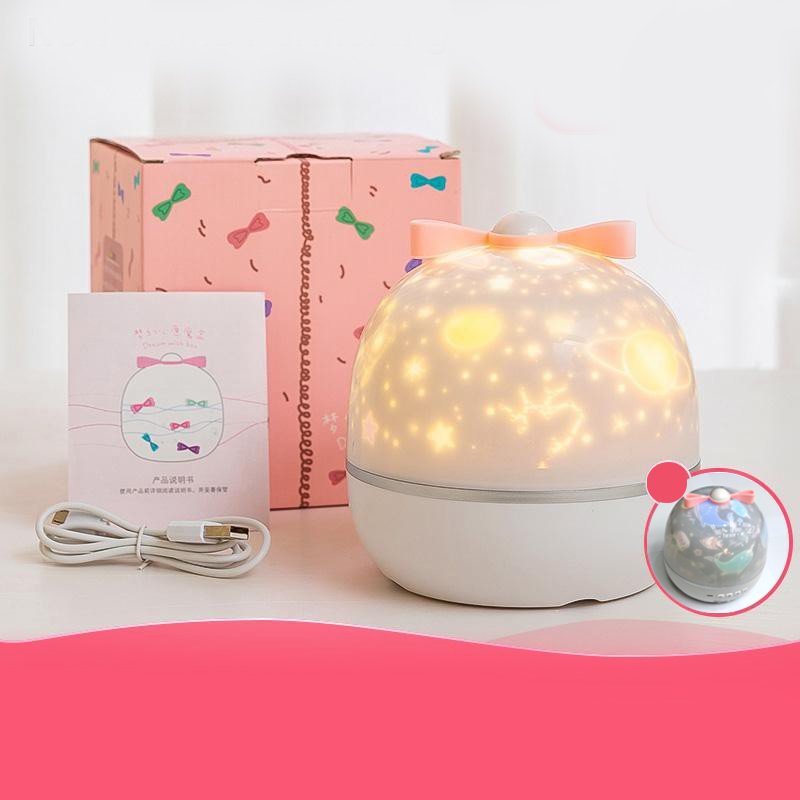
1. **Unpack and Inspect:** Begin by unpacking the ONE FIRE WH E01 Gift Project with Music and carefully inspecting all the components to ensure everything is included and in good condition. This typically includes the projector unit, power adapter, remote control, user manual, and any additional accessories.
2. **Setup the Projector:** Place the projector on a flat, stable surface in a suitable location for projection, such as a wall or ceiling. Connect the power adapter to the projector and plug it into a power outlet to provide power.
3. **Power On and Select Music:** Turn on the projector using the power button located on the unit or on the remote control. Use the remote control to navigate through the menu options and select the desired music or audio track to accompany the projected visuals.
4. **Adjust Settings:** Use the remote control to adjust settings such as volume, brightness, and projection angle to achieve the desired viewing experience. You can also select different projection modes or customize the display according to your preferences.
5. **Enjoy the Projection:** Sit back and enjoy the mesmerizing visual display accompanied by music or audio from the ONE FIRE WH E01 Gift Project with Music. Whether you’re relaxing at home, hosting a party, or creating a soothing ambiance, this projector adds an extra touch of magic to any space.
Boya By Wm8 Pro K2 Uhf Dual Channel Wireless Microphone
Boya Lavalier Microphone By M40d
Max Bms 135 Boom Mic Stand
Kalimba 17 Keys Finger Piano
YH 31 PS4 2 in 1 Charging Heat Sink
OMNIKEY 3121 CARD READER
Cleo-GA Handheld Game Console R36 Ultra
SONY PS4 Toukiden2 GAME CD
OTVO P4 USB DATA CABLE (For P4 Host & Handle)
New Arrivals
Offers
Service & Repair


There are no reviews yet.