
-
×
 Candc DC C9 Cardioid Microphone
1 × 3.500 OMR
-
×
 Maisto Metal Car Porsche 911 GT3 Size 1.18 36458
2 × 42.885 OMR
-
×
 Hot Wheels Deutschland Design
4 × 4.900 OMR
-
×
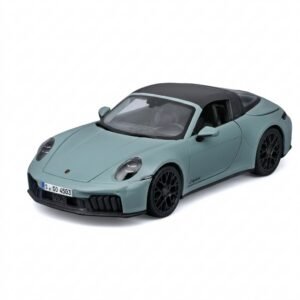 Maisto Metal Car Porsche 911 Targa 4 GTS Size 1.18 31470
4 × 42.885 OMR
-
×
 X BOX WIRELESS CONTROLLER ELECTRIC VOLT YELLOW
1 × 20.900 OMR
-
×
 Tolaye Ks06 Keyboard Stand
1 × 14.000 OMR
-
×
 Logitech Wired Headset H110 With Mic
1 × 3.900 OMR
-
×
 Connector Dvi 25pin to Hdmi Female connector
1 × 1.300 OMR
-
×
 OCULUS QUEST2 ELITE STRAP with BATTERY and CARRYING CASE
1 × 36.400 OMR
-
×
 USB DATA CABLE PS4
1 × 1.900 OMR
-
×
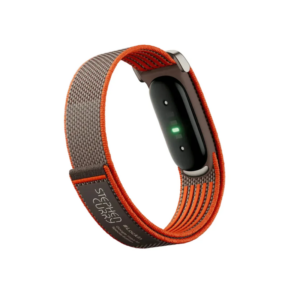 Google Fitbit Air Screen less Fitness & Health Tracking Stephen Curry Edition
1 × 61.900 OMR
-
×
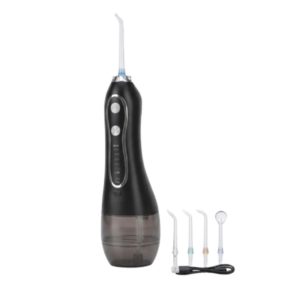 Blue Fire Hydrojet Portable Oral Irrigator BF-6
1 × 8.900 OMR
-
×
 ROCK W24 Double side Quick CHARGER
1 × 5.200 OMR
Subtotal: 434.810 OMR
 New Arrivals
 Offers
 Service & Repair



There are no reviews yet.