
-
×
 BBurago Metal Car Ferrari 296 GTB Size 1.18 18-16018
4 × 42.900 OMR
-
×
 Cle Usb Fridge
1 × 5.900 OMR
-
×
 Used NOKIA E90
1 × 120.000 OMR
-
×
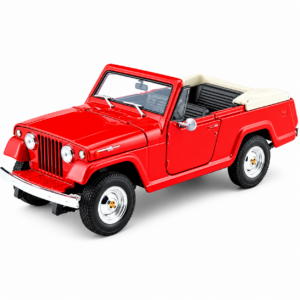 Welly Metal Car Jeep Jeepster Commando Roadster Size 1.24 WL-24117C-W
1 × 12.900 OMR
-
×
 DOBE TYX-532 Dual Charging Dock
1 × 7.500 OMR
-
×
 Coopic 18X Digital Camera C900
1 × 39.800 OMR
-
×
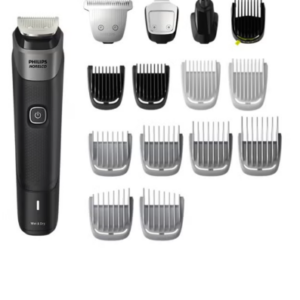 Philips 5000 Series Norelco All In One Trimmer MG5910/49
1 × 24.900 OMR
-
×
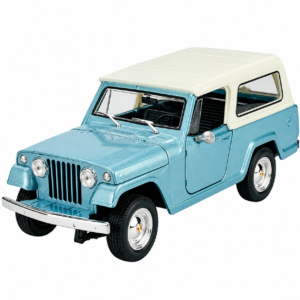 Welly Metal Car Jeep Jeepster Commando Station Wagon Size 1.24 WL-24117H-W
1 × 12.900 OMR
-
×
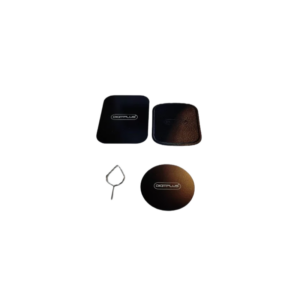 DigitPlus Metal Plate Dp-H065 Universal Holder 3 Pack
1 × 1.000 OMR
-
×
 Google Fitbit Edge Fitness & Health Tracking Smart Band Black
3 × 86.900 OMR
-
×
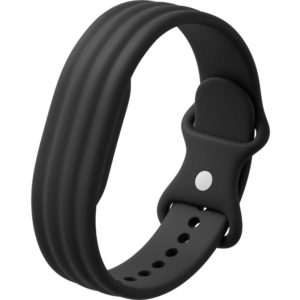 Google Fitbit Air Active Band Obsidian Silicon Strap
2 × 20.900 OMR
-
×
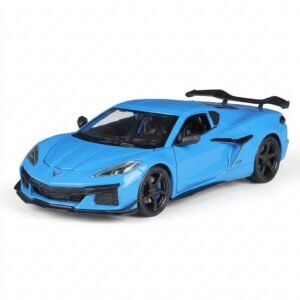 Welly Metal Car Chevrolet Corvette Z06 Size 1.24 WL-24120W
1 × 13.500 OMR
-
×
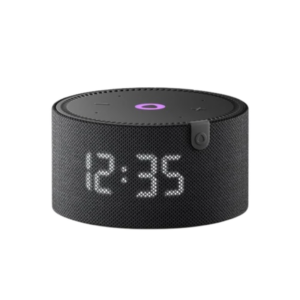 Yasmina Mini Smart Portable Bluetooth Speaker Black
1 × 29.900 OMR
-
×
 WAHL 8467 SUPER TAPER
1 × 19.900 OMR
-
×
 WAHL HOME PRO 300 SERIES HAIRCUT KIT
2 × 15.800 OMR
-
×
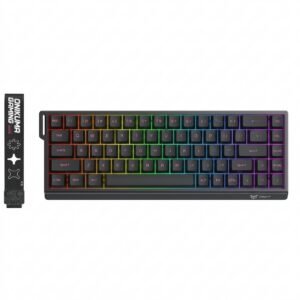 Onikuma Gaming Keyboard MT603
1 × 12.900 OMR
-
×
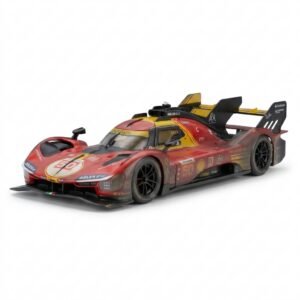 BBurago Metal Car Ferrari 499P Size 1.18
1 × 42.900 OMR
-
×
 Telionix Electric Air Fryer 9L TAF4424
1 × 34.900 OMR
-
×
 Philips OneBlade 360 Shaver QP2734/23
1 × 22.900 OMR
-
×
 Cleo-EL Portable Power Station 300W ZHY-CN01
1 × 44.900 OMR
-
×
 OTVO P4 USB DATA CABLE (For P4 Host & Handle)
1 × 1.900 OMR
Subtotal: 954.300 OMR
 New Arrivals
 Offers
 Service & Repair



There are no reviews yet.