
 New Arrivals
 Offers
 Service & Repair

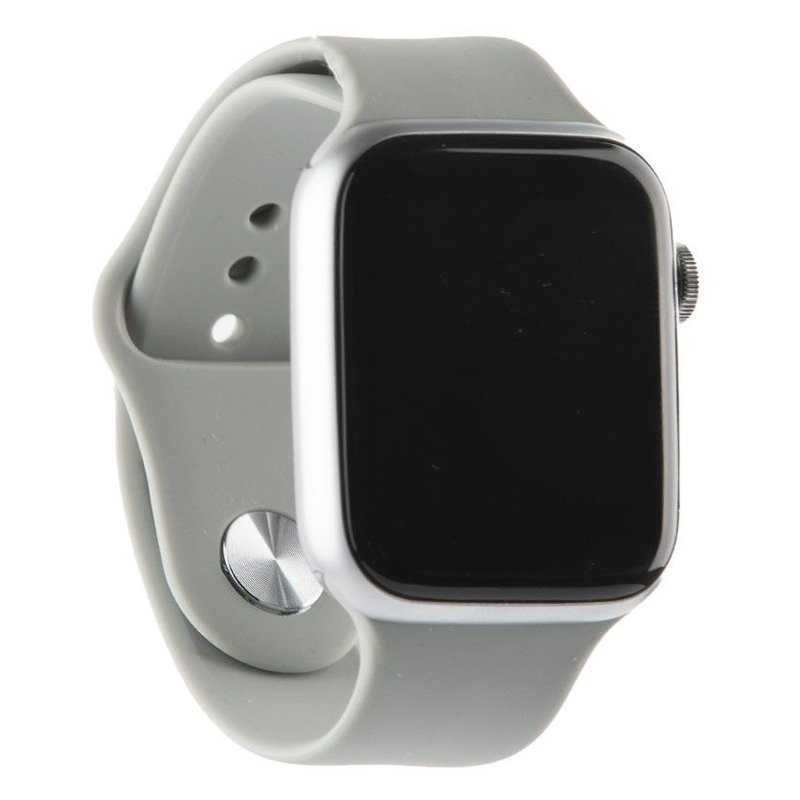
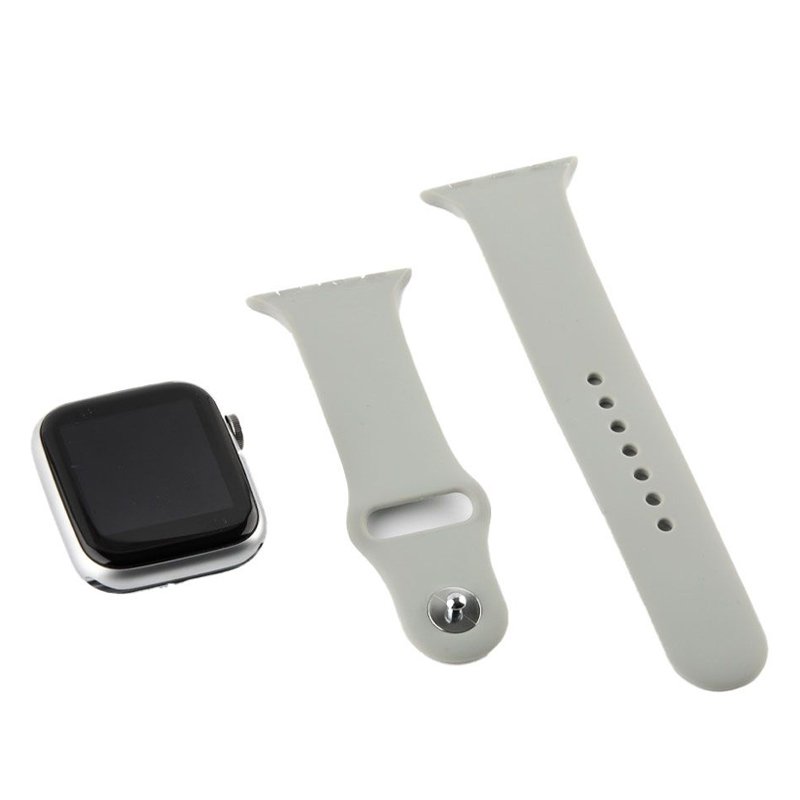
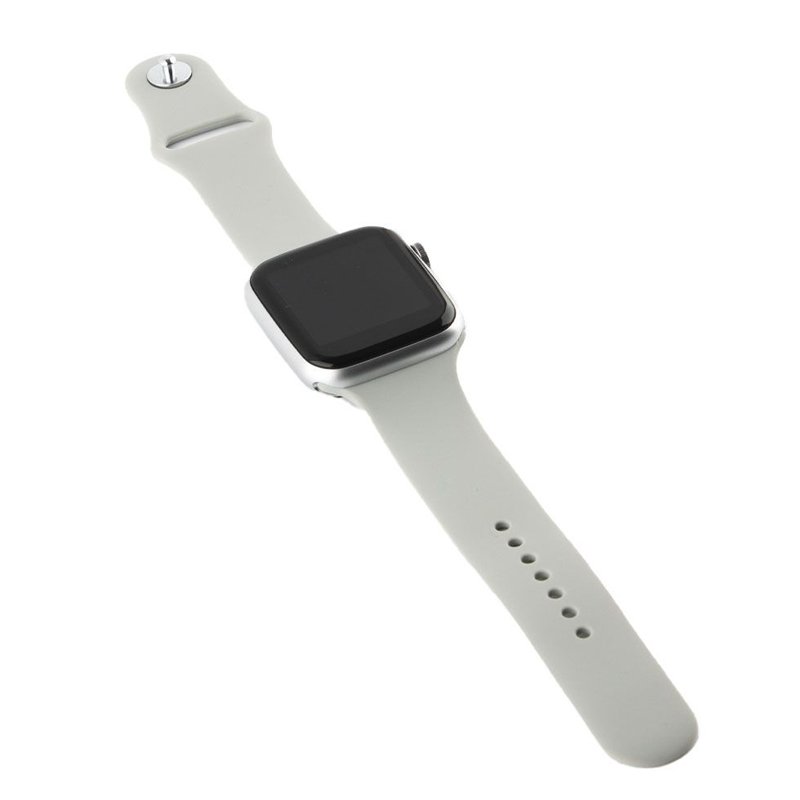
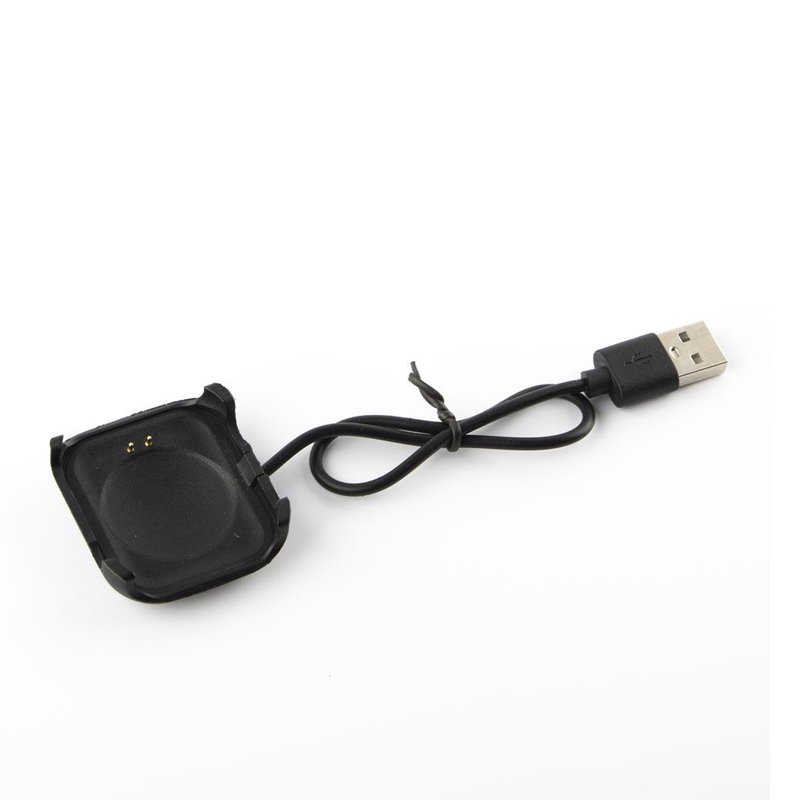
MODIO MC-66 SMART WATCH 7
SKU: MODIO MC-66 SMART WATCH 7
Out of stock
The MODIO MC-66 Smart Watch 7 is a sleek and advanced wearable device that seamlessly combines style with functionality. Boasting a vibrant touchscreen display, it offers a range of features to enhance your daily life. From tracking your fitness activities and monitoring your heart rate to receiving notifications and controlling your music, this smartwatch keeps you connected and organized throughout the day. With its long-lasting battery life and durable design, the MODIO MC-66 is the perfect companion for modern living.
Out of stock
1. **Power On**: Press and hold the power button located on the side of the smartwatch until the screen lights up. The MODIO logo will appear, indicating that the device is powering on.
2. **Pairing with Smartphone**: Navigate to the Bluetooth settings on your smartphone and turn on Bluetooth. On the smartwatch, access the settings menu and select “Bluetooth.” Enable Bluetooth and search for available devices on your smartphone. Once the MODIO MC-66 appears in the list, select it to establish a connection.
3. **Set Up Features**: Once paired, explore the settings menu on the smartwatch to customize your preferences. Set up features such as time and date, language, display brightness, and notification preferences to tailor the device to your needs.
4. **Fitness Tracking**: Utilize the fitness tracking features by accessing the fitness app on the smartwatch. You can track your steps, distance traveled, calories burned, and more. Make sure to input your personal information such as age, weight, and height for accurate tracking.
5. **Notifications and Controls**: Receive notifications from your smartphone directly on the MODIO MC-66 Smart Watch 7. You can view incoming calls, messages, emails, and app notifications without needing to check your phone. Additionally, control music playback and adjust volume directly from the smartwatch, providing convenience on the go.
By following these five simple steps, you can make the most out of your MODIO MC-66 Smart Watch 7 and enjoy its wide range of features and functionalities.

There are no reviews yet.