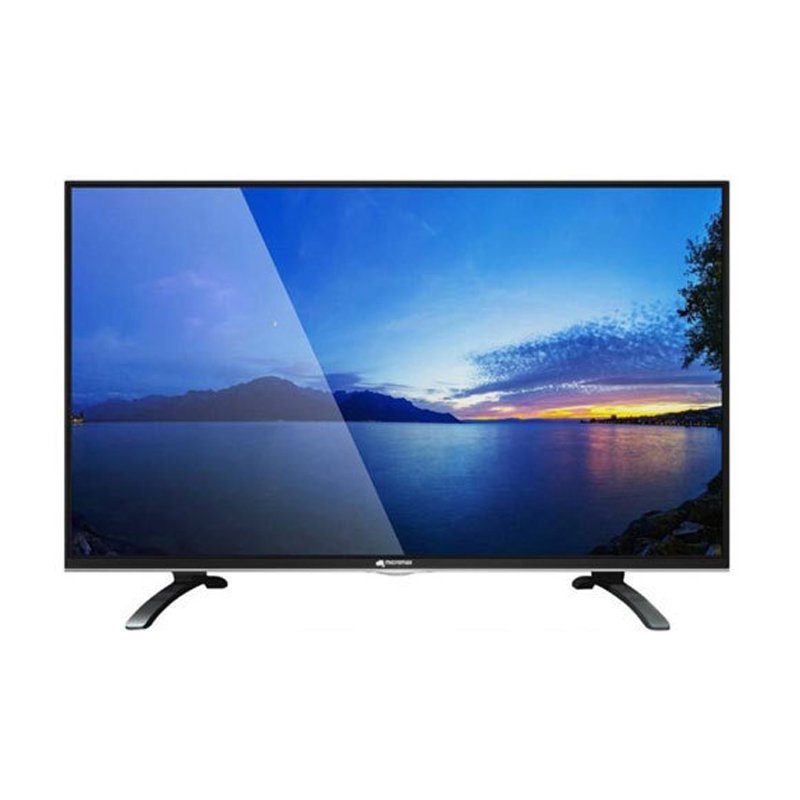
1. **Unboxing and Setup**: Begin by carefully unboxing the Micromax 40-inch MM-4021 LED Smart TV and ensuring that all accessories, including the remote control and power cord, are present. Place the TV on a stable surface and remove any protective packaging.
2. **Power On and Initial Setup**: Plug in the power cord and turn on the TV using the power button or remote control. Follow the on-screen instructions to complete the initial setup process, including selecting your language, connecting to Wi-Fi, and accepting user agreements.
3. **Connect External Devices**: Utilize the HDMI, USB, and other available ports on the TV to connect external devices such as a cable or satellite box, gaming console, or streaming device. Ensure that all connections are secure and properly configured.
4. **Explore Smart Features**: Familiarize yourself with the smart features of the Micromax 40-inch MM-4021 LED Smart TV, including access to streaming apps, internet browsing, and screen mirroring capabilities. Navigate through the smart interface using the remote control to discover and enjoy your favorite content.
5. **Adjust Settings and Enjoy**: Customize the TV settings according to your preferences, including picture and sound settings, network preferences, and parental controls. Sit back, relax, and enjoy your favorite movies, TV shows, and online content on the vibrant display of the Micromax 40-inch MM-4021 LED Smart TV.
OMNIKEY 3121 CARD READER
Cleo-TY Baby Tricycle HT 4633
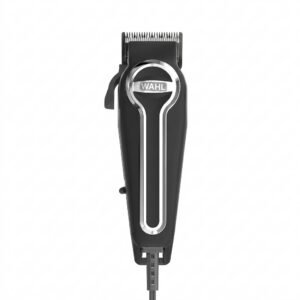
WAHL ELITE PRO HAIRCUTTING KIT
Hot Wheels Formula 1
Google Fitbit Edge Fitness & Health Tracking Smart Band Black
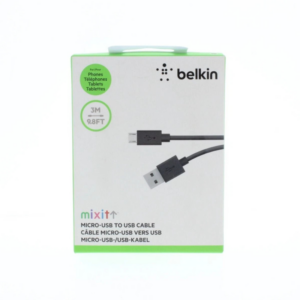
Belkin F2CU012bt Mixit Cable Usb A to Micro 3mtr
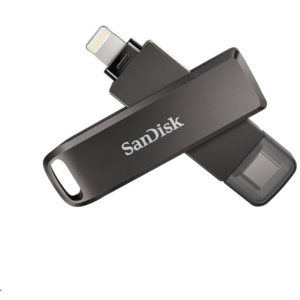
Sandisk Flash Drive i-xpand Dual Luxe 64GB Type-C to Lightning
Go-des Car Holder Gd- Hd708 Magnetic
Electrolux Iron Dry Iron EDI-1004 1300W
Cleo-TY Kids Drawing Board 3659A
Cle Usb Fridge
Maisto Metal Car Porsche 911 GT3 Size 1.18 36458
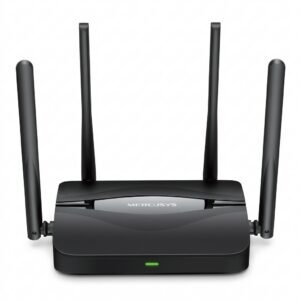
Mercusys BE3600 Dual Band Wi-Fi 7 Router MR25BE
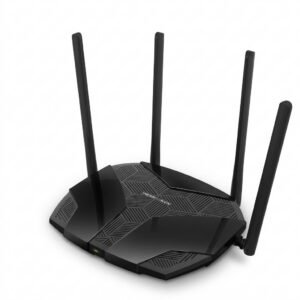
Mercusys AX3000 Dual-Band Wi-Fi 6 Router MR80X
Cleo-TY Plastic Stadium Horn HT 348 48CM
Sony PS5 HD Camera
New Arrivals
Offers
Service & Repair


There are no reviews yet.