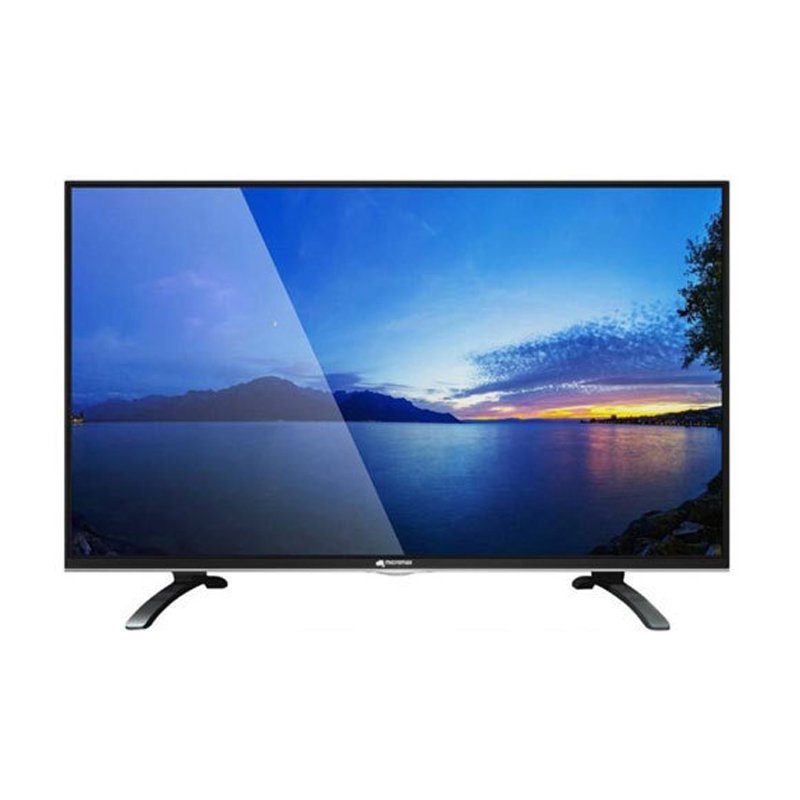
1. **Unboxing and Setup**: Begin by carefully unboxing the Micromax 40-inch MM-4021 LED Smart TV and ensuring that all accessories, including the remote control and power cord, are present. Place the TV on a stable surface and remove any protective packaging.
2. **Power On and Initial Setup**: Plug in the power cord and turn on the TV using the power button or remote control. Follow the on-screen instructions to complete the initial setup process, including selecting your language, connecting to Wi-Fi, and accepting user agreements.
3. **Connect External Devices**: Utilize the HDMI, USB, and other available ports on the TV to connect external devices such as a cable or satellite box, gaming console, or streaming device. Ensure that all connections are secure and properly configured.
4. **Explore Smart Features**: Familiarize yourself with the smart features of the Micromax 40-inch MM-4021 LED Smart TV, including access to streaming apps, internet browsing, and screen mirroring capabilities. Navigate through the smart interface using the remote control to discover and enjoy your favorite content.
5. **Adjust Settings and Enjoy**: Customize the TV settings according to your preferences, including picture and sound settings, network preferences, and parental controls. Sit back, relax, and enjoy your favorite movies, TV shows, and online content on the vibrant display of the Micromax 40-inch MM-4021 LED Smart TV.
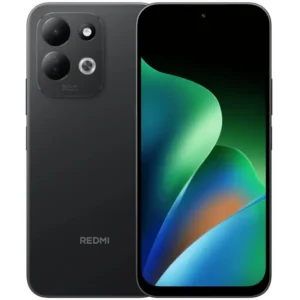
Redmi MI 17 4gb 128gb 5g Gsm
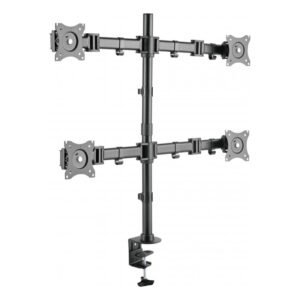
NEWSTAR 91 LDT07C048 13" 27" FULL MOTION MONITER DEST MOUNT
Hot Wheels Formula 1
CPT 73233 1-24 FORD
SONY PS4 TONY HAWKS PRO SKATER 1+2 GAME CD
Panasonic NI-22AWT Iron Box 1000W
L-1 Professional Streaming Player Stand
Kalimba 17 Keys Finger Piano
SONY PS4 CD DOOM
Cle Usb Fridge
New Arrivals
Offers
Service & Repair


There are no reviews yet.