
 New Arrivals
 Offers
 Service & Repair

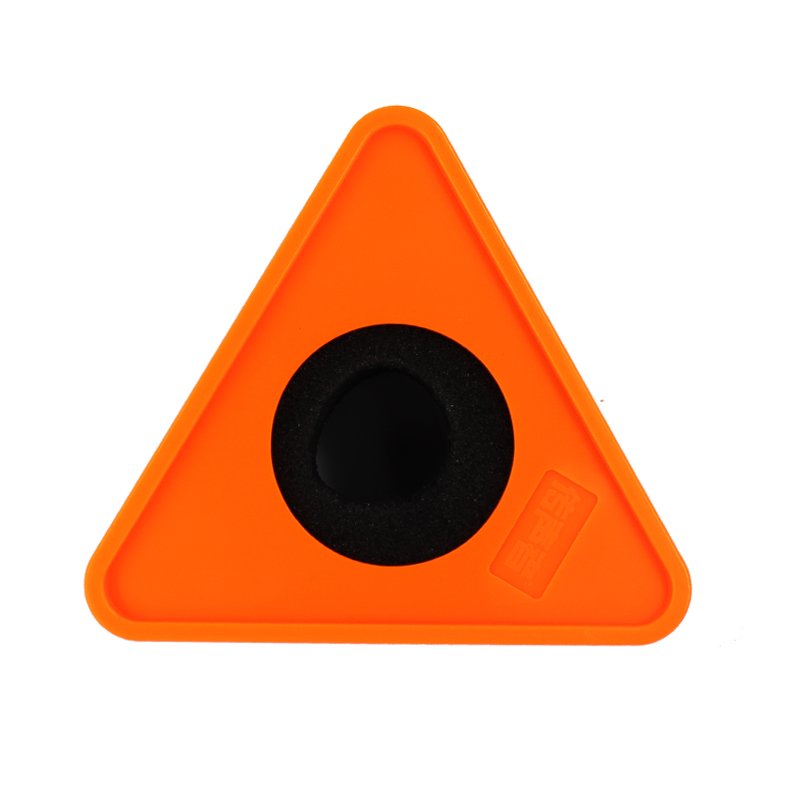
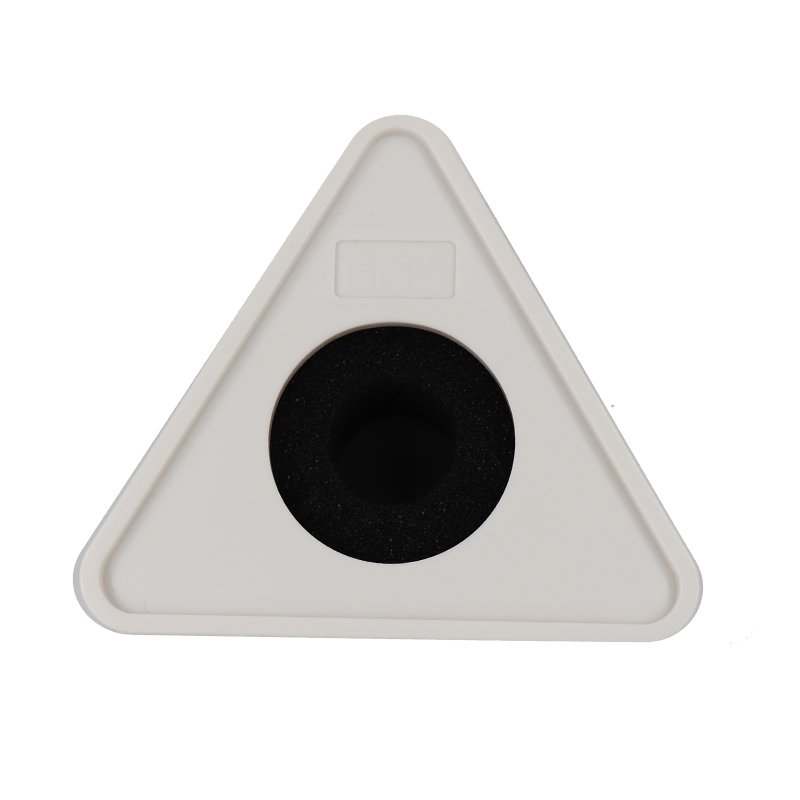
MIC HOLDER 1Pc.
SKU: MIC HOLDER
In stock
The Mic Holder 1pc is a simple yet essential accessory designed to securely hold microphones in place during recording or performances. Whether used in a studio setting or for live events, this holder provides stability and prevents unwanted movement or vibrations, ensuring clear and consistent audio capture. Its universal design allows it to accommodate a wide range of microphone sizes and types, making it a versatile tool for musicians, podcasters, broadcasters, and more.
6.900 OMR
In stock
1. **Inspect the Mic Holder**: Before use, inspect the mic holder for any damage or defects. Ensure that it is clean and free from any debris that could interfere with its functionality.
2. **Choose a Suitable Mounting Location**: Select a stable and secure mounting location for the mic holder. This could be a microphone stand, boom arm, tripod, or any other compatible mounting surface.
3. **Prepare the Mounting Surface**: If necessary, adjust the mounting surface to the desired height or angle for optimal positioning of the microphone. Ensure that the surface is stable and properly secured.
4. **Attach the Mic Holder**: Place the mic holder onto the chosen mounting surface, ensuring that it is aligned properly and securely attached. Most mic holders feature adjustable clamps or screws for easy attachment to various mounting surfaces.
5. **Insert the Microphone**: Insert the microphone into the mic holder, ensuring that it is positioned securely and snugly within the holder’s grip. Adjust the holder’s arms or clamps to accommodate the size and shape of the microphone.
6. **Adjust Position**: Adjust the position and angle of the microphone as needed to achieve the desired sound capture. Most mic holders feature adjustable arms or swivel mounts that allow for easy positioning of the microphone.
7. **Secure the Microphone**: Once the microphone is in the desired position, tighten any clamps or screws on the mic holder to secure it in place. Ensure that the microphone is stable and does not move or wobble during recording or performances.
8. **Test the Setup**: Test the microphone setup to ensure that it is functioning properly and capturing clear audio. Adjust the position or angle of the microphone if necessary to achieve optimal sound quality.
9. **Perform**: Use the microphone setup for recording, broadcasting, performances, or any other audio-related activities. Monitor the audio levels and adjust the microphone position as needed to achieve the desired sound quality.
10. **Maintenance**: After use, clean the mic holder and microphone to remove any dirt, dust, or debris. Store the mic holder in a safe and secure location when not in use to prevent damage or loss.
By following these steps, you can effectively use a Mic Holder to securely mount and position a microphone for various audio recording or performance applications.
There are no reviews yet.