1. **Unboxing**: Open the packaging of the MAX TM66 Microphone. Inside, you’ll find the microphone unit, any accompanying accessories such as cables or microphone stands, and the user manual.
2. **Assembly (if needed)**: If the microphone requires assembly, follow the instructions provided in the user manual to assemble it properly. This may involve attaching the microphone to a microphone stand or connecting cables to the microphone and other audio equipment.
3. **Connecting to Audio Equipment**: Identify the type of audio equipment you’ll be using with the microphone, such as a mixer, amplifier, or audio interface. Connect one end of the microphone cable to the microphone and the other end to the appropriate input on your audio equipment.
4. **Powering On (if applicable)**: Some microphones require power to operate, especially condenser microphones. If your microphone requires power, ensure that it’s properly powered using batteries, phantom power from a mixer or audio interface, or an external power source as specified in the user manual.
5. **Adjusting Settings (if applicable)**: Depending on the microphone model, there may be settings or controls that you can adjust to optimize performance. This may include adjusting gain levels, polar patterns, or frequency response settings. Refer to the user manual for instructions on adjusting these settings.
6. **Testing**: Test the microphone to ensure that it’s working properly. Speak or sing into the microphone and monitor the audio output through your audio equipment. Adjust the microphone position, gain levels, or other settings as needed to achieve the desired sound quality.
7. **Performance**: Once the microphone is set up and tested, you’re ready to use it for your recording, performance, or presentation. Speak or sing into the microphone with confidence, knowing that it’s capturing your voice accurately and clearly.
8. **Monitoring**: Throughout your use of the microphone, monitor the audio levels and quality to ensure optimal performance. Make any necessary adjustments to the microphone or audio equipment to address any issues that may arise.
9. **Powering Off**: When you’re finished using the microphone, power it off and disconnect it from your audio equipment. Store the microphone and any accompanying accessories in a safe place to protect them from damage.
By following these steps, you can effectively set up and use the MAX TM66 Microphone for a variety of audio recording or performance applications.
YH 31 PS4 2 in 1 Charging Heat Sink
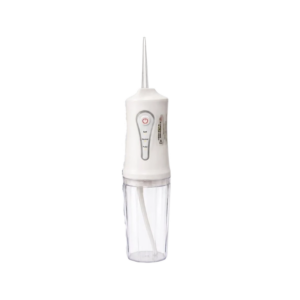
Cleo-HB Maxo Pro Oral Irrigator
Kemei Professional Hair Clipper KM-2268
Apple Ipad Pro 12.9" 4th Gen Smart Keyboard Folio
Casio Mini Portable Keyboard Sa51 32-key Bl
SC SC 5Mtr Fiber Cable
Philips Voice Recorder DVT2050
Cleo-TY Remote Control City Tour Bus HT666-676
Ygy Tambourine 8-12 "
ANNKE CAMERA CR1BL
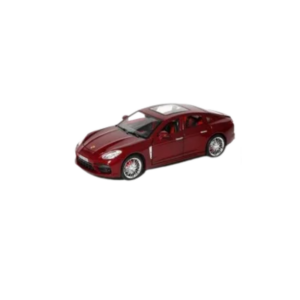
Cleo-TY Metal Car Porsche Panamera SGT-5517 Size 1.18
Sony PS 5 UFC 5 Game CD
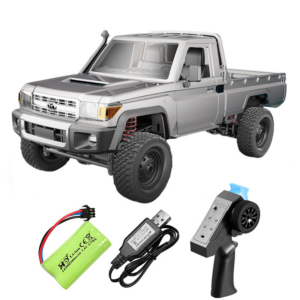
Cleo-TY Remote Control Car Toyota Land Cruiser LC79
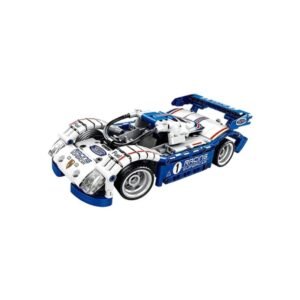
Cleo-TY Building Block Car MB019
BBurago Metal Car Ferrari FXX-K Size 1/24 18-26301
SONY PS4 NIOH 2 GAME CD
Kemei Professional Cordless Hair Clipper KM-1012B
Earldom Wireless Audio Device BR09 Bluetooth Receiver
Cleo-TY Metal Car Oracle Red Bull Racing RB19 Size 1.24
Apple Silicone Case MGFW4ZM/A Iphone 17 Pro Max MagSafe Clear
Cleo-TY 360 Remote Control Car HT36803
WAHL HOME PRO 300 SERIES HAIRCUT KIT
Cleo-TY Remote Control Container Truck HT666-653
Bm 13k Bee Melodica
Cleo-SFO 2 In 1 Folding Camping Bed
Fujifilm Camera Instax Wide 400
Ahuja Utp30 Wired Tie Clip Mic
Tolaye Ks06 Keyboard Stand
New Arrivals
Offers
Service & Repair


There are no reviews yet.