
-
×
 Boya Wireless Microphone By Wm4 Pro
1 × 47.900 OMR
Boya Wireless Microphone By Wm4 Pro
1 × 47.900 OMR
Subtotal: 47.900 OMR
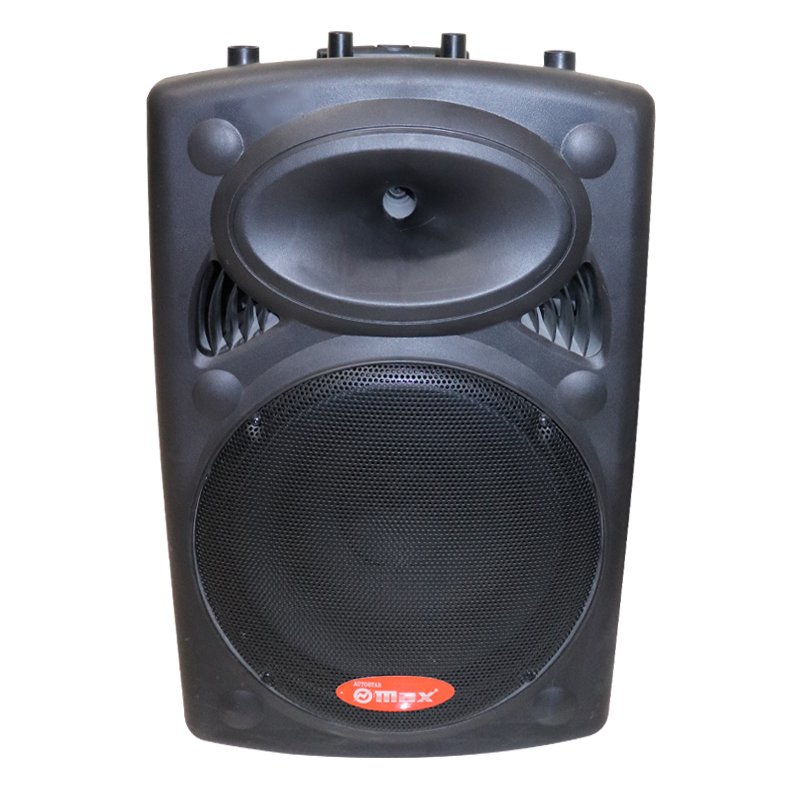
SKU: MAX ABT 1938 Speaker
In stock
“Experience powerful sound on the go with the MAX ABT-1938 Portable Speaker. This compact yet mighty speaker delivers impressive audio performance, whether you’re at home, outdoors, or on the move. With its sleek design and long-lasting battery, it’s the perfect companion for all your music needs.”
115.000 OMR
In stock
1. **Power On**: To begin using your MAX ABT-1938 Portable Speaker, ensure it’s charged. Press and hold the power button until you see the indicator light turn on, indicating that the speaker is powered up.
2. **Pairing**: Activate Bluetooth on your smartphone, tablet, or other compatible device. On your device, search for available Bluetooth devices and select “MAX ABT-1938” from the list. Once connected, you’ll hear a confirmation sound from the speaker.
3. **Adjust Volume**: Use the volume buttons on the speaker or your connected device to adjust the sound to your preference. You can increase or decrease the volume as needed for optimal listening experience.
4. **Playback Control**: Play, pause, skip tracks, or answer calls directly from the speaker. Familiarize yourself with the playback control buttons, typically located on the top or side of the speaker, to easily navigate through your music playlist.
5. **Power Off**: When you’re finished using the speaker, press and hold the power button again until the indicator light turns off, indicating that the speaker is powered down. This helps conserve battery life for the next use.
 New Arrivals
 Offers
 Service & Repair


There are no reviews yet.