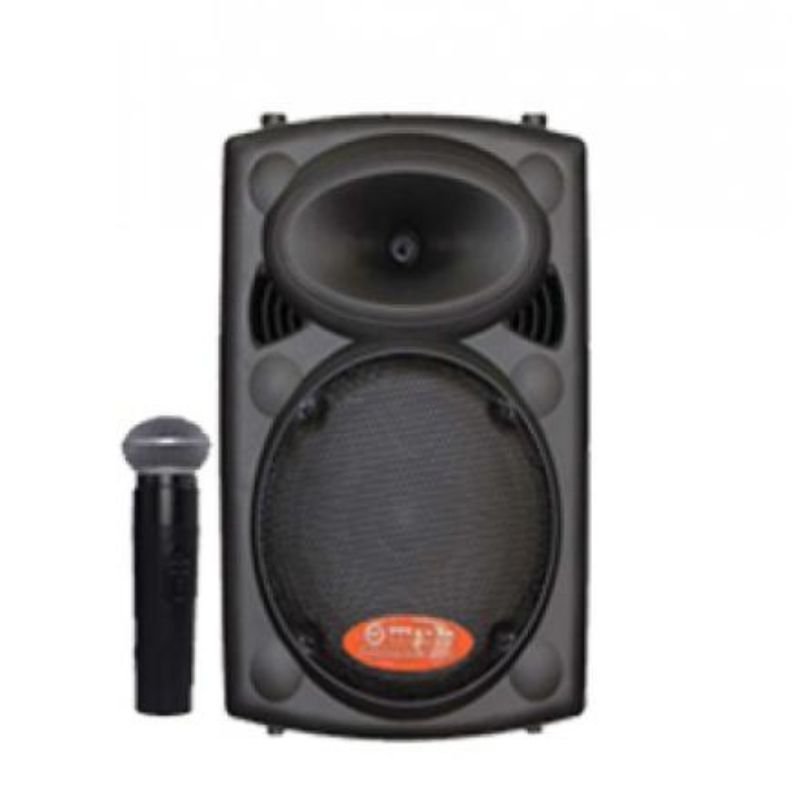
1. **Unboxing**: Open the box containing the MAX ABT 1926 USB speaker. Inside, you’ll find the speaker itself, along with any accompanying cables or user manuals.
2. **Connecting Power**: Plug the USB cable attached to the speaker into a compatible power source. This can be a USB port on your computer, a USB wall adapter, or a USB power bank. Ensure that the power source can provide enough power to operate the speaker.
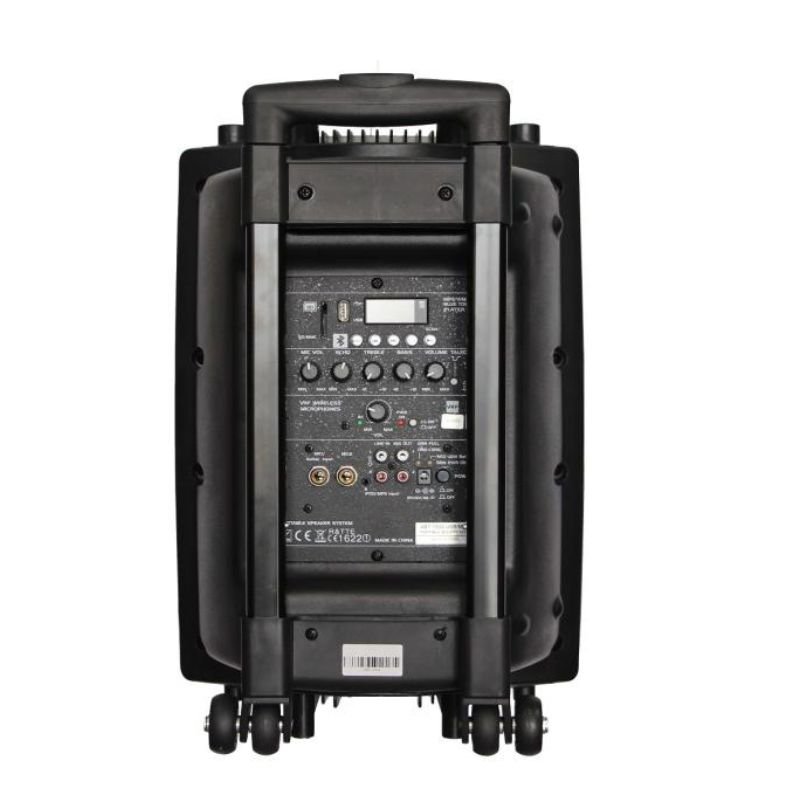
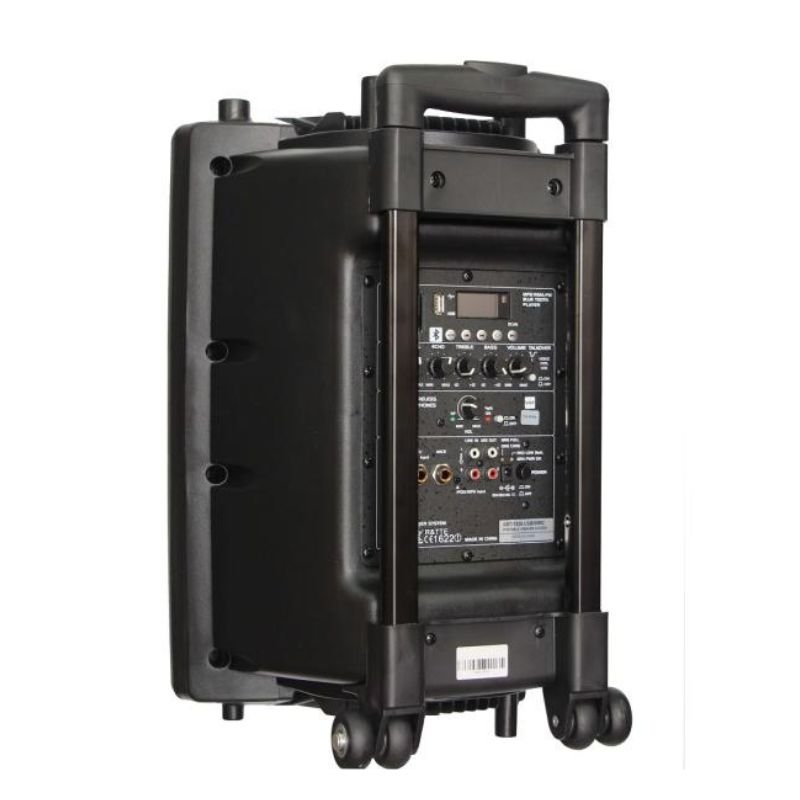
3. **Powering On**: Locate the power button on the speaker. Press and hold the power button for a few seconds until the speaker turns on. You may see an indicator light or hear a sound to confirm that the speaker is powered on.
4. **Connecting to Device**: If your device supports USB audio output, connect the speaker to your device using the provided USB cable. Alternatively, if your device does not have USB audio output, you can connect the speaker using a 3.5mm audio cable (if available) or via Bluetooth, if the speaker supports it.
5. **Selecting Input Mode (Optional)**: If the speaker supports multiple input modes (USB, Bluetooth, AUX), select the desired input mode using the mode button or switch on the speaker. This allows you to switch between different devices or audio sources.
6. **Adjusting Volume**: Use the volume control buttons or dial on the speaker to adjust the volume to your preferred level. Start with a low volume and gradually increase it to avoid sudden loud noises.
7. **Playing Audio**: Once the speaker is connected and powered on, play audio on your device. This can be music, videos, or any other audio content. The sound should now be played through the MAX ABT 1926 USB speaker.
8. **Fine-Tuning (Optional)**: Use any additional controls or settings on the speaker, such as equalizer presets or bass/treble adjustments, to fine-tune the audio to your liking.
9. **Powering Off**: When you’re finished using the speaker, press and hold the power button again to turn it off. Disconnect the USB cable from the power source to completely power down the speaker.
10. **Storage and Maintenance**: Store the MAX ABT 1926 USB speaker in a safe place when not in use, and follow any maintenance instructions provided in the user manual to ensure its longevity and optimal performance.
By following these steps, you can effectively set up and use the MAX ABT 1926 USB speaker to enjoy high-quality audio from your devices.

 Ahuja Cs 6081t Ceiling Speaker
1 × 15.000 OMR
Ahuja Cs 6081t Ceiling Speaker
1 × 15.000 OMR 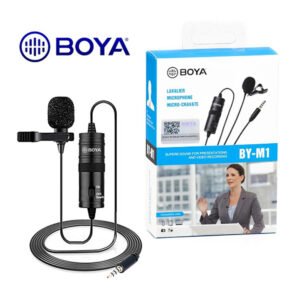 BOYA BY-M1 MICROPHONE
1 × 3.300 OMR
BOYA BY-M1 MICROPHONE
1 × 3.300 OMR  Tansen Stp10e Guitar Strip 1 Pc
1 × 3.000 OMR
Tansen Stp10e Guitar Strip 1 Pc
1 × 3.000 OMR  Biba Flute Deluxe
1 × 6.500 OMR
Biba Flute Deluxe
1 × 6.500 OMR  Boya Larger Diaphragm Condenser Microphone By M1000
1 × 38.800 OMR
Boya Larger Diaphragm Condenser Microphone By M1000
1 × 38.800 OMR  New Arrivals
 Offers
 Service & Repair


There are no reviews yet.