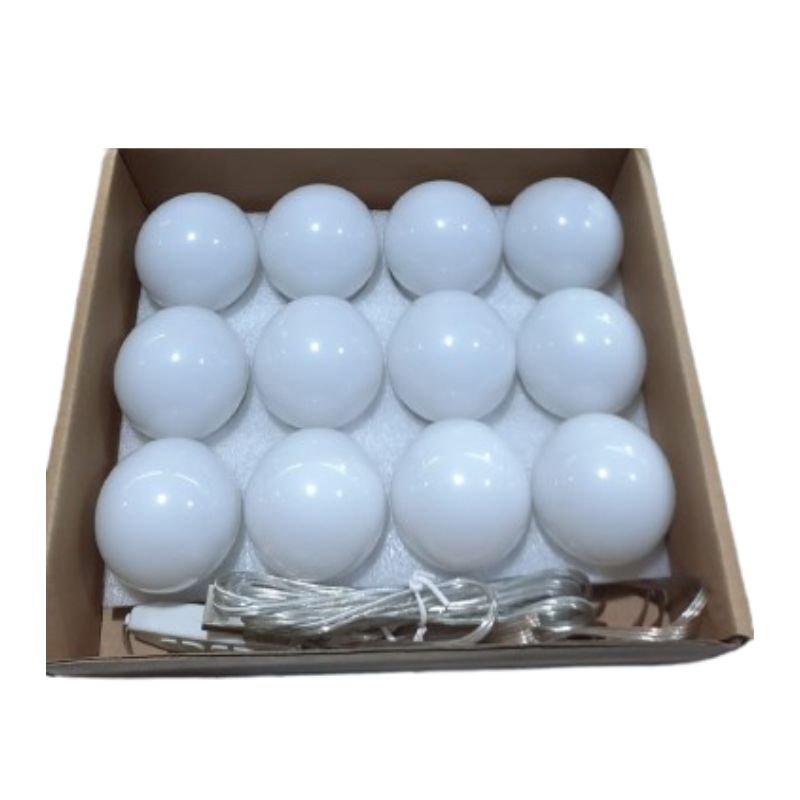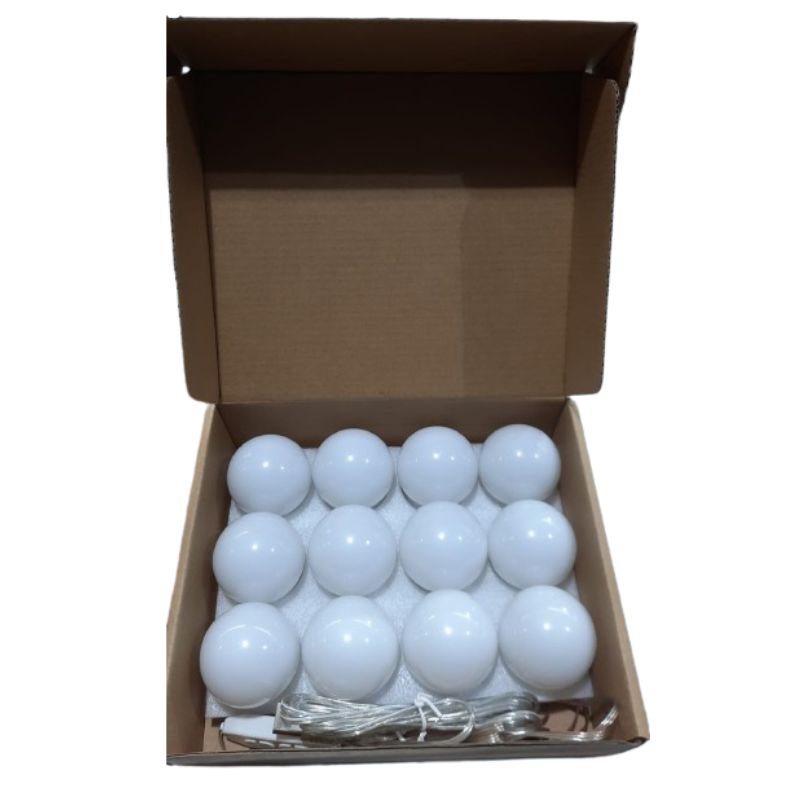
1. **Unboxing**: Carefully unpack the Makeup Vanity 12 Mirror Lights USB Wall Lamps from its packaging, ensuring you have all the components and accessories included.
2. **Prepare the Wall**: Choose a suitable location on the wall near your makeup vanity or dressing area to mount the wall lamps. Ensure the wall surface is clean and dry before proceeding.
3. **Mounting**: Use the provided mounting hardware (screws and anchors) to securely attach the wall lamps to the wall. Follow the manufacturer’s instructions for proper installation, taking care to align the lamps evenly and securely.
4. **Connect the Lights**: Plug the USB cable from the wall lamps into a USB power source. This could be a wall adapter, power bank, laptop, or any other device with a USB port. Ensure the power source is turned on.
5. **Test the Lights**: Turn on the wall lamps and test the brightness and intensity of the lights. Adjust the settings or angles of the lights as needed to achieve the desired lighting for makeup application.
6. **Adjustable Settings**: If the wall lamps have adjustable settings such as brightness levels or color temperature, experiment with different settings to find the most flattering lighting for your makeup routine.
7. **Illuminate Your Vanity**: Position the wall lamps to illuminate your makeup vanity or dressing area effectively. Ensure that the light is evenly distributed across your face for optimal visibility and precision during makeup application.
8. **Use During Makeup Application**: Use the Makeup Vanity 12 Mirror Lights USB Wall Lamps as your primary source of lighting during makeup application. The bright, natural-looking light will help you achieve flawless results and ensure color accuracy.
9. **Turn Off After Use**: When you’re finished using the wall lamps, remember to turn them off to conserve energy and prolong their lifespan. Simply unplug the USB cable from the power source or use any built-in power controls, if available.
10. **Maintenance**: Regularly clean the wall lamps and mirrors to remove dust, makeup residue, or other debris. Use a soft, dry cloth to wipe down the surfaces gently.
11. **Enjoy Your Makeup Vanity**: With the Makeup Vanity 12 Mirror Lights USB Wall Lamps installed, enjoy the convenience of professional-quality lighting for your makeup routine. Achieve flawless looks every time with ease and confidence.
Following these steps will help you effectively set up and use the Makeup Vanity 12 Mirror Lights USB Wall Lamps, transforming your space into a stylish and functional makeup area.
Xiaomi M2459B1 Smart Band 10 Mystic Rose
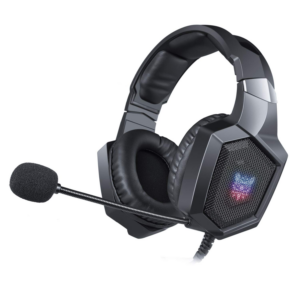
Onikuma Professional Gaming Headset K8
Ahuja Csm990 Interview Microphone
USB BLUETOOTH CSR 4.0 DONGLE
Cleo-TY 2 in 1 Kids Tricycle KN-1688
Cleo-EL Umiio HD Projector A008
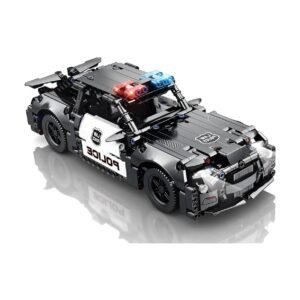
Cleo-TY Remote Control RC Car 70005
AcuVue Oasys Contact Lens With Hydraclear Plus (-1.00 Sp)
Anker Data Cable Braided A81B5H21 322 Usb C To Lightning 3ft
Cleo-EL Portable Power Station 300W ZHY-CN01
Philips OneBlade 360 Shaver QP2734/23
Cleo-TY Remote Control RC Car BOZ1012A
Cle Usb Fridge
Google Fitbit Edge Fitness & Health Tracking Smart Band Black
OMNIKEY 3121 CARD READER
Yamaha Psr E383 Keyboard
Meind 35 CB200 Car Power Adaptor
YH 25 PS4 Multifunctional Heat Dissipation Charging Bracket
Intelligent Hula Hoop with Counting Function
Philips 1000 Series Body Groomer BG1025/15
Cleo-CM Discovery Car Dash Cam
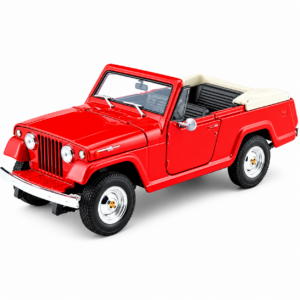
Welly Metal Car Jeep Jeepster Commando Roadster Size 1.24 WL-24117C-W
DigitPlus Silicon Case Iphone 15/16 Series Shock Proof Clear
Cleo-TY Remote Control RC Car MJX16208
Google Fitbit Edge Fitness & Health Tracking Smart Band Green
Cat 6 Patch Cable 3 Meter
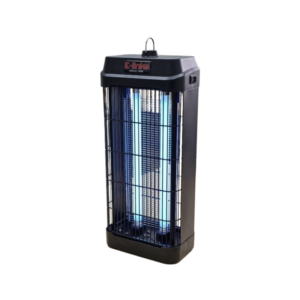
E-Links Electric Mosquito Killer RIE-IK201 20W
Telionix Electric Air Fryer 9L TAF4424
ROCK W24 Double side Quick CHARGER
New Arrivals
Offers
Service & Repair


There are no reviews yet.