
 New Arrivals
 Offers
 Service & Repair


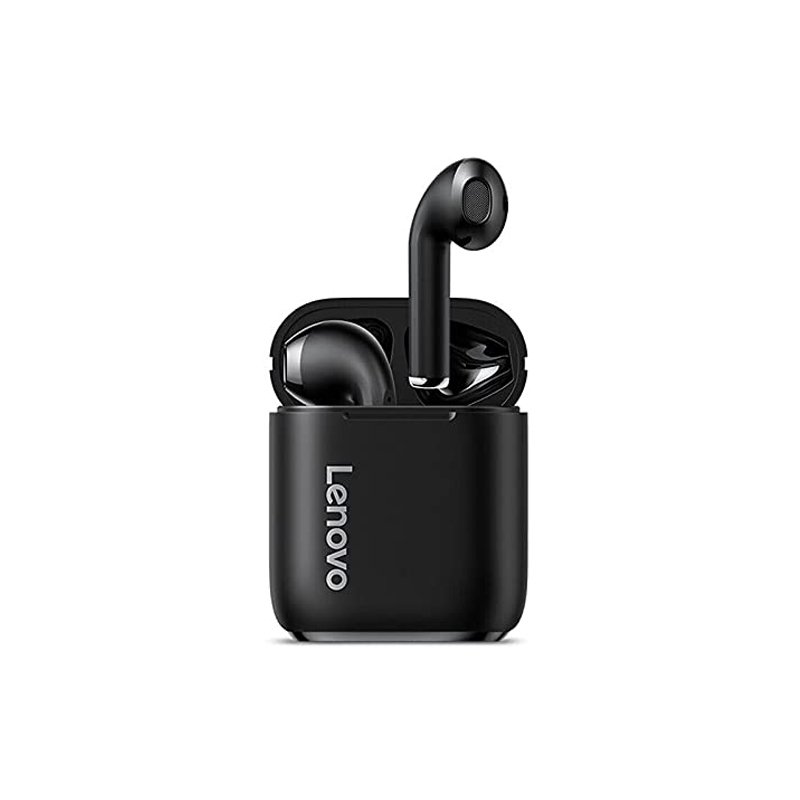

LENOVO LIVEPODS LP2S WIRELESS BUDS
SKU: LENOVO LIVEPODS LP2S
Out of stock
The Lenovo LivePods LP2S Wireless Buds offer users the freedom to enjoy high-quality audio without the hassle of wires. These compact and stylish earbuds provide a comfortable and secure fit, making them ideal for use during workouts, commutes, or daily activities. With features such as touch controls, voice assistant support, and long battery life, the Lenovo LivePods LP2S enhance the listening experience for music, calls, and more, wherever you go.
Out of stock
1. **Charging**: Begin by ensuring that the Lenovo LivePods LP2S Wireless Buds are fully charged. Place the buds inside the charging case and connect the case to a power source using the provided USB cable. Wait until the indicator lights on the buds or the case indicate a full charge, typically shown as a solid light.
2. **Pairing**: Once the buds are fully charged, remove them from the charging case. They will automatically enter pairing mode. Alternatively, you can manually initiate pairing mode by pressing and holding the designated pairing button on the buds or following the instructions in the user manual. Next, go to the Bluetooth settings on your device (such as a smartphone or tablet) and select “Lenovo LivePods LP2S” from the list of available devices to pair.
3. **Fit and Comfort**: Insert the buds into your ears and adjust them until they fit comfortably and securely. Experiment with the different sizes of ear tips included in the package to find the ones that provide the best seal and fit for your ears. A proper fit ensures optimal sound quality and prevents the buds from falling out during use.
4. **Controls**: Familiarize yourself with the touch controls on the Lenovo LivePods LP2S Wireless Buds. Typically, you can control playback, adjust volume, answer calls, and access other features by tapping or
There are no reviews yet.