
 New Arrivals
 Offers
 Service & Repair

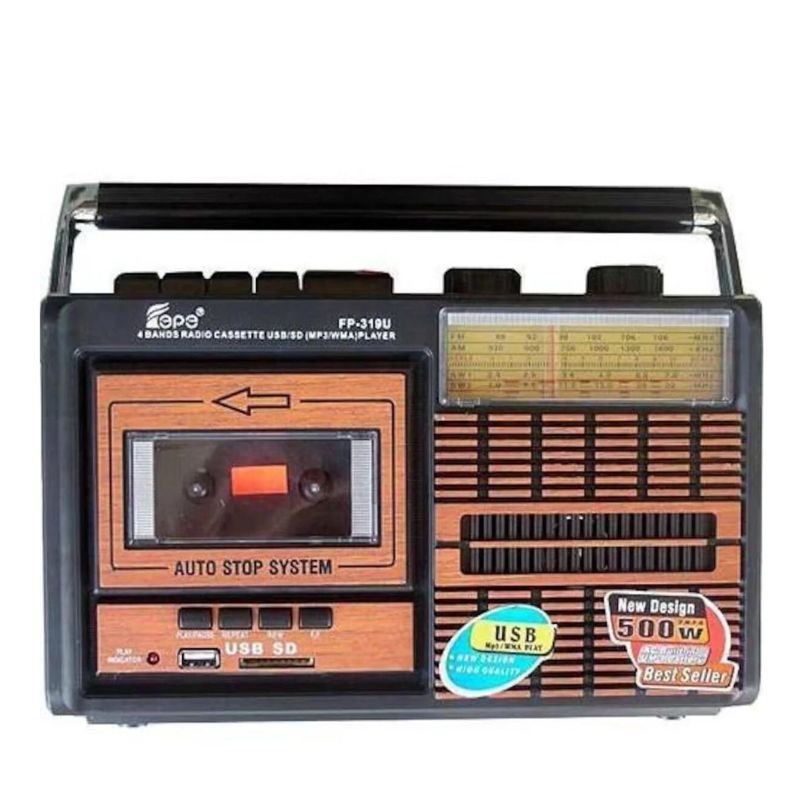
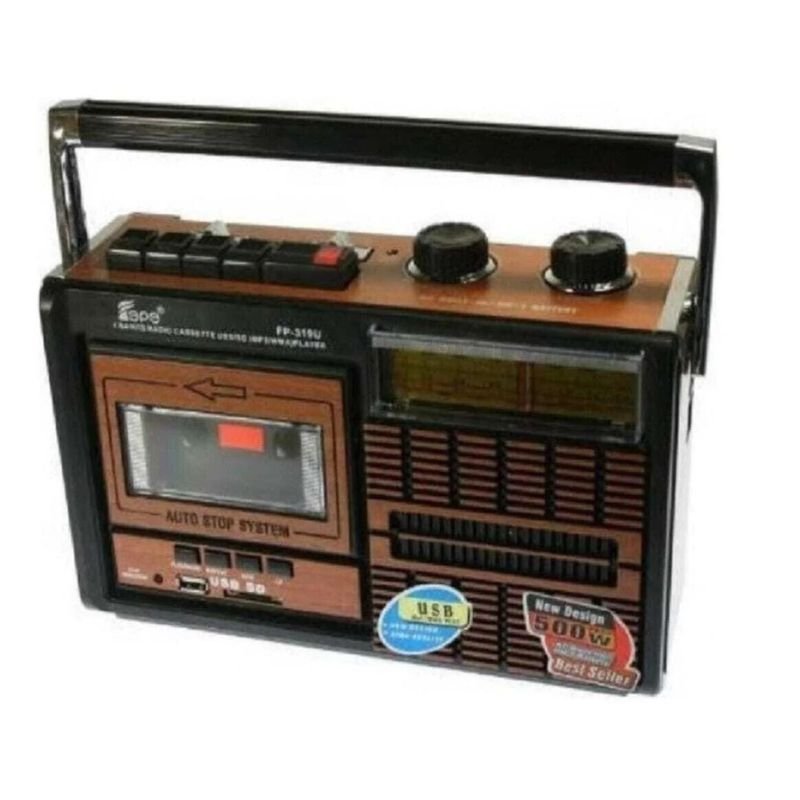
Knstar Fp-319U Cassette Usb/Sd/ Radio
SKU: 0407000042
In stock
The KNSTAR FP-319U is a versatile audio player that combines the classic charm of cassette tapes with modern playback options. Featuring compatibility with USB drives, SD cards, and FM radio, this device allows users to enjoy music from a variety of sources. With its compact design and easy-to-use controls, the KNSTAR FP-319U offers a convenient way to listen to your favorite tunes, whether it’s from your vintage cassette collection or digital files.
8.900 OMR
In stock
1. **Power Supply**: Ensure the device is connected to a power source. This could be through an AC adapter or batteries, depending on the model.
2. **Turn on the Device**: Locate the power button or switch on the player and turn it on.
3. **Select Mode**: The KNSTAR FP-319U offers multiple playback modes, including cassette, USB, SD card, and radio. Use the mode selector switch or buttons to choose your desired mode.
4. **Cassette Playback**: If you want to play a cassette tape, insert the cassette into the cassette deck with the side you want to play facing upwards. Press the play button to start playback. Use the rewind, fast forward, stop, and pause buttons as needed.
5. **USB/SD Playback**: To play audio files from a USB flash drive or SD card, insert the storage device into the corresponding slot on the player. Use the controls to navigate through the files and select the one you want to play.
6. **Radio Playback**: Switch to the radio mode and use the tuner knob or buttons to tune into your desired radio station. Once tuned in, adjust the volume to your preference.
7. **Adjust Settings**: Use any available knobs or buttons to adjust settings such as volume, bass, treble, balance, and repeat mode according to your preferences.
8. **Recording (if applicable)**: Some models may offer recording functionality. If you want to record audio from a cassette tape, radio, or external source to a USB flash drive or SD card, follow the manufacturer’s instructions for recording.
9. **Eject Cassette or Storage Devices**: After playback or recording, safely eject the cassette tape or storage devices from the player.
10. **Power Off**: When you’re finished using the player, turn it off to conserve power.
By following these steps, you can effectively use the KNSTAR FP-319U Cassette USB/SD/RADIO player to enjoy your favorite music from various sources.
There are no reviews yet.