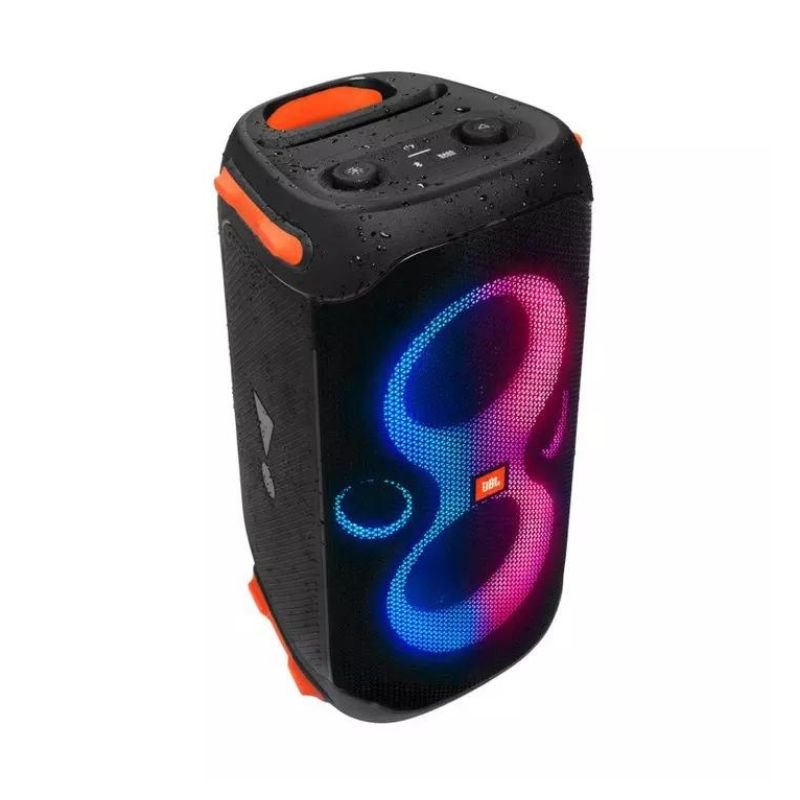
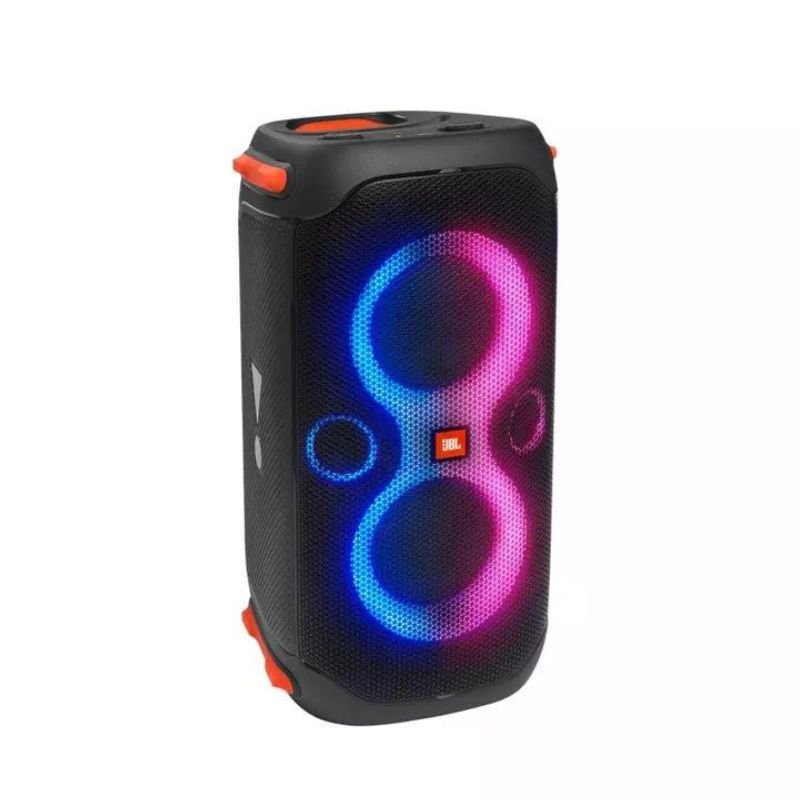
1. Unboxing: Carefully open the packaging of the JBL PartyBox 110 Speaker. Inside, you’ll find the speaker unit itself, power cable, user manual, and any other accessories included.
2. Placement: Choose a suitable location for your JBL PartyBox 110 Speaker. It can be placed on a flat surface like a table or the floor, ensuring it’s stable and won’t tip over.
3. Powering On: Plug the power cable into the DC input on the back of the speaker, and then connect the other end to a power outlet. Press the power button located on the control panel to turn the speaker on.
4. Bluetooth Pairing: To connect your device (such as a smartphone or tablet) to the speaker via Bluetooth, press the Bluetooth button on the control panel. On your device, enable Bluetooth and select “JBL PartyBox 110” from the list of available devices.
5. Wired Connection (Optional): If you prefer a wired connection, you can use an audio cable to connect your device to the AUX input on the back of the speaker.
6. Adjusting Settings: Use the control panel on the top of the speaker to adjust settings such as volume, bass, treble, and lighting effects. Experiment with different settings to customize your audio and lighting experience.
7. Music Playback: Play your favorite music or audio content on your connected device. The JBL PartyBox 110 Speaker will amplify the sound and fill the room with powerful audio.
8. Lighting Effects: Enjoy the built-in LED light show that synchronizes with the music. You can adjust the lighting mode and brightness using the control panel.
9. Party Mode (Optional): If you have multiple JBL PartyBox speakers, you can pair them together wirelessly for an even more immersive sound experience. Follow the instructions in the user manual to set up party mode.
10. Powering Off: When you’re finished using the speaker, press and hold the power button on the control panel to turn it off. Unplug the power cable from the speaker and the power outlet.
Following these steps will help you set up and enjoy the JBL PartyBox 110 Speaker for your next party or gathering.

 PHILIPS LUMEA PRESTIGE BRI956/60 HAIR REMOVER
1 × 309.900 OMR
PHILIPS LUMEA PRESTIGE BRI956/60 HAIR REMOVER
1 × 309.900 OMR  Sony PS4 Spider Man Game CD
1 × 12.900 OMR
Sony PS4 Spider Man Game CD
1 × 12.900 OMR  Tolaye Ks06 Keyboard Stand
1 × 14.000 OMR
Tolaye Ks06 Keyboard Stand
1 × 14.000 OMR  New Arrivals
 Offers
 Service & Repair



There are no reviews yet.