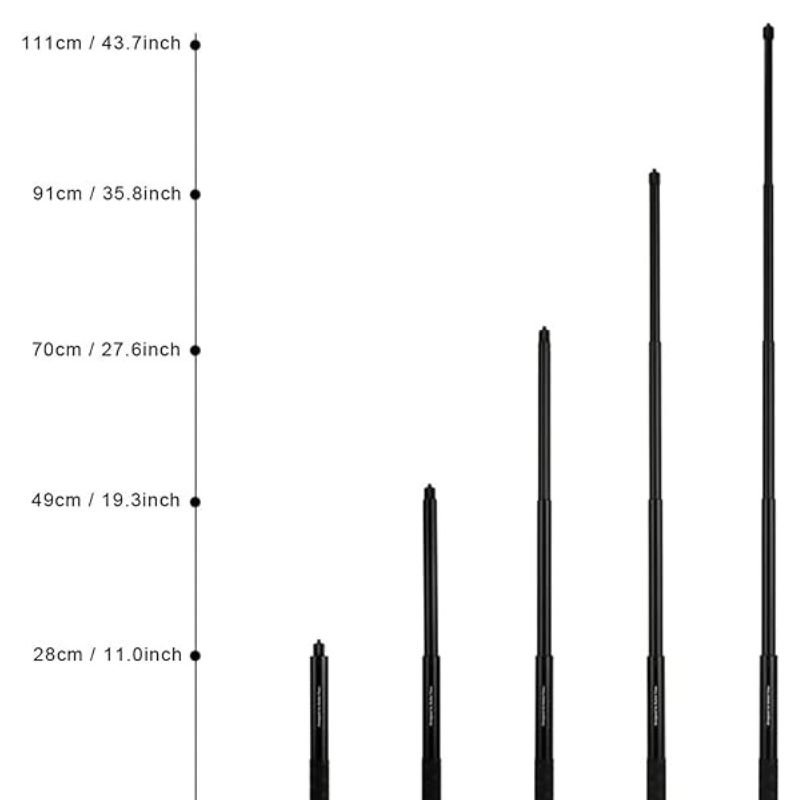
Here’s a step-by-step guide on how to use the INSTA360 Bullet Time Bundle Tripod Stick:
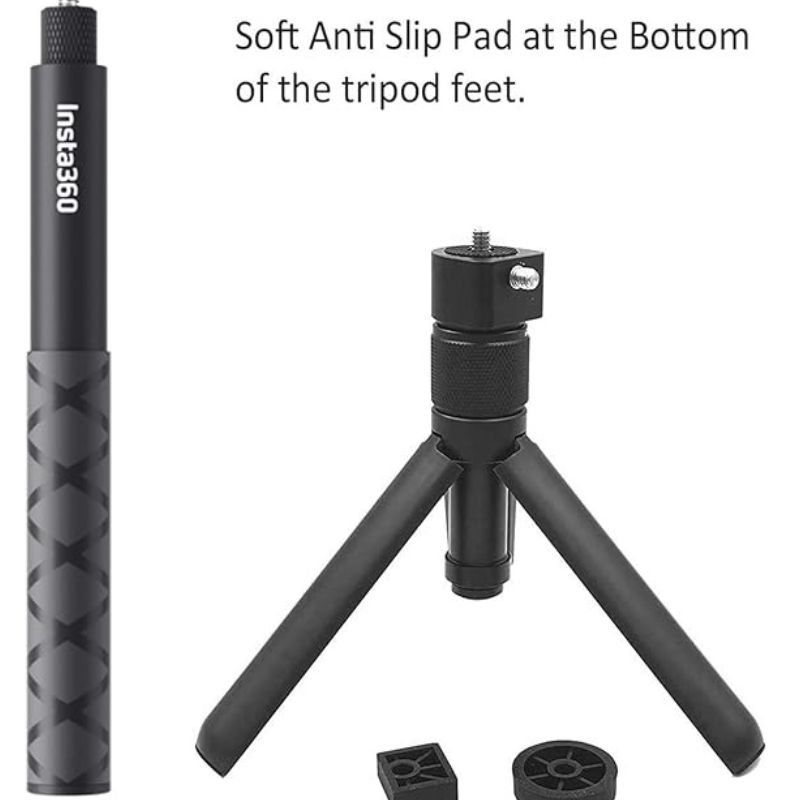
1. **Unboxing**: Open the package containing the INSTA360 Bullet Time Bundle Tripod Stick and ensure that all components are present. This typically includes the tripod stick, bullet-time handle, and any additional accessories.
2. **Assembly**: If necessary, assemble the tripod stick by attaching the bullet-time handle to the top of the stick. Ensure that it is securely attached and tightened to prevent any wobbling during use.
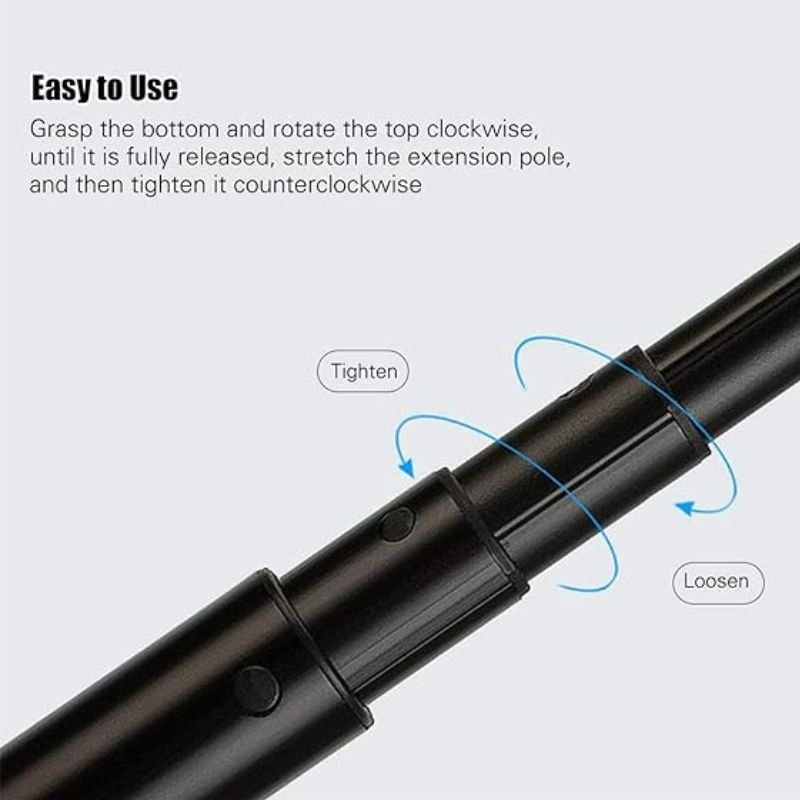
3. **Adjustment**: Extend or retract the tripod stick to your desired length by loosening the twist-lock mechanism and pulling or pushing the sections of the stick. Tighten the twist-lock mechanism to secure the stick at the desired length.
4. **Mounting Your Camera**: Attach your compatible camera or smartphone to the tripod stick using the appropriate mounting mechanism. Make sure it is securely fastened to prevent any accidental falls or damage.
5. **Choosing Shooting Mode**: Determine whether you want to use the tripod stick as a traditional selfie stick or as a bullet-time handle for capturing dynamic shots. Adjust the angle and orientation of your camera accordingly.
6. **Setting Up Bullet Time Shot**: If you’re using the tripod stick for bullet-time shots, ensure that there is enough open space around you to avoid any obstructions. Hold the stick firmly and swing it in a circular motion while keeping your camera pointed towards you or your subject.
7. **Capturing Shots**: Once you’re ready, start capturing shots using your camera or smartphone. Use the trigger or shutter button on your device to take photos or start recording videos.
8. **Reviewing and Sharing**: After capturing your shots, review them on your camera or smartphone to ensure they meet your expectations. Share your photos and videos with friends and followers on social media or save them for future use.
9. **Cleanup and Storage**: After use, carefully collapse the tripod stick and detach any accessories. Wipe down the stick and accessories with a clean, dry cloth to remove any dirt or debris. Store them in a safe and dry place until your next use.
By following these steps, you can effectively use the INSTA360 Bullet Time Bundle Tripod Stick to capture stunning photos and videos with ease and versatility.
ANKER NEBULA MARS 2PRO D2323211 PORTABLE PROJECTOR
USAMS Iphone 11 Pro Metal Camera Lens Glass Film
SONY PS4 Toukiden2 GAME CD
Lavalier Microphone Lj02
Max Bms 135 Boom Mic Stand
Boya Wireless Microphone By Wm4 Pro
YH 31 PS4 2 in 1 Charging Heat Sink
Ahuja Bs 6462t Speaker
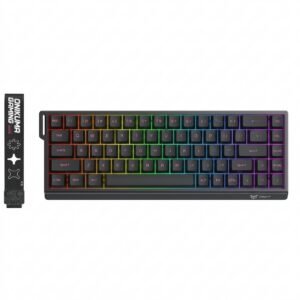
Onikuma Gaming Keyboard MT603
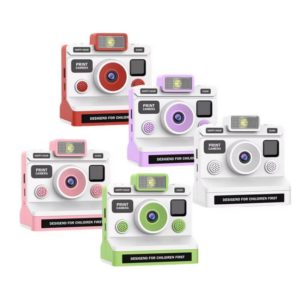
Cleo-EL kids Instant Print Camera
Ahuja Cs663t Ceiling Speaker
Cle Usb Fridge
DUDAO AUX 3.5 mm Cable Connector
Ahuja Utp30 Wired Tie Clip Mic
Ahuja Bs 6082t Speaker
Ahuja Asc 315t Speaker
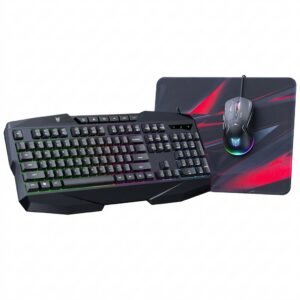
Onikuma 3-in-1 Professional Gaming Combo TZ3006
Tolaye Ks06 Keyboard Stand
Boya By Wm4 Pro K3 2.4ghz Wireless Microphone System
Used Nokia 6124
Ahuja Cs 6081t Ceiling Speaker
Blue Fire Hydrojet Portable Oral Irrigator BF-6
Candc DC C9 Cardioid Microphone
New Arrivals
Offers
Service & Repair


There are no reviews yet.