1. **Unboxing and Inspection:** Carefully unbox the Ikon IK-E40DMS Smart LED TV and inspect all the components for any signs of damage. Ensure that all parts are included and in good condition.
2. **Placement:** Choose a suitable location to place the TV, ensuring that it is stable and not at risk of tipping over. Consider factors such as viewing distance, wall mounting options, and access to power outlets and connectivity ports.
3. **Connect Power:** Plug the power cord of the Ikon IK-E40DMS Smart LED TV into a power outlet. Ensure that the power outlet is easily accessible and provides a stable power supply.
4. **Connect Antenna/Cable:** If you plan to watch broadcast television, connect an antenna or cable to the appropriate port on the back of the TV. Secure the connection by tightening the coaxial cable connector
. 5. **Connect External Devices:** If you have external devices such as a cable/satellite box, gaming console, or DVD/Blu-ray player, connect them to the TV using HDMI, AV, or other compatible cables. Ensure that each device is properly connected and powered on.
6. **Power On:** Press the power button on the TV or use the remote control to power on the Ikon IK-E40DMS Smart LED TV. Wait for the TV to boot up and display the initial setup screen.
7. **Initial Setup:** Follow the on-screen prompts to complete the initial setup process. This may include selecting the language, setting up the internet connection, and scanning for available channels if using an antenna.
8. **Connect to Wi-Fi:** If you plan to use the smart features of the TV, connect it to your Wi-Fi network. Navigate to the settings menu, select the Wi-Fi option, and enter your network credentials.
9. **Smart Features:** Explore the smart features of the Ikon IK-E40DMS Smart LED TV, such as built-in apps, streaming services, web browsing, and screen mirroring. Use the remote control or on-screen menu to access and navigate these features.
10. **Adjust Settings:** Customize the picture and sound settings according to your preferences. Adjust parameters such as brightness, contrast, color, volume, and audio mode to optimize your viewing experience.
11. **Update Software (if applicable):** Check for software updates for the TV and install them if available. This ensures that your TV has the latest features, bug fixes, and security enhancements.
12. **Enjoy:** Once the setup is complete and everything is configured to your liking, sit back, relax, and enjoy your favorite movies, TV shows, games, and other content on the Ikon IK-E40DMS Smart LED TV.
By following these steps, you can effectively set up and use the Ikon IK-E40DMS 40″ SMART
LED TV to enjoy a wide range of entertainment options in the comfort of your home.
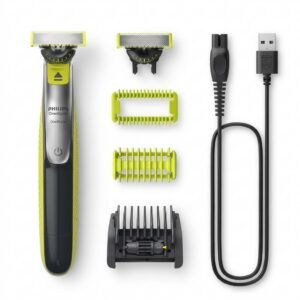
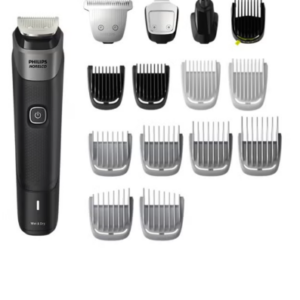
Philips 5000 Series Norelco All In One Trimmer MG5910/49
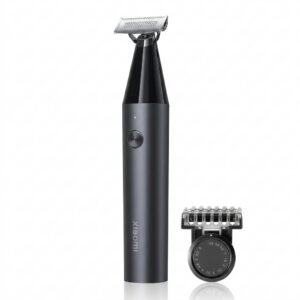
Xiaomi UniBlade Trimmer X300
BBurago Metal Car Ferrari F80 Size 1.18 18-16022
Cpt Guitar 3713c
Cleo Plastic Recorder
Biba Flute Deluxe
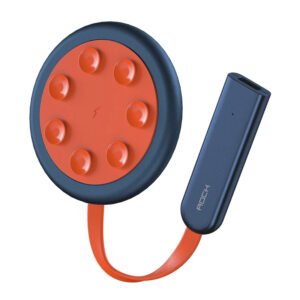
ROCK W24 Double side Quick CHARGER
OMNIKEY 3121 CARD READER
Boya Lavalier Microphone By M40d
Logitech Stereo Headset H390 Usb Connector
Crony Currency Counting Machine AL7200
Welly Metal Car Jeep Jeepster Commando Station Wagon Size 1.24 WL-24117H-W
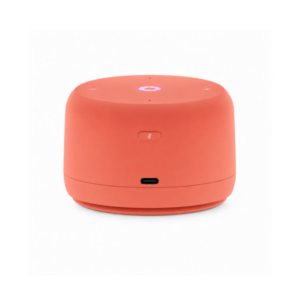
Yasmina Lite Smart Portable Bluetooth Speaker Orange
Philips Norelco Oneblade Shaver QP2834/70
Itc 208S 8' Ceiling Subwoofer 60W/100V
Welly Metal Car Mercedes Benz 600 Size 1.24 WL-24121W
SANDISK SDHC 64GB MicroSD MEMORY CARD
NARCISO RODRIGUEZ FOR HER EDT 100 ml
Kalimba 17 Keys Finger Piano
CPT 73233 1-24 FORD
GIGABYTE LAN USB 3.0 TO LAN ADAPTER
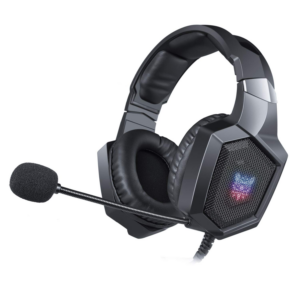
Onikuma Professional Gaming Headset K8
BBurago Metal Car Ferrari 499P Size 1.18
SONY PS5 SUBNAUTICA BELOW ZERO GAME CD
120dB Door Stop Alarm Wireless Home Travel Security System
Shure Pg42 Usb Usa Vox Record Microphone
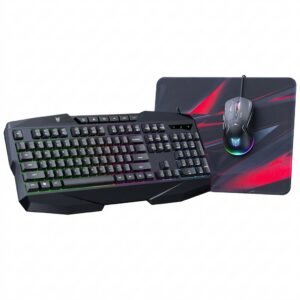
Onikuma 3-in-1 Professional Gaming Combo TZ3006
Rinnai RTL35K Single Gas Stove (Thailand)
Bm 13k Bee Melodica
New Arrivals
Offers
Service & Repair

There are no reviews yet.