
-
×
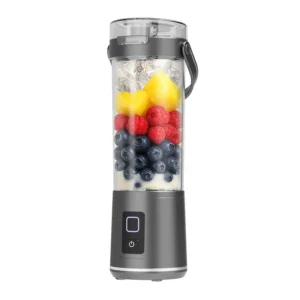 Denx Wireless Portable Juicer DX3227
1 × 4.900 OMR
Denx Wireless Portable Juicer DX3227
1 × 4.900 OMR -
×
 RING SUPPLEMENTARY LAMP 36W + STAND
1 × 13.900 OMR
RING SUPPLEMENTARY LAMP 36W + STAND
1 × 13.900 OMR
Subtotal: 18.800 OMR
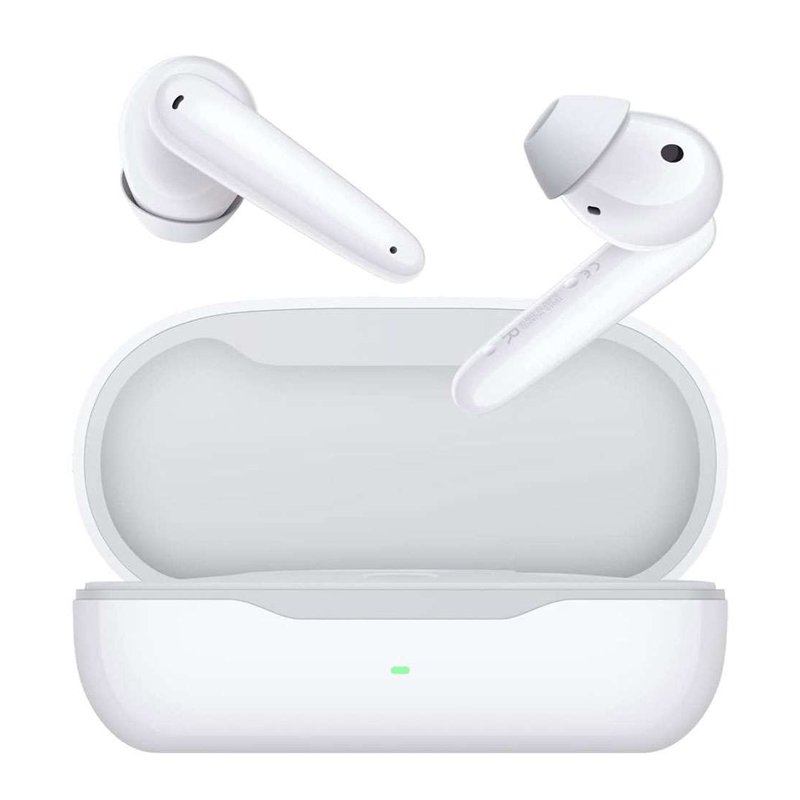
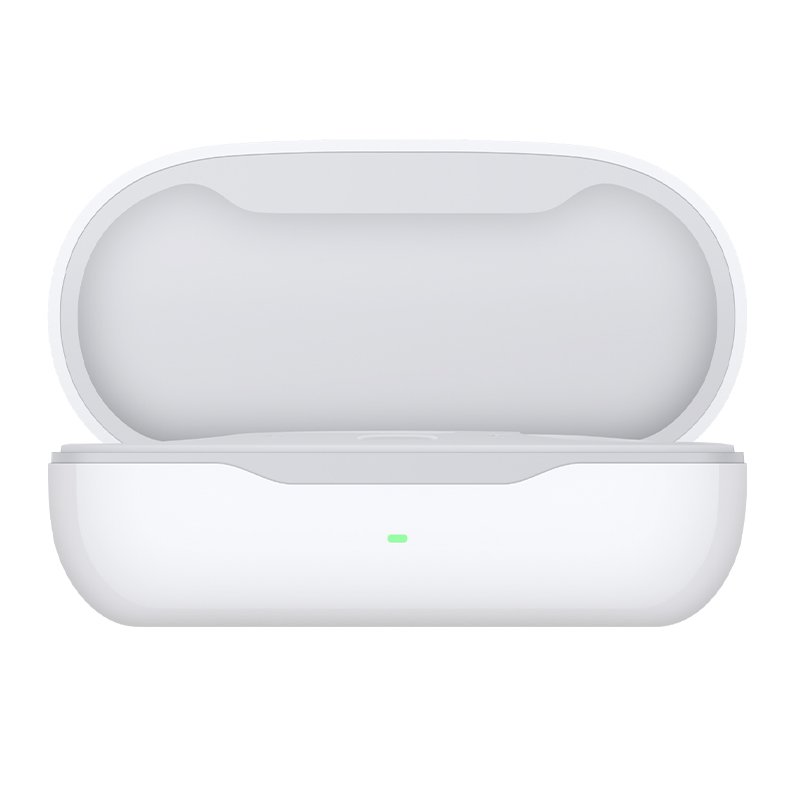
SKU: Huawei T0010C FreeBuds SE True Wireless Earbuds
Out of stock
The HUAWEI T0010C DB FreeBuds SE True Wireless Earbuds in Blue offer a seamless audio experience with their true wireless design. Featuring Bluetooth connectivity, they pair effortlessly with your devices for music and calls. The ergonomic design ensures a comfortable fit, while the compact charging case provides convenience for on-the-go use. Enjoy clear sound and freedom of movement with the HUAWEI T0010C DB FreeBuds SE True Wireless Earbuds.
1. **Pairing**: Start by activating Bluetooth on your device. Then, open the charging case of the HUAWEI T0010C DB FreeBuds SE True Wireless Earbuds and remove the earbuds. They should automatically enter pairing mode. Look for the earbuds in the list of available Bluetooth devices on your device and select them to pair.
2. **Fit**: Insert the earbuds into your ears, making sure they are secure and comfortable. Adjust them as needed to achieve a snug fit, ensuring optimal audio quality and stability during use.
3. **Controls**: Familiarize yourself with the touch controls on the earbuds. These may include tapping or swiping gestures to control playback, adjust volume, answer calls, or activate voice assistants. Refer to the user manual for specific instructions on using the touch controls.
4. **Audio Playback**: Play your favorite music or audio content on your connected device. The HUAWEI T0010C DB FreeBuds SE True Wireless Earbuds will deliver clear and immersive sound directly to your ears, allowing you to enjoy your media with freedom of movement.
5. **Charging**: When not in use, place the earbuds back into the charging case to recharge them. Ensure that the charging contacts on the earbuds align with those in the case for proper charging. The case itself can be recharged using the included USB cable or wireless charging pad, if applicable.
 New Arrivals
 Offers
 Service & Repair

There are no reviews yet.