
 New Arrivals
 Offers
 Service & Repair

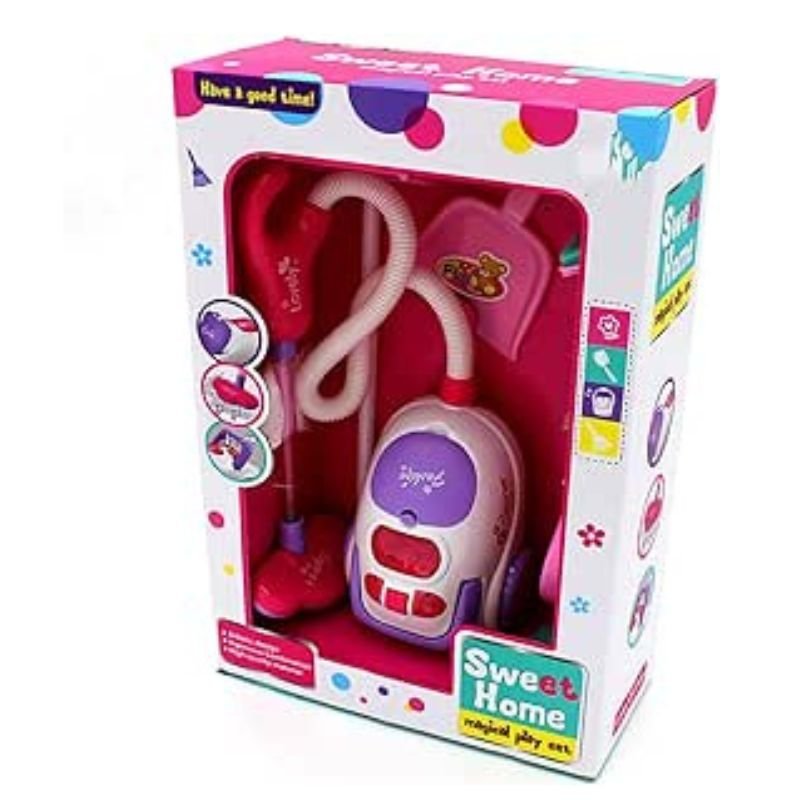
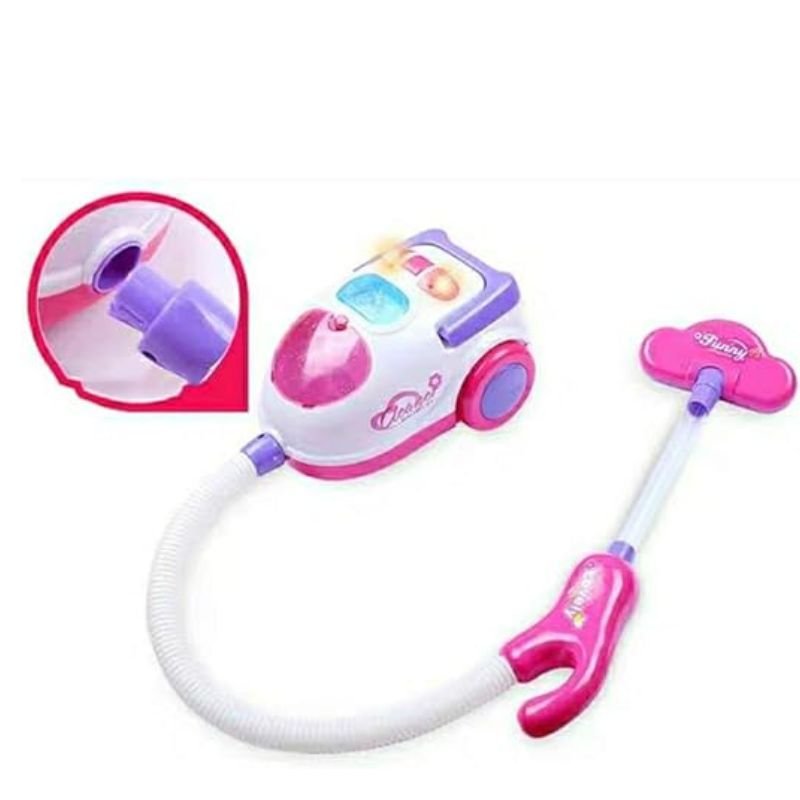
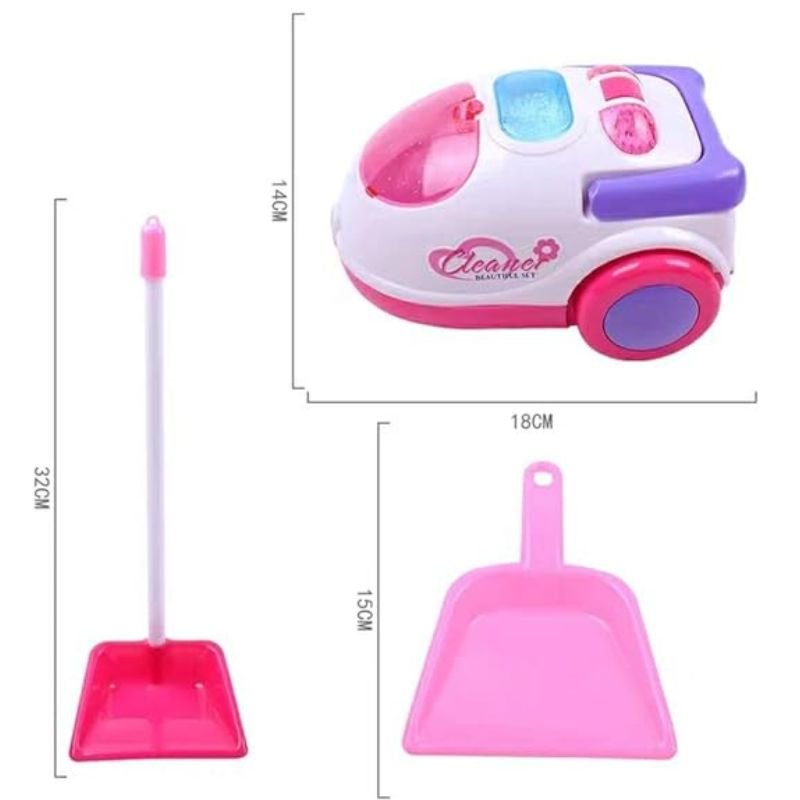
HT-A5955 CLEANING SET
SKU: HT-A5955 CLEANING SET
Out of stock
The HT-A5955 Cleaning Set is a comprehensive solution for maintaining the cleanliness and functionality of electronic devices and delicate surfaces. With specialized tools and cleaning solutions, it effectively removes dust, dirt, and smudges from screens, keyboards, cameras, and other sensitive equipment. Compact and easy to use, it ensures optimal performance and prolongs the lifespan of your devices. The HT-A5955 Cleaning Set is an essential accessory for anyone looking to keep their electronics in pristine condition.
Out of stock
1. **Prepare the Cleaning Tools**:
– Open the HT-A5955 Cleaning Set package and familiarize yourself with its contents, which typically include microfiber cloths, cleaning brushes, and solution sprays.
– Ensure that all components are clean and free from any debris or residue before use.
2. **Dust Removal**:
– Begin by using the included brushes or dusting cloths to gently remove any visible dust or debris from the surface of the device or surface you intend to clean.
– Pay attention to hard-to-reach areas such as crevices and corners where dust may accumulate.
3. **Apply Cleaning Solution**:
– If the cleaning set includes a solution spray, lightly mist the microfiber cloth provided with the set. Alternatively, you can use a small amount of the solution directly on the surface you’re cleaning.
– Be careful not to oversaturate the cloth or surface with the cleaning solution.
4. **Clean the Surface**:
– Using the dampened microfiber cloth, gently wipe the surface in a circular motion, applying light pressure as needed.
– For stubborn stains or smudges, you may need to repeat this step or use a gentle scrubbing motion with the included brushes.
5. **Dry and Polish**:
– Once the surface is clean, use a dry microfiber cloth from the set to gently buff and polish the area, removing any excess moisture and leaving behind a streak-free finish.
– Allow the surface to air dry completely before reassembling or using the device.
By following these steps, you can effectively use the HT-A5955 Cleaning Set to maintain the cleanliness and functionality of your electronic devices and delicate surfaces.
Based on 0 reviews
Be the first to review “HT-A5955 CLEANING SET”
Related products
-
Electronics
DOBE PS4 TP4 016 Mobile Phone CLAMP
– GAMERS’ GOOD NEWS: Say goodbye to the painful control on your smart phone.
– LARGE CAPACITY:Maximum support of 6-inch mobile phone.
– 2 in 1 holder: With an OTG cable you can enjoy your game with PS4 controller and it can be a smart mount itself.
– RSKU: 06010501000028


There are no reviews yet.