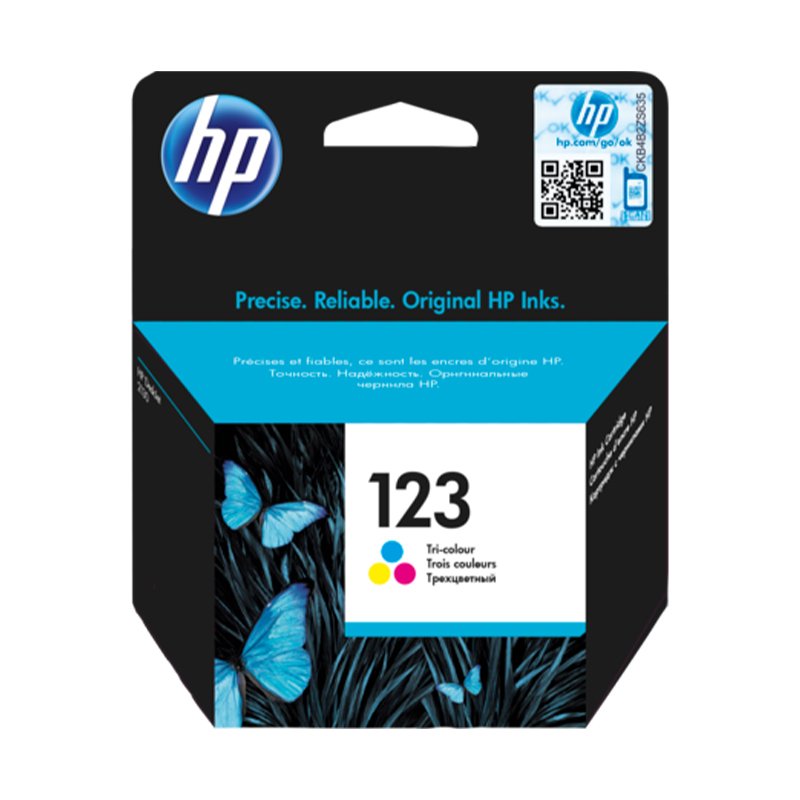
1. Unpackaging: Begin by carefully unpacking the HP Ink Cartridge 123 Color (F6V16AE) from its packaging, ensuring gentle handling to avoid any damage to the cartridge.
2. Printer Preparation: Power on your HP printer and open the cartridge access door or lid to reveal the cartridge slots.
3. Cartridge Installation: Remove any old cartridges from the printer by gently pushing down on them and pulling them out. Take the HP Ink Cartridge 123 Color (F6V16AE) out of its packaging and remove any protective tapes or covers. Insert the color cartridge into the designated slot in the cartridge compartment, ensuring it clicks securely into place.
4. Alignment: Follow the instructions on your printer’s display or control panel to initiate the cartridge alignment process. This ensures optimal print quality by aligning the printheads for precise ink delivery.
5. Test Print: Once the alignment process is complete, print a test page to confirm that the HP Ink Cartridge 123 Color (F6V16AE) is installed correctly and that the printer is functioning properly. If the test page prints successfully, you’re ready to produce vibrant and colorful prints with your HP printer.
Cle Usb Fridge
Boya Larger Diaphragm Condenser Microphone By M1000
Sony Ps 5 Spider Man Miles Morales CD
Used Nokia 5230 Black
OTVO P4 USB DATA CABLE (For P4 Host & Handle)
Kalimba 17 Keys Finger Piano
OMNIKEY 3121 CARD READER
Candc DC C9 Cardioid Microphone
DOBE PS4 TP4 023B Charging STAND
Boya Lavalier Microphone By M40d
Cpt Ht-xm-6820 Wire Crane
SONY PS4 NIOH 2 GAME CD
Sony Ps 4 Mdievil CD
Bm 13k Bee Melodica
Max Ssb 600 Usb Amplifier
New Arrivals
Offers
Service & Repair

There are no reviews yet.