
-
×
 Cleo-TY Remote Control Fighter Robot Dog Toy 955-282
1 × 13.900 OMR
-
×
 Dlc Double Hot Plate DLC 78102
1 × 14.900 OMR
-
×
 Kodak Digital Camera PIXPRO C1
1 × 41.900 OMR
-
×
 BBurago Metal Car Ferrari Monza SP1 Size 1.24 18-26027
1 × 13.900 OMR
-
×
 Tolaye Ks06 Keyboard Stand
1 × 14.000 OMR
-
×
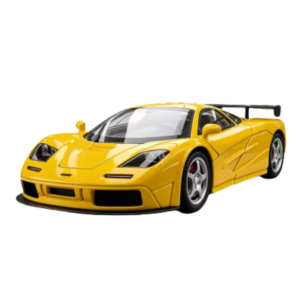 Cleo-TY Metal Car McLaren F1 Size 1.24
1 × 6.500 OMR
-
×
 Mebashi Water Dispenser ME-WD8004
1 × 48.900 OMR
-
×
 Anker Data Cable A81H7 Usb A to Usb C 10ft/3mtr Power Line 322
1 × 3.500 OMR
-
×
 Sony PS 5 DualSense Wireless Controller Limited Edition Alpine Green
1 × 25.900 OMR
-
×
 Samsung Galaxy Z Fold 8 Ultra Carbon Standing Case Black
1 × 23.900 OMR
-
×
 Enzo 7 IN 1 Hair Straightener EN-760
1 × 17.900 OMR
-
×
 Cle Usb Fridge
1 × 5.900 OMR
-
×
 Mebashi Coffee Grinder ME-CG2312
1 × 32.900 OMR
-
×
 Boya Larger Diaphragm Condenser Microphone By M1000
1 × 38.800 OMR
-
×
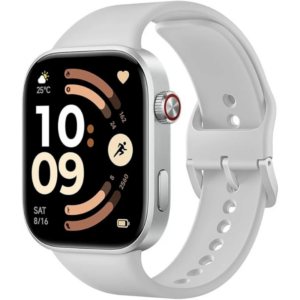 Redmi M2523 Smart Watch 6 Silver Gray
1 × 34.900 OMR
-
×
 USAMS Iphone 11 Pro Metal Camera Lens Glass Film
1 × 1.900 OMR
Subtotal: 339.600 OMR
 New Arrivals
 Offers
 Service & Repair


There are no reviews yet.