
-
×
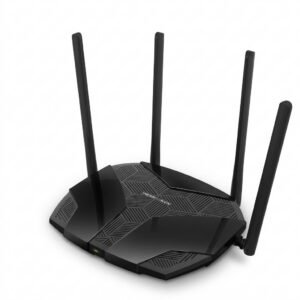 Mercusys AX3000 Dual-Band Wi-Fi 6 Router MR80X
5 × 15.900 OMR
-
×
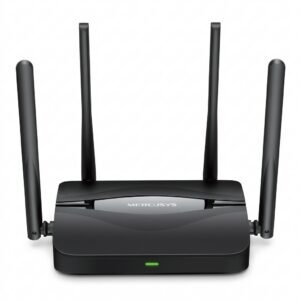 Mercusys BE3600 Dual Band Wi-Fi 7 Router MR25BE
10 × 19.900 OMR
-
×
 GameSir F5 Falcon Mini Mobile Gaming Controller
1 × 3.900 OMR
-
×
 SONY PS4 UFC 4 GAME CD
2 × 16.000 OMR
-
×
 USAMS Iphone 11 Pro Metal Camera Lens Glass Film
1 × 1.900 OMR
-
×
 D M K POWER Camera Travel Charger TC600E
1 × 12.800 OMR
-
×
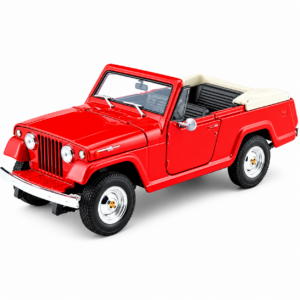 Welly Metal Car Jeep Jeepster Commando Roadster Size 1.24 WL-24117C-W
1 × 12.900 OMR
-
×
 Philips OneBlade 360 Shaver QP2734/23
2 × 22.900 OMR
-
×
 Logitech Wired Headset H110 With Mic
1 × 3.900 OMR
-
×
 Hot Wheels Deutschland Design
1 × 4.900 OMR
-
×
 Cle Usb Fridge
1 × 5.900 OMR
-
×
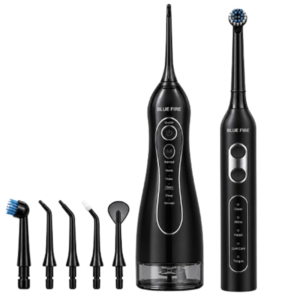 Blue Fire Hydroclean Oral Irrigator And Toothbrush BF-10
1 × 12.900 OMR
-
×
 Maisto Metal Car Porsche 911 GT3 Size 1.18 36458
1 × 42.885 OMR
-
×
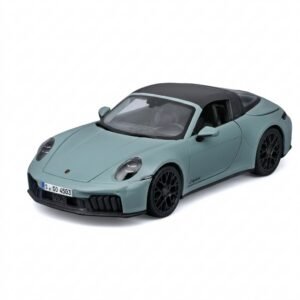 Maisto Metal Car Porsche 911 Targa 4 GTS Size 1.18 31470
1 × 42.885 OMR
-
×
 Apple Ipad Pro 12.9" 4th Gen Smart Keyboard Folio
1 × 94.900 OMR
Subtotal: 596.070 OMR
 New Arrivals
 Offers
 Service & Repair


There are no reviews yet.