1. **Setup**: Unbox your Google Nest Hub 2nd Gen and plug it into a power source. Follow the on-screen instructions to connect it to your Wi-Fi network and sign in with your Google account using the intuitive touchscreen interface.
2. **Customization**: Personalize your Nest Hub experience by selecting your preferred language, adjusting brightness and volume settings, and choosing clock faces and wallpapers to match your style and mood.
3. **Explore Features**: Dive into the array of features available on the Nest Hub. Use voice commands or the touchscreen to ask Google Assistant questions, set reminders, check your calendar, or get updates on the weather, news, and traffic.
4. **Smart Home Integration**: Connect your Nest Hub to compatible smart home devices like lights, thermostats, cameras, and more. Control them effortlessly using your voice or the touchscreen, or create routines to automate tasks for added convenience.
5. **Entertainment and Connectivity**: Enjoy a world of entertainment at your fingertips. Stream music, podcasts, or audiobooks from popular services like Spotify, YouTube Music, or Audible. Watch videos from YouTube or stream content from supported apps on the vibrant 7-inch display. Stay connected with loved ones by making video calls using Google Duo.
Bm 13k Bee Melodica
TAC TOOL 18 IN 1 HAMMER (HARD ROCK TOOLS)
Boya Lavalier Microphone By M40d
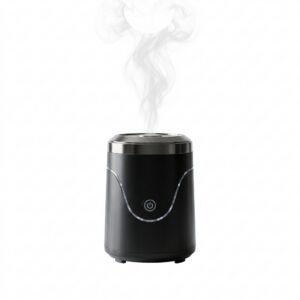
Cleo-EL Portable Electronic Bakhoor BQ-19
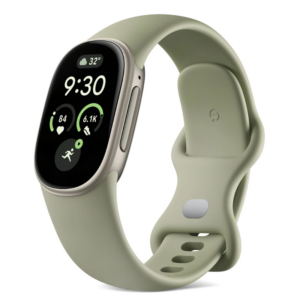
Google Fitbit Edge Fitness & Health Tracking Smart Band Green
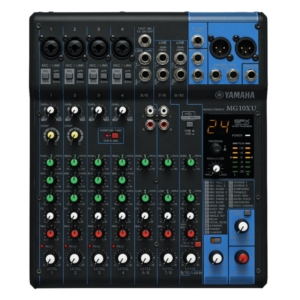
Yamaha Mg 10xu Audio Mixer, 10ch 4buds Eq Effects Usb
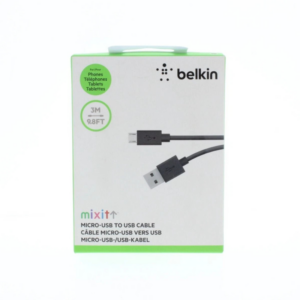
Belkin F2CU012bt Mixit Cable Usb A to Micro 3mtr
Hot Wheels Deutschland Design
Cle Usb Fridge
Yesido Phone Holder C210 Zinc Alloy 360 Rotation Magnetic
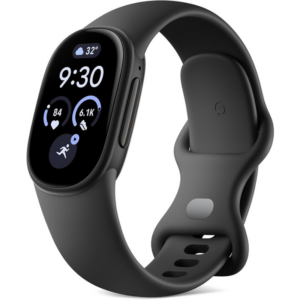
Google Fitbit Edge Fitness & Health Tracking Smart Band Black
New Arrivals
Offers
Service & Repair

There are no reviews yet.