1. **Power Source**: Ensure the device is powered by either batteries or by plugging it into a power outlet using an AC adapter, depending on the model.
2. **Power On**: Locate the power switch or button on the device and turn it on.
3. **Select Mode**: Choose the desired mode of operation using the mode selector switch or buttons. Options typically include FM radio and Bluetooth mode.
4. **FM Radio**: If you’re using the FM radio function, use the tuning knob or buttons to search for and tune in to your desired radio station. Adjust the antenna for better reception if necessary.
5. **Bluetooth Mode**: If you want to use Bluetooth mode, activate Bluetooth on your smartphone or other Bluetooth-enabled device. Search for and pair with the EPE FP-1823BT in your device’s Bluetooth settings.
6. **Playback Controls**: Use the playback controls on the device to play, pause, skip tracks, adjust volume, and navigate through your music library.
7. **Adjust Settings**: Use any available knobs or buttons to adjust settings such as volume, bass, treble, and stereo/mono mode according to your preferences.
8. **LED Display (if applicable)**: Some models may have an LED display that shows information such as radio frequency, track information, or Bluetooth connection status.
9. **External Antenna (if applicable)**: If your device has an external antenna jack, consider connecting an external antenna for improved FM radio reception.
10. **Power Off**: When you’re finished using the device, turn it off to conserve power.
By following these steps, you can effectively use the EPE FP-1823BT Radio FM Multiband Music Player to enjoy FM radio broadcasts and stream music wirelessly via Bluetooth.
Max Bms 135 Boom Mic Stand
Biba Flute Deluxe
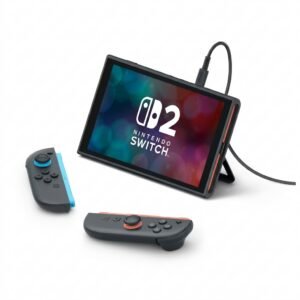
Nintendo Switch 2 Pokemon Pokopia Limited Edition Console
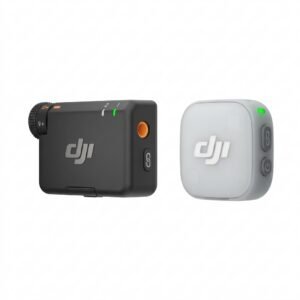
Dji Mini Wireless Microphone DMMR01
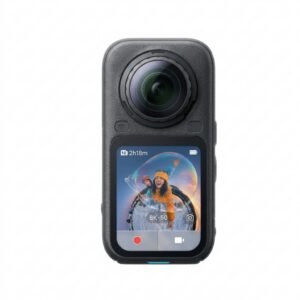
Insta360 X6 8K 360 Action Camera
Cpt Guitar 3713c
BK-20 OUD OIL BUKHOOR BURNER
Canon GI-41 Ink Bottle, Yellow
Sony PS 5 Dual Sense Wireless Controller Volcanic Red
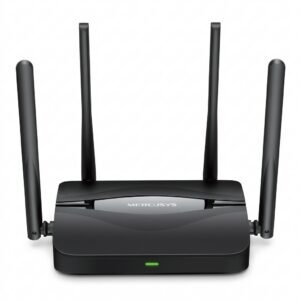
Mercusys BE3600 Dual Band Wi-Fi 7 Router MR25BE
USAMS Iphone 11 Pro Metal Camera Lens Glass Film
Belkin F2CU012bt Mixit Cable Usb A to Micro 3mtr
New Arrivals
Offers
Service & Repair


There are no reviews yet.