Here’s a step-by-step guide for setting up the EnGenius EDS1130 Smart Camera:
1. **Unboxing and Preparation**: Start by unboxing the EnGenius EDS1130 Smart Camera and its accessories. Ensure you have all the components, including the camera, power adapter, mounting bracket, and screws.
2. **Placement**: Select an optimal location for mounting the camera, ensuring it has a clear view of the area you want to monitor. Use the mounting bracket and screws to securely install the camera on a wall or ceiling. The camera can be used indoors or outdoors depending on your surveillance needs.
3. **Power Connection**: Connect the camera to a power source using the provided power adapter. Make sure the power source is stable and reliable to avoid interruptions in surveillance.
4. **Network Connection**: Use the EnGenius EnViewer app to connect the camera to your Wi-Fi network. Follow the app’s instructions to add the camera to your account and complete the setup process. Make sure to input your Wi-Fi credentials correctly.
5. **Configuration and Monitoring**: Once the camera is connected, customize its settings according to your preferences using the EnViewer app. Adjust features such as motion detection sensitivity, video quality, and recording schedules. You can then monitor live video feeds, receive motion detection alerts, and playback recorded footage remotely via the app, providing you with peace of mind and enhanced security for your property.
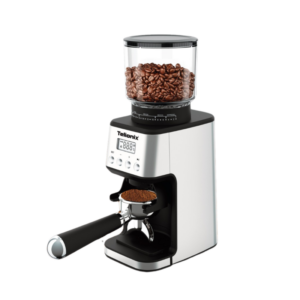
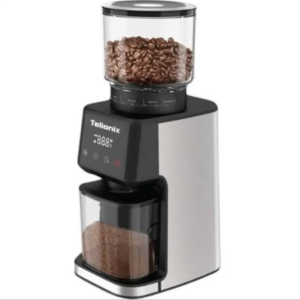
Telionix Coffee Grinder TCG4151
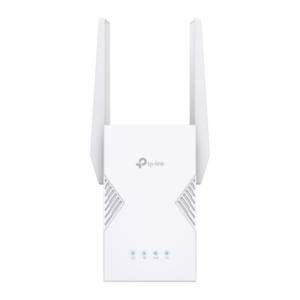
TP-Link Wi-Fi 7 Range Extender RE225BE
Telionix Coffee Grinder TCG4150
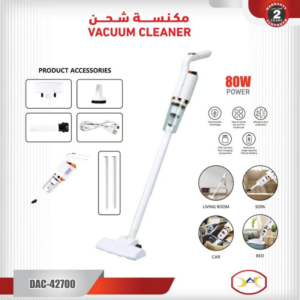
Dlc Vacuum Cleaner DAC 42700 80W
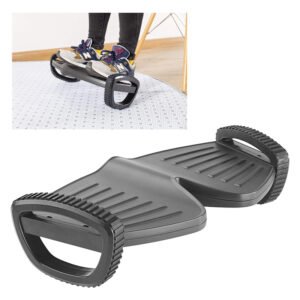
Newstar Foot Rocker Footrest 91 FR02
DUDAO AUX 3.5 mm Cable Connector
Dell Laptop Charger 19v A grade without power cable
New Arrivals
Offers
Service & Repair

There are no reviews yet.