
-
×
 CPT 73331 1-24 Chrysles Metal Car
1 × 7.800 OMR
CPT 73331 1-24 Chrysles Metal Car
1 × 7.800 OMR -
×
 Bm 13k Bee Melodica
1 × 5.900 OMR
Bm 13k Bee Melodica
1 × 5.900 OMR
Subtotal: 13.700 OMR
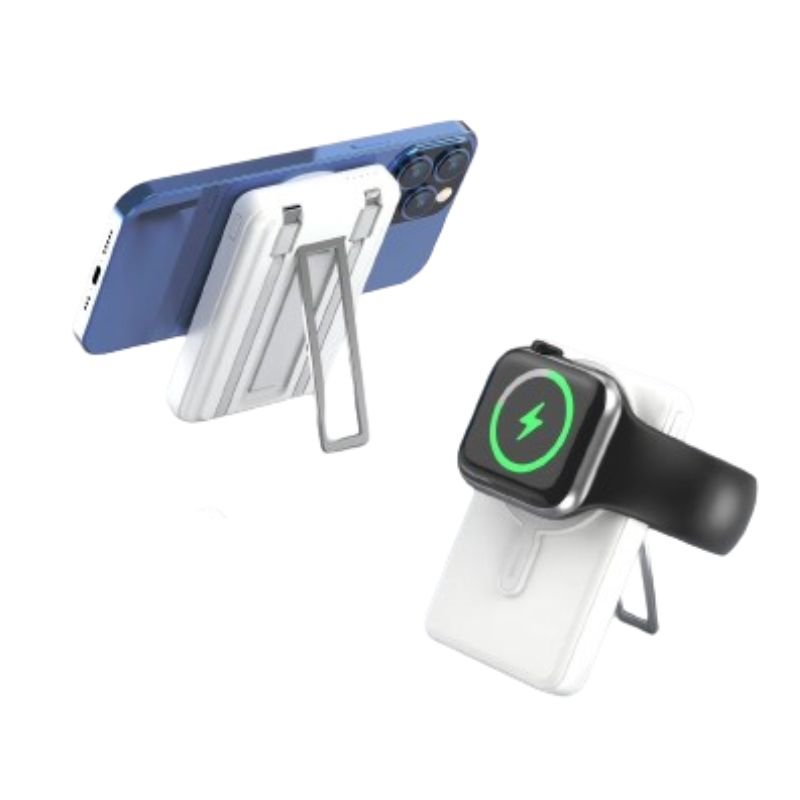
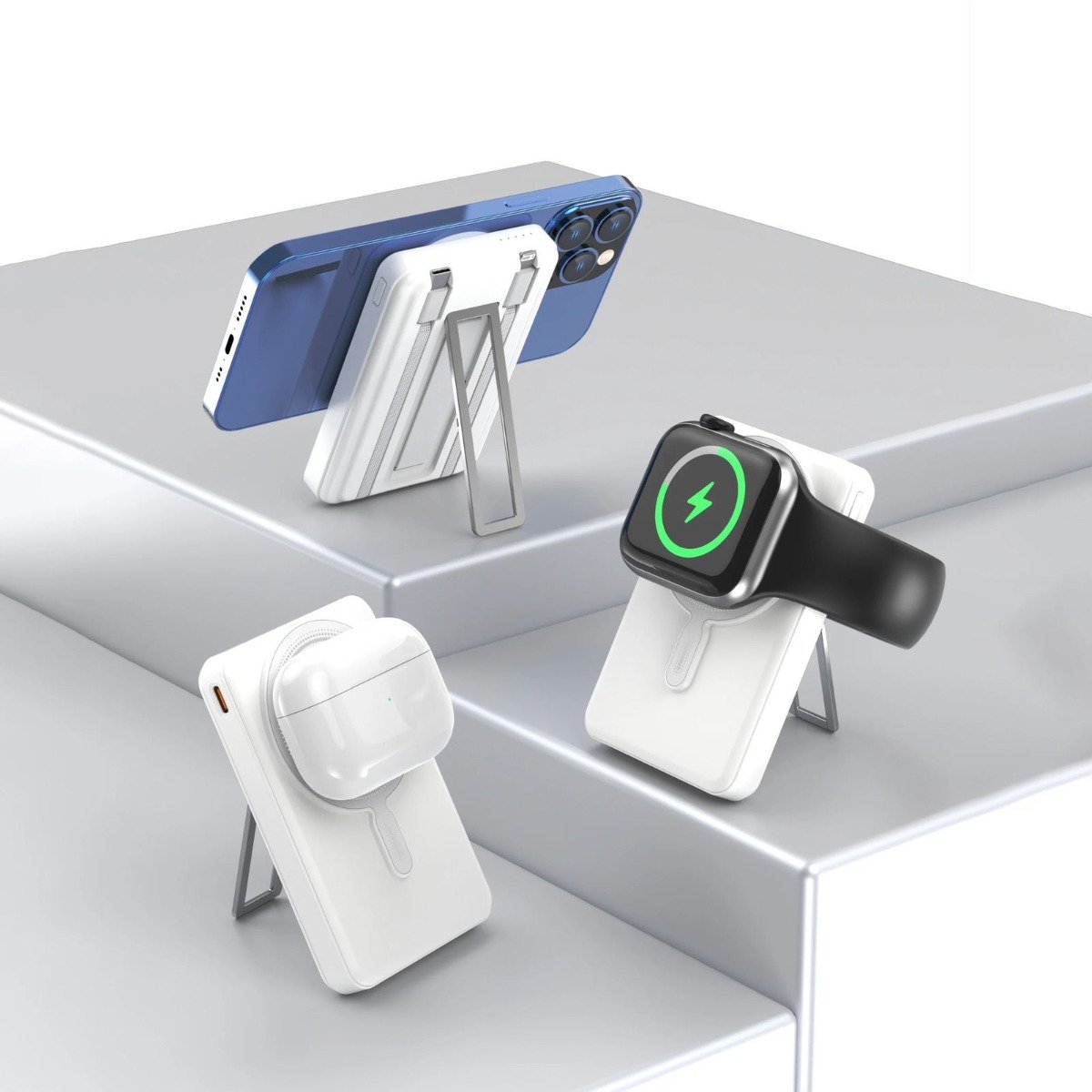
SKU: DigitPlus DP-W22 5in1 30W 10000mAh Wireless PowerBank
Out of stock
The DigitPlus DP-W22 5-in-1 30W 10,000mAh Wireless Power Bank is a versatile and powerful charging solution for your mobile devices. With its compact design, it combines the functionality of a power bank with wireless charging capabilities. Equipped with a 10,000mAh battery capacity, it offers ample power to charge your devices multiple times. Its 5-in-1 design includes wireless charging, USB-A, USB-C, micro USB, and Lightning ports, providing compatibility with a wide range of devices. Whether you’re on the go or traveling, this power bank ensures you stay connected and powered up wherever you are.
Out of stock
1. **Charge the Power Bank**: Start by charging the DigitPlus DP-W22 5-in-1 Wireless Power Bank using the provided charging cable. Plug one end of the cable into the Micro USB or USB-C input port on the power bank, and connect the other end to a power source such as a wall adapter or USB port on your computer. Allow the power bank to charge until the indicator lights show that it is fully charged.
2. **Activate Wireless Charging**: If you plan to use the wireless charging feature, ensure that it is activated. Some power banks require you to press a button or switch to enable wireless charging mode. Refer to the user manual for instructions specific to the DP-W22 model.
3. **Place Your Device on the Power Bank**: For wireless charging, simply place your Qi-enabled device (such as a smartphone) on top of the power bank’s wireless charging pad. Ensure that the device is properly aligned with the charging pad for efficient charging.
4. **Connect Devices via Cable**: If you prefer to charge your devices via cable, use one of the available ports on the power bank. The DP-W22 typically offers USB-A, USB-C, micro USB, and Lightning ports for charging various devices. Plug one end of the charging cable into the appropriate port on the power bank and the other end into your device.
5. **Monitor Charging**: Once your device is connected or placed on the wireless charging pad, monitor the charging progress. You can check the battery level of your device or the indicator lights on the power bank to ensure that charging is underway. If necessary, adjust the position of your device or cable to ensure a stable connection.
 New Arrivals
 Offers
 Service & Repair

There are no reviews yet.