
-
×
 Cle Usb Fridge
1 × 5.900 OMR
Cle Usb Fridge
1 × 5.900 OMR
Subtotal: 5.900 OMR
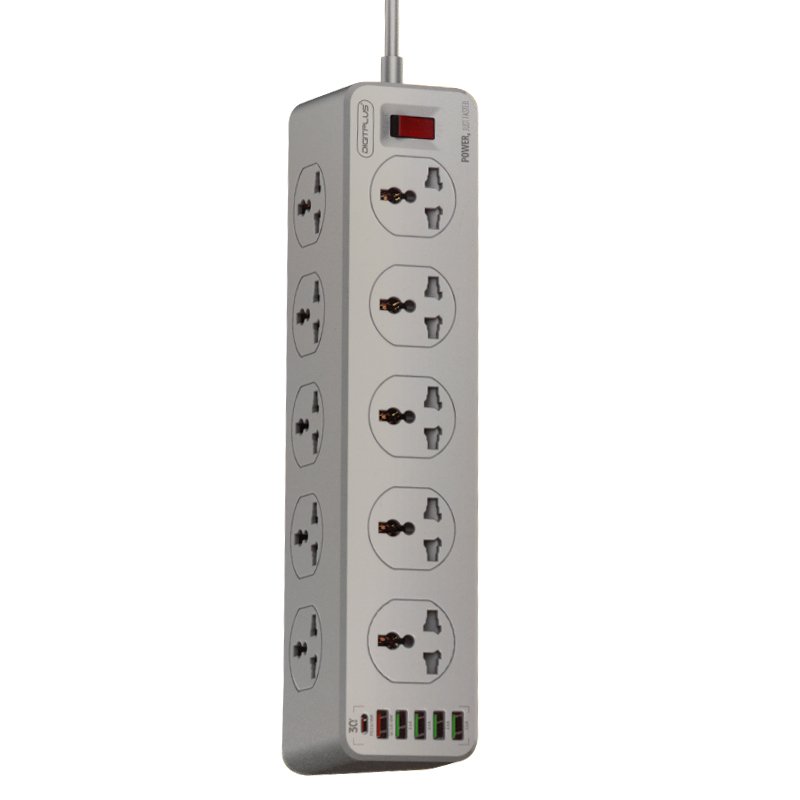
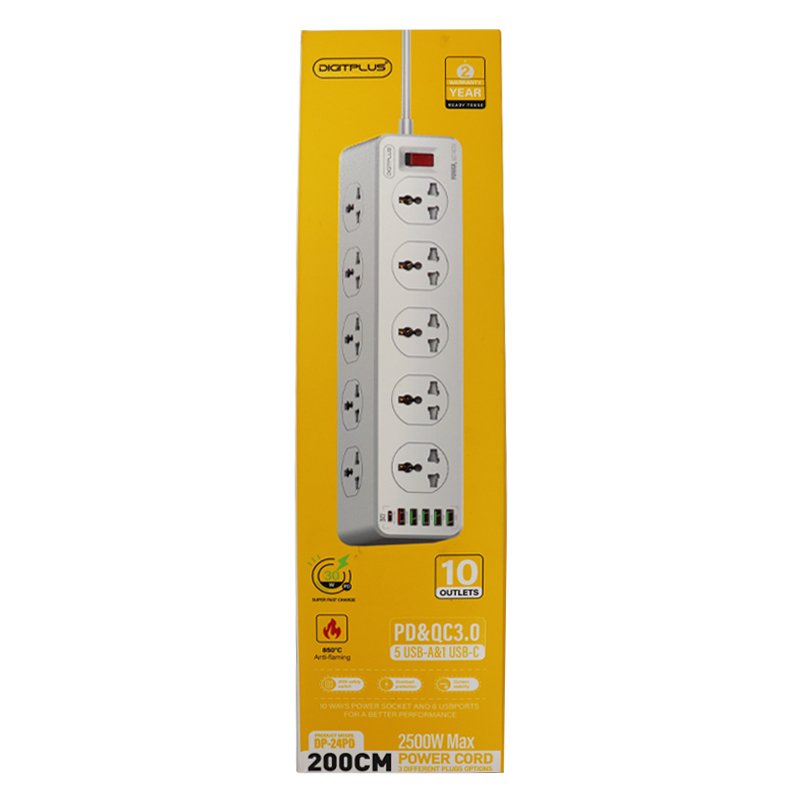
SKU: DIGITPLUS DP-24PD 30W PD
Out of stock
The DIGITPLUS DP-24PD is a versatile power solution featuring 6 USB ports and 10 power sockets, ideal for charging multiple devices simultaneously. With a 30W Power Delivery (PD) capability, it efficiently charges PD-enabled devices. The compact design ensures space-saving convenience, while the ample ports and sockets cater to various charging needs. Whether at home, the office, or during travel, the DIGITPLUS DP-24PD offers a reliable and efficient power solution for all your devices.
Out of stock
1. **Placement**: Choose a suitable location to place the DIGITPLUS DP-24PD where it’s easily accessible and within reach of the devices you want to charge. Ensure it’s placed on a stable surface and near a power outlet.
2. **Power Connection**: Plug the DIGITPLUS DP-24PD into a standard power outlet using the provided power cord. Make sure the outlet can handle the power requirements of the devices you intend to charge.
3. **USB Device Connection**: Identify the devices you want to charge and connect them to the USB ports on the DIGITPLUS DP-24PD. It features 6 USB ports, allowing you to charge multiple devices simultaneously. Ensure that the devices are compatible with USB charging and use appropriate cables for connection.
4. **Power Socket Usage**: Utilize the 10 power sockets on the DIGITPLUS DP-24PD to power additional electronic devices that are not USB-compatible. Plug in devices such as laptops, printers, lamps, or any other electronic gadgets requiring a standard power socket.
5. **Charging and Powering**: Once all devices are connected, turn on the DIGITPLUS DP-24PD using any available power switches or buttons. The power delivery (PD) feature ensures efficient charging for PD-enabled devices, delivering up to 30W of power. Monitor the charging status of your devices and ensure they are receiving power effectively from both the USB ports and power sockets.
With these five steps, you can effectively utilize the DIGITPLUS DP-24PD 30W PD 6 USB PORT 10 WAYS POWER SOCKET to charge multiple devices and power various electronics simultaneously, providing a convenient and efficient power solution for your needs.
 New Arrivals
 Offers
 Service & Repair

There are no reviews yet.