1. **Physical Inspection**: Begin by visually inspecting the Dell Latitude 7470 used laptop for any signs of wear and tear, such as scratches, dents, or scuffs on the exterior casing and screen. Check the keyboard and trackpad for any signs of damage or excessive wear.
2. **Power On**: Press the power button to boot up the laptop. Take note of the boot time and any unusual noises coming from the internal components, which may indicate potential issues.
3. **Operating System Check**: Once powered on, ensure that the laptop successfully loads into the operating system. Check for any software errors, such as system crashes or freezing, that may indicate underlying issues with the software installation.
4. **Performance Test**: Open several applications or programs simultaneously to test the laptop’s performance and responsiveness. Evaluate how smoothly the laptop handles multitasking and if there are any noticeable delays or slowdowns.
5. **Connectivity Check**: Test the various connectivity options of the Dell Latitude 7470, including Wi-Fi, Bluetooth, USB ports, and audio jacks. Ensure that all ports are functioning properly and that the laptop can connect to external devices without any issues. Additionally, verify the battery life and charging capability to ensure it meets your expectations for portable use.
Cleo-TY Metal Pickup Blue 79388 1-24 Ford
BBurago Metal Car Ferrari 296 GTB Size 1.18 18-16018
WAHL HOME PRO 300 SERIES HAIRCUT KIT
BK-20 OUD OIL BUKHOOR BURNER
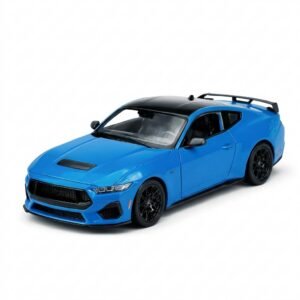
Welly Metal Car Ford Mustang GT Size 1.24 WL-24123W
Ariete Café Retro Expresso Coffee Machine 1388A
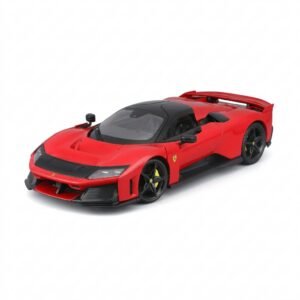
BBurago Metal Car Ferrari F80 Size 1.18 18-16022
Telionix Electric Air Fryer 9L TAF4424
Philips OneBlade 360 Shaver QP2734/23
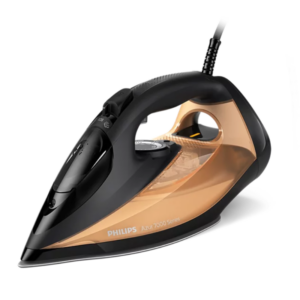
Philips Azur Series 7000 Steam Iron DST7040/86 2800W
Cleo-TY Building Block Car MB017
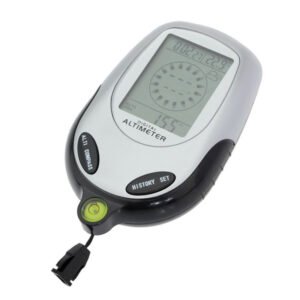
Multifunctional Digital Altimeter
OMNIKEY 3121 CARD READER
New Arrivals
Offers
Service & Repair


There are no reviews yet.