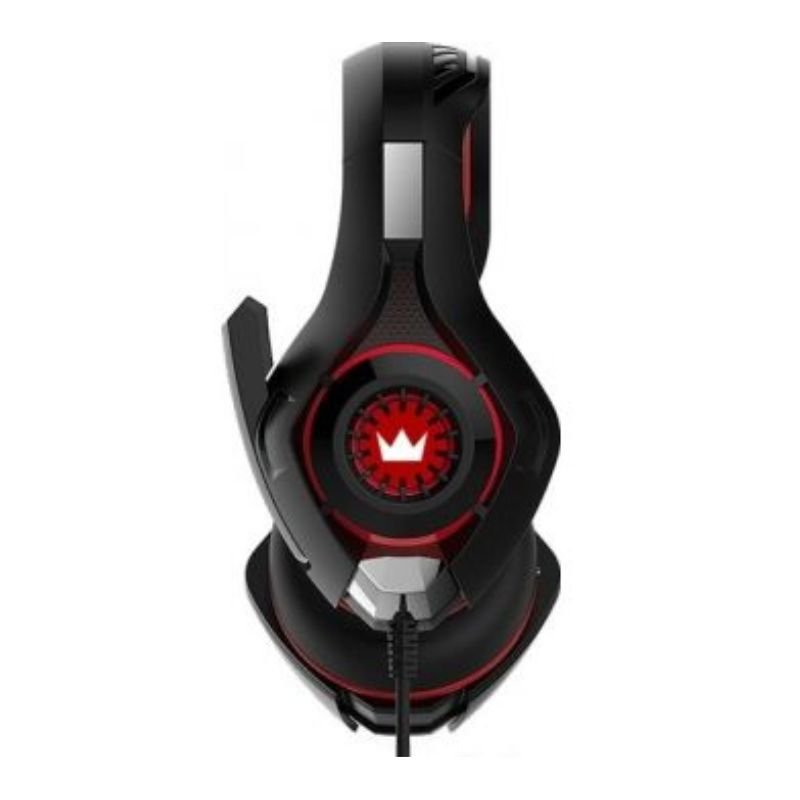
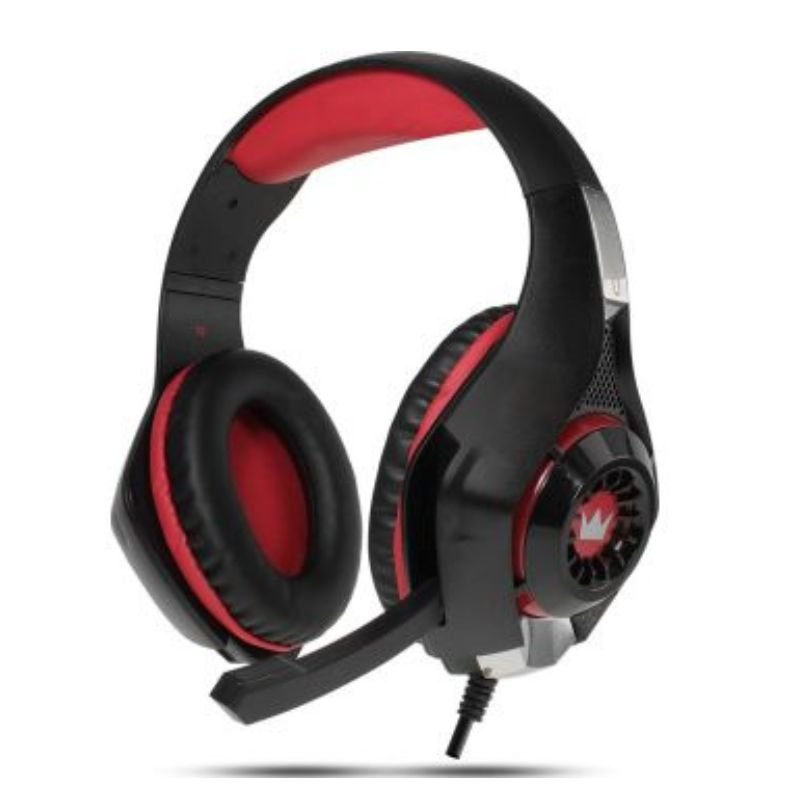
1. **Unboxing**: Begin by carefully unboxing the CPT Gaming Headphone FX-02 Pro Gaming Headset. Remove all packaging materials and set them aside.
2. **Inspect Contents**: Check the box contents to ensure everything is included as advertised. You should find the gaming headset, detachable microphone, user manual, and any additional cables or accessories.
3. **Assemble the Headset**: If the microphone is detachable, attach it to the headset according to the instructions provided in the manual. Ensure it’s securely connected.
4. **Connect to Device**: Depending on the device you’re using (PC, gaming console, mobile device), connect the gaming headset accordingly. For PCs and gaming consoles, typically, you’ll use the headphone and microphone jacks or USB ports. For mobile devices, use the headphone jack or a compatible adapter.
5. **Adjust Headband and Ear Cups**: Adjust the headband and ear cups to ensure a comfortable fit. The headband should rest comfortably on your head, and the ear cups should cover your ears fully without causing discomfort.
6. **Microphone Positioning**: Position the microphone close to your mouth for clear communication during gaming sessions. Adjust the microphone arm as needed to achieve the desired position.
7. **Volume and Mic Controls**: Familiarize yourself with any volume and microphone controls on the headset. Some models have built-in volume controls or mute buttons for convenient adjustments during gameplay.
8. **Driver Installation (if applicable)**: For PCs, you may need to install drivers or software provided by CPT Gaming to optimize the headset’s performance. Follow the instructions in the manual or provided software for installation.
9. **Testing**: Test the headset to ensure both audio output and microphone input are functioning correctly. Play some audio or launch a game to test the sound quality, and use voice chat or recording software to test the microphone.
10. **Customization (if available)**: Some gaming headsets come with customizable features such as RGB lighting or sound profiles. Explore any customization options provided by CPT Gaming to personalize your gaming experience.
11. **Usage Tips**: Follow any usage tips provided in the user manual to prolong the lifespan of your gaming headset. Avoid excessive pulling or bending of cables, and store the headset in a safe place when not in use.
12. **Enjoy Gaming**: With your CPT Gaming Headphone FX-02 Pro Gaming Headset set up and ready to go, immerse yourself in your favorite games with high-quality audio and clear communication with your teammates.
ROCK W24 Double side Quick CHARGER
Logitech Driving Force Shifter for G29/G920 941-000130
DOBE PS4 TP4 023B Charging STAND
BBurago Metal Car Ferrari 296 GTB Size 1.18 18-16018
Nintendo Switch Mario Kart Live Home Circuit
Boya By Wm8 Pro K2 Uhf Dual Channel Wireless Microphone
Used NOKIA E90
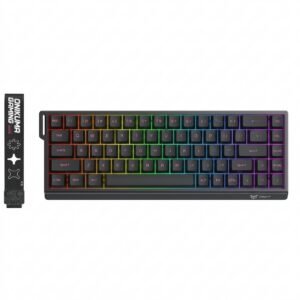
Onikuma Gaming Keyboard MT603
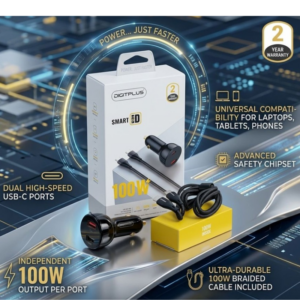
DigitPlus Car Charger 100w CC-DP-C101
Philips 1000 Series Body Groomer BG1025/15
Philips OneBlade 360 Shaver QP2734/23
Google Fitbit Edge Fitness & Health Tracking Smart Band Black
Samsung Adaptor Galaxy PD EP TA4510 45w
Yamaha Eg112gpiibl Gigmaker Guitar With Amplifier Set
SONY PS4 CD DOOM
Kalimba 17 Keys Finger Piano
Maisto Metal Car Porsche 911 GT3 Size 1.18 36458
Hot Wheels Deutschland Design
SONY PS4 Rock of Ages 3 Game CD
Atouch Led Mini Game Box Keychain
MAXPOWER LPE-8 Battery Charger
OCULUS QUEST2 USB3 TYPE-C 5M LINK CABLE
DOBE PS4 TP4 016 Mobile Phone CLAMP
Apple Ipad Pro 12.9" 4th Gen Smart Keyboard Folio
New Arrivals
Offers
Service & Repair


There are no reviews yet.