
 New Arrivals
 Offers
 Service & Repair


Cleo-El G96 Mini 8K Hd Ultra Set-top Tv Box
SKU:
Out of stock
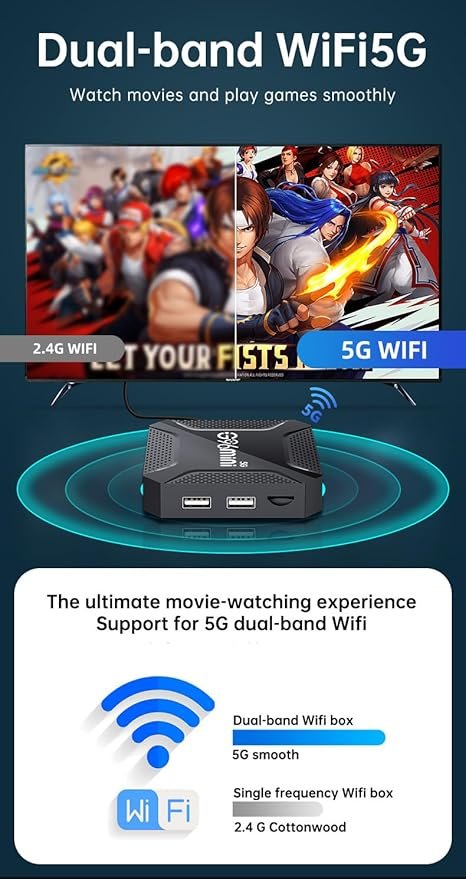
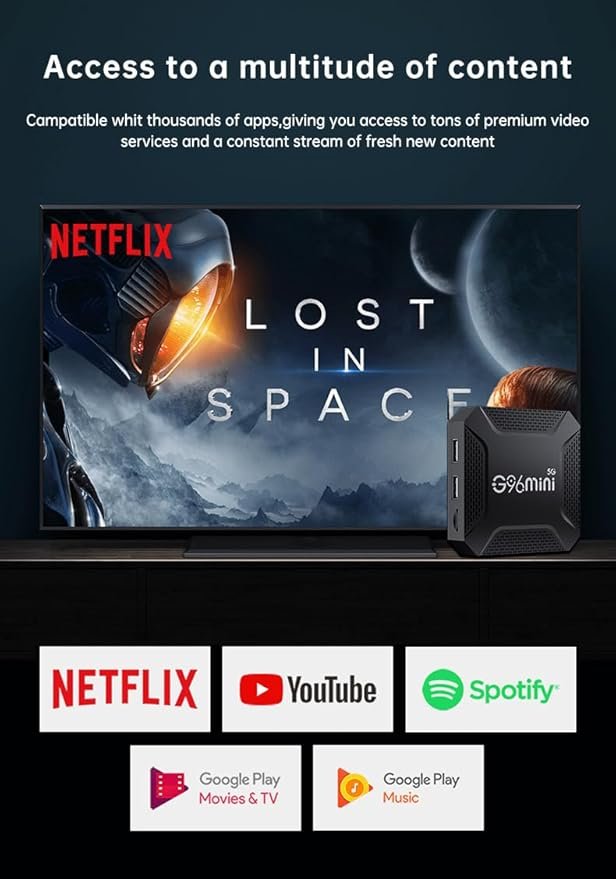
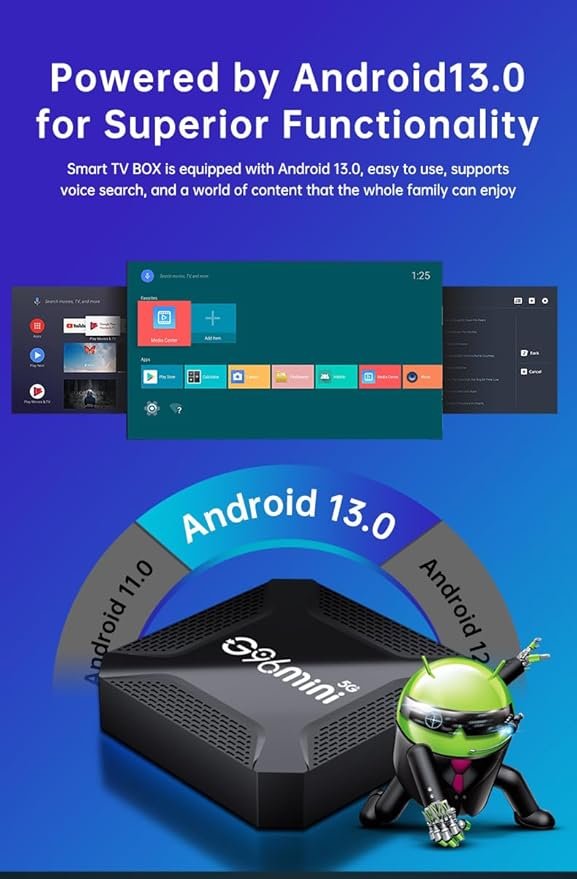
The Cleo-EL G96 Mini is a compact and powerful Android TV box that brings 8K Ultra HD streaming to your television. Equipped with Android 13.0, it supports dual-band Wi-Fi (2.4GHz/5GHz) for seamless connectivity. The device features a quad-core processor, ensuring smooth performance for streaming, gaming, and multitasking. With 4GB RAM and 64GB ROM, it offers ample storage for apps and media content. The G96 Mini is compatible with a wide range of applications, providing access to various streaming services and entertainment options. Its compact design and easy setup make it an excellent choice for upgrading your home entertainment system.
Out of stock
-
Unbox the Device
Inside the box, you’ll find the G96 Mini TV Box, power adapter, HDMI cable, remote control, and user manual. -
Connect to Your TV
Use the HDMI cable to connect the G96 Mini to your television’s HDMI port. -
Power On the Device
Plug in the power adapter and turn on the TV box using the remote or power button. -
Initial Setup
Select your preferred language, connect to Wi-Fi (2.4GHz or 5GHz), and complete the basic Android 13.0 setup. -
Home Screen Navigation
Access the clean Android interface with shortcuts to apps, settings, and multimedia functions. -
Install Your Favorite Apps
Use the built-in app store or Google Play Store to download streaming services like Netflix, YouTube, or IPTV apps. -
Stream in Stunning 8K
Enjoy ultra-high-definition 8K video playback with smooth performance powered by the quad-core processor and 4GB RAM. -
Customize Your Experience
Organize your apps, change display settings, connect Bluetooth devices, and adjust audio/video preferences to match your setup. -
Stay Connected
Use dual-band Wi-Fi or Ethernet for stable internet access. You can also expand storage with a USB drive or microSD card. -
Enjoy Seamless Entertainment
Whether streaming, gaming, or browsing, the G96 Mini offers a fast, responsive, and rich viewing experience.
There are no reviews yet.