
-
×
 Bm 13k Bee Melodica
1 × 5.900 OMR
-
×
 Candc DC C9 Cardioid Microphone
1 × 3.500 OMR
Subtotal: 9.400 OMR

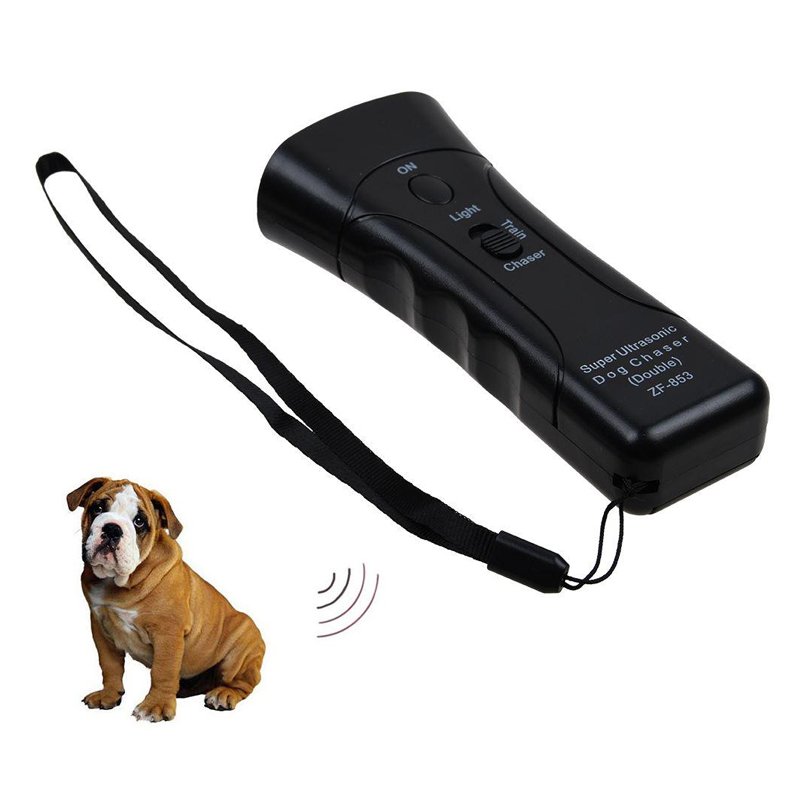
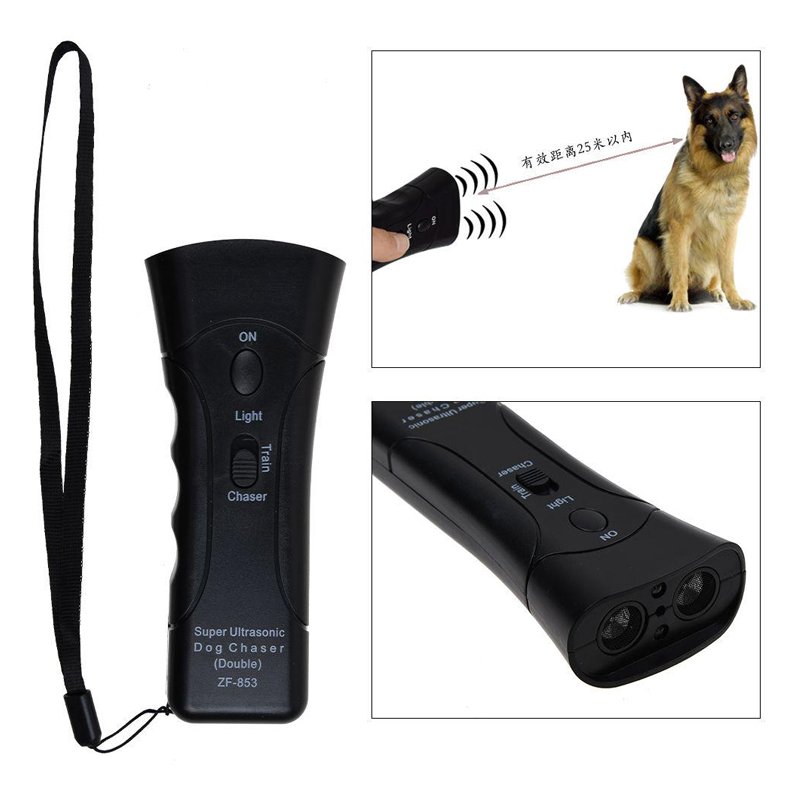
SKU: CHANFONG ULTRASONIC DOG CHASER ZF 853E
Out of stock
*EASY to carry in your pocket or take it on your hand (with hanging string)., *In normal situation, it can be used as a normal flashlight to illuminate at night., *Specifications:Body Material:ABS, *Size: 13.5cmx6cm, *Color:Black, *Frequency:35-45KHZ, *Battery Type:9V Alkaline Battery(Not Included)
Out of stock
1. **Power On**: Locate the power button on the Chanfong Ultrasonic Dog Chaser ZF 853E, typically situated on one side or at the top of the device. Press and hold the power button for a few seconds until you see a light indicator or hear a beep, indicating that the device is powered on.
2. **Adjust Settings**: The ZF 853E usually comes with adjustable settings to cater to various situations. Look for the control panel or buttons on the device’s body. Here, you can typically adjust the frequency and volume of the ultrasonic sound emitted by the device. Choose the settings that best suit your needs and the environment you’re in.
3. **Aim and Activate**: Once the device is powered on and settings are adjusted, aim the ZF 853E towards the direction of the dog or dogs you want to deter. Ensure that there are no obstacles obstructing the device’s path to the target. Press the activation button or trigger mechanism to emit the ultrasonic sound.
4. **Monitor Effectiveness**: Observe the reaction of the dog(s) to the ultrasonic sound. Most dogs will react by either stopping in their tracks, retreating, or showing signs of discomfort due to the high-frequency sound. Keep an eye on the dog(s) to ensure they are deterred effectively.
5. **Power Off**: Once you’ve achieved your desired outcome or no longer need the device, power it off to conserve battery life. Press and hold the power button again until the indicator light turns off or you hear another beep, signaling that the device is powered down.
Remember to read the user manual that comes with the Chanfong Ultrasonic Dog Chaser ZF 853E for specific instructions and safety precautions.
– GAMERS’ GOOD NEWS: Say goodbye to the painful control on your smart phone.
– LARGE CAPACITY:Maximum support of 6-inch mobile phone.
– 2 in 1 holder: With an OTG cable you can enjoy your game with PS4 controller and it can be a smart mount itself.
– R
 New Arrivals
 Offers
 Service & Repair


There are no reviews yet.