
-
×
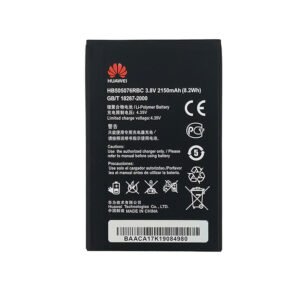 HUAWEI Y3ii hb505076rbc BATTERY
1 × 5.500 OMR
HUAWEI Y3ii hb505076rbc BATTERY
1 × 5.500 OMR -
×
 OMNIKEY 3121 CARD READER
1 × 7.900 OMR
OMNIKEY 3121 CARD READER
1 × 7.900 OMR
Subtotal: 13.400 OMR

SKU: FX-991-MS-
In stock
“Equation solver
integration and differentiation
Multi replay function
40 scientific constant and metric conversions
Fraction calculations
Matrix and vector caculations
Permutation and combination
Complex number calculation
Statistical calculation”
6.800 OMR
In stock
1. **Power On/Off**: Press the “ON” button to power on the calculator. To turn it off, press the “SHIFT” button followed by the “AC” button.
2. **Numeric Entry and Operations**: Use the keypad to input numbers and perform mathematical operations. The FX-991MS supports basic arithmetic operations such as addition (+), subtraction (-), multiplication (×), and division (÷). Input the numbers followed by the desired operation, then press the “=” button to display the result.
3. **Scientific Functions**: Access scientific functions by pressing the corresponding buttons on the calculator. These functions include trigonometric functions like sine (sin), cosine (cos), tangent (tan), logarithms (log), exponentials (exp), and more. Use the “SHIFT” button to access secondary functions printed above each key.
4. **Clearing**: Correct errors or clear the display using the “DEL” key to delete the last entry or the “SHIFT” key followed by the “AC” key to clear the entire display.
5. **Memory Functions**: Utilize memory functions to store and recall numbers. Press “STO” to store a number in memory, “RCL” to recall it, and “CLR” to clear the memory.
 New Arrivals
 Offers
 Service & Repair


There are no reviews yet.