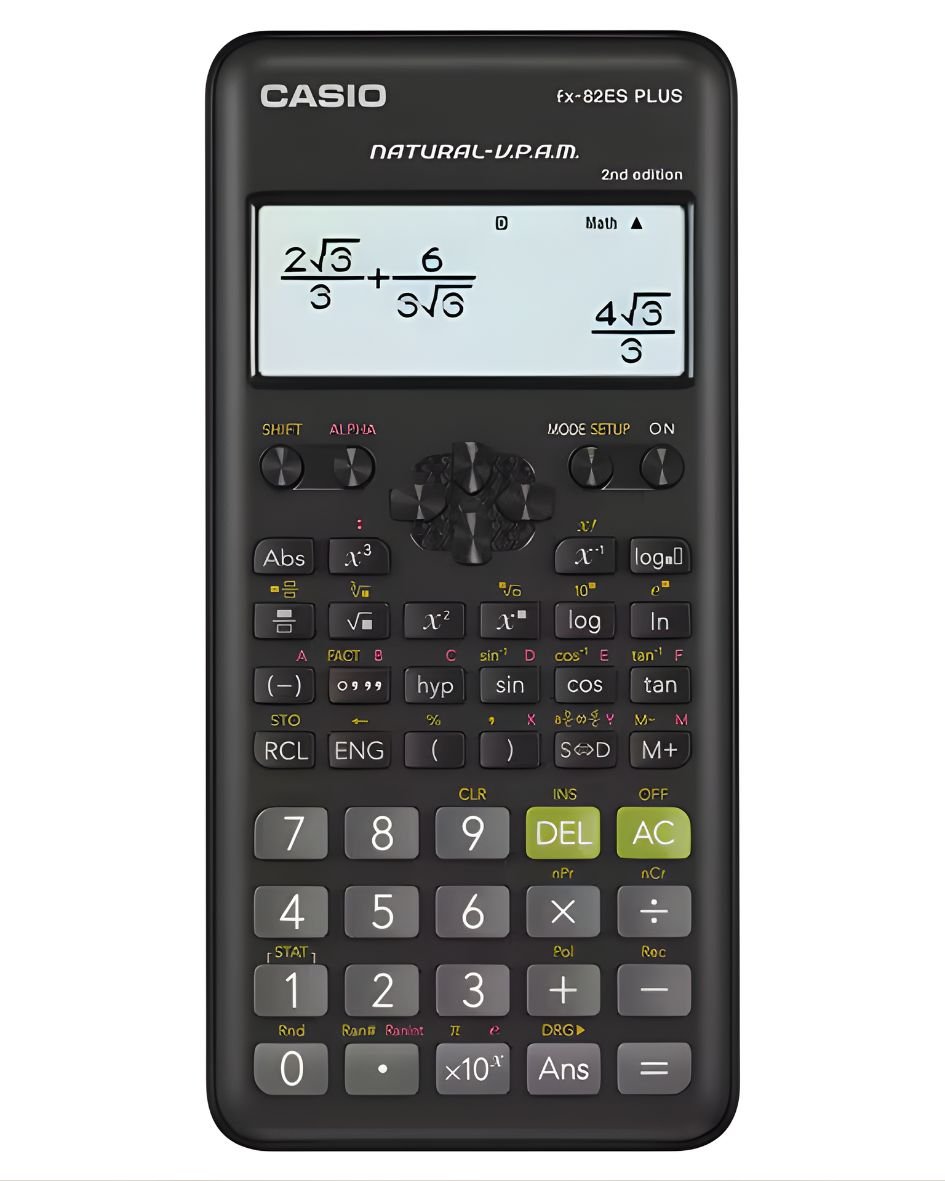
1. **Power On/Off**: To turn on the calculator, press the “ON” button. Conversely, press the “SHIFT” button followed by the “AC” button to power off the device.
2. **Numeric Entry and Operations**: Use the keypad to input numbers and perform mathematical operations. The FX 82ES Plus supports basic arithmetic operations such as addition (+), subtraction (-), multiplication (×), and division (÷). Input the numbers followed by the desired operation, then press the “=” button to display the result.
3. **Scientific Functions**: Access scientific functions by pressing the corresponding buttons on the calculator. These functions include trigonometric functions like sine (sin), cosine (cos), tangent (tan), logarithms (log), exponentials (exp), and more. Use the “SHIFT” button to access secondary functions printed above each key.
4. **Clearing**: Correct errors or clear the display using the “DEL” key to delete the last entry or the “SHIFT” key followed by the “CLR” key to clear the entire display.
5. **Memory Functions**: Utilize memory functions to store and recall numbers. Press “STO” to store a number in memory, “RCL” to recall it, and “CLR” to clear the memory.
By following these steps, you can efficiently perform a variety of calculations and utilize the advanced scientific functions available on the Casio FX 82ES Plus Scientific Calculator.

 Dell Laptop Charger 19v A grade without power cable
1 × 15.000 OMR
Dell Laptop Charger 19v A grade without power cable
1 × 15.000 OMR  Logitech Stereo Headset H390 Usb Connector
1 × 10.200 OMR
Logitech Stereo Headset H390 Usb Connector
1 × 10.200 OMR  Sony PS4 Crash (includes 3 Games) Cd
1 × 12.900 OMR
Sony PS4 Crash (includes 3 Games) Cd
1 × 12.900 OMR  L-1 Professional Streaming Player Stand
1 × 13.900 OMR
L-1 Professional Streaming Player Stand
1 × 13.900 OMR  Samsung Microwave Oven MS20A3010AH 20LTR
1 × 24.900 OMR
Samsung Microwave Oven MS20A3010AH 20LTR
1 × 24.900 OMR  Bm 13k Bee Melodica
1 × 5.900 OMR
Bm 13k Bee Melodica
1 × 5.900 OMR  New Arrivals
 Offers
 Service & Repair



There are no reviews yet.