1. **Power On/Off**: Locate the power switch or button on the calculator and press it to turn on the device. To power off the calculator, press the power switch again.
2. **Numeric Entry and Calculation**: Use the keypad to enter numbers and perform calculations. The calculator supports basic arithmetic operations such as addition (+), subtraction (-), multiplication (×), and division (÷). Enter the numbers followed by the desired operation, then press the “=” button to display the result on the screen.
3. **Paper Roll Installation**: Open the paper compartment of the calculator and insert a roll of paper. Ensure that the paper roll is properly aligned and positioned for smooth operation. Close the paper compartment securely once the paper is loaded.
4. **Printing Functions**: Utilize the printing function to print out calculation results. After performing a calculation, press the “PRINT” button to print the result on the paper roll. The calculator may also have additional printing options such as date/time printing and decimal point settings, which can be adjusted according to your preferences.
5. **Maintenance**: Regularly check the paper roll to ensure that it is not running low. Replace the paper roll when necessary to avoid interruptions during calculations. Additionally, clean the calculator and keypad as needed to keep it free from dust and debris, ensuring optimal performance.
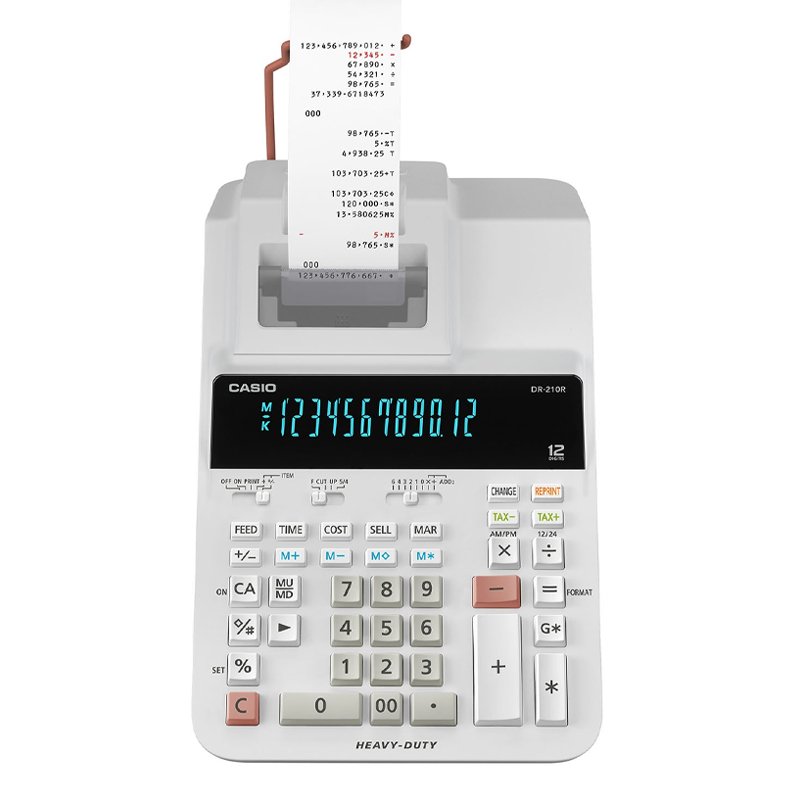
By following these steps, you can effectively use the Casio DR-210R WE Heavy Duty 12-Digit Printer Calculator for a variety of mathematical calculations and printing tasks.
BBurago Metal Car Ferrari 296 GTB Size 1.18 18-16018
Cpt Guitar 3713c
Hot Wheels Deutschland Design
Redmi M2523 Smart Watch 6 Silver Gray
ROCK W24 Double side Quick CHARGER
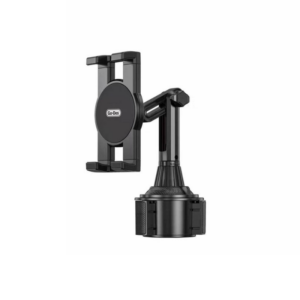
Go-des GD HD313 Car Cup Tablet Holder
Boya Lavalier Microphone By M40d
Sony PS4 Spider Man Game CD
OTVO P4 USB DATA CABLE (For P4 Host & Handle)
OMNIKEY 3121 CARD READER
Candc DC C9 Cardioid Microphone
OCULUS QUEST2 ELITE STRAP with BATTERY and CARRYING CASE
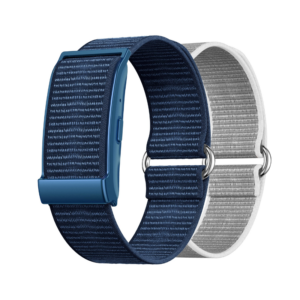
Cleo-MA Smart Bracelet X6 NGB
Nintendo Switch Oled 64GB Console White
Cleo Plastic Recorder
YH 31 PS4 2 in 1 Charging Heat Sink
DOBE PS4 TP4 023B Charging STAND
New Arrivals
Offers
Service & Repair

There are no reviews yet.