
-
×
 CANON PIXMA 510 BLACK CARTRIDGE
1 × 8.000 OMR
CANON PIXMA 510 BLACK CARTRIDGE
1 × 8.000 OMR
Subtotal: 8.000 OMR
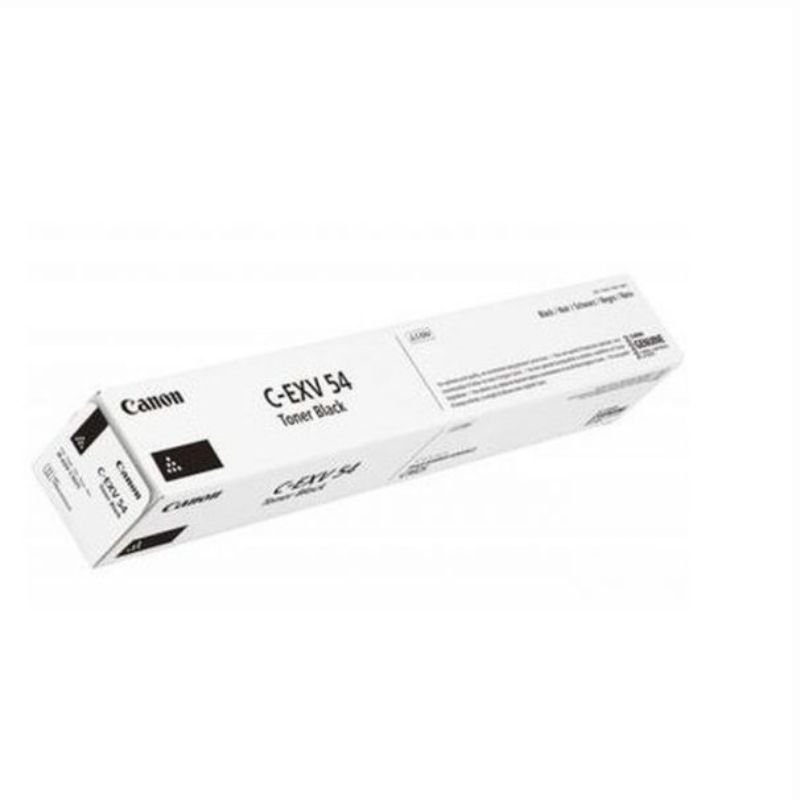
SKU: 03070204000093
In stock
The CANON Cartridge C EXV54 in black is a high-quality toner cartridge designed for Canon printers. It delivers sharp and crisp black prints, making it ideal for professional documents and everyday printing needs. With its easy installation and reliable performance, this genuine Canon cartridge ensures consistent output and smooth operation throughout its lifespan. It is compatible with select Canon imageRUNNER ADVANCE printers, offering excellent value and print quality for office and home environments.
29.900 OMR
In stock
1. **Unboxing**: Carefully open the packaging of the CANON Cartridge C EXV54 Black Toner. Ensure all contents are present and undamaged.
2. **Printer Preparation**:
– Power off your Canon printer and wait for it to cool down.
– Open the printer’s cover or access panel to reveal the toner cartridge compartment.
3. **Removal of Old Cartridge**:
– Locate the old toner cartridge inside the printer.
– Carefully remove the old cartridge by pulling it straight out of the printer.
4. **Preparation of New Cartridge**:
– Take the new CANON Cartridge C EXV54 Black Toner out of its packaging.
– Gently rock the cartridge from side to side a few times to evenly distribute the toner inside.
5. **Installation of New Cartridge**:
– Hold the new toner cartridge horizontally and align it with the guides inside the printer’s cartridge compartment.
– Slide the cartridge into the printer until it clicks securely into place.
6. **Closing Printer Cover**:
– Close the printer’s cover or access panel securely.
7. **Powering On Printer**:
– Power on the Canon printer.
8. **Test Print**:
– Print a test page to ensure that the new toner cartridge is installed correctly and that the printer is functioning properly.
– Follow the printer’s instructions for printing a test page, which may vary depending on the model.
9. **Discarding Old Cartridge**:
– Safely dispose of the old toner cartridge according to local regulations or return it to Canon for recycling, if applicable.
Following these steps ensures a smooth and successful installation of the CANON Cartridge C EXV54 Black Toner, allowing you to continue printing high-quality documents with your Canon printer.
 New Arrivals
 Offers
 Service & Repair


There are no reviews yet.