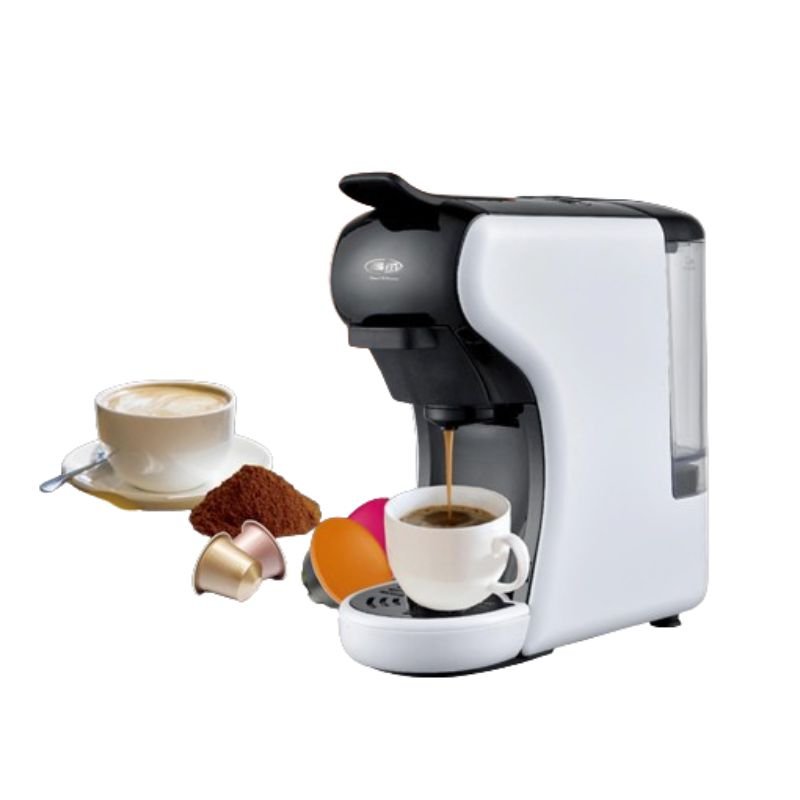
1. **Setup**: Unbox the BM Satellite BM-143 and place it on a stable surface near a power outlet. Ensure the water tank is filled with fresh water and the capsule holder is empty.
2. **Insert Capsule**: Lift the lever or open the capsule holder, depending on the model. Insert your chosen coffee capsule into the designated slot, ensuring it is placed securely.
3. **Select Size and Strength**: Depending on your preference, adjust the settings for cup size and coffee strength using the buttons or dials on the machine. This allows you to customize your coffee to your liking.
4. **Brew Coffee**: Close the capsule holder or lower the lever to secure the capsule in place. Press the start button to begin the brewing process. The machine will extract the coffee from the capsule and dispense it into your cup.
5. **Cleanup**: Once brewing is complete, remove the used coffee capsule and discard it. Rinse the capsule holder and drip tray with water and mild detergent to remove any coffee residue. Empty and rinse the water tank regularly to keep the machine clean and functioning optimally.
With these five simple steps, you can enjoy freshly brewed coffee using the BM Satellite BM-143 3 in 1 Multi Capsule Coffee Machine.

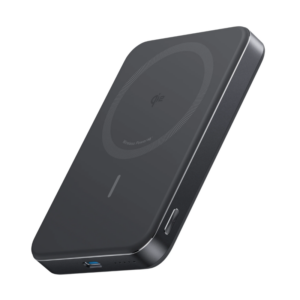 Anker A1664 MagGo Ultra-Slim 10000mAh Qi2 Certified 15W Power Bank
1 × 19.900 OMR
Anker A1664 MagGo Ultra-Slim 10000mAh Qi2 Certified 15W Power Bank
1 × 19.900 OMR  Apple Ipad Pro 12.9" 4th Gen Smart Keyboard Folio
1 × 94.900 OMR
Apple Ipad Pro 12.9" 4th Gen Smart Keyboard Folio
1 × 94.900 OMR  New Arrivals
 Offers
 Service & Repair


There are no reviews yet.