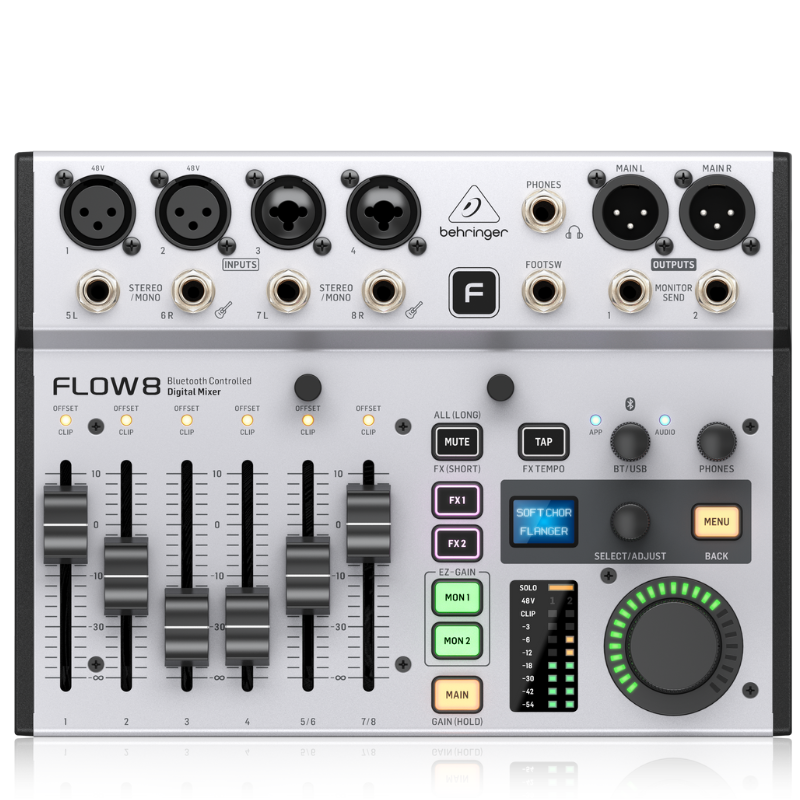
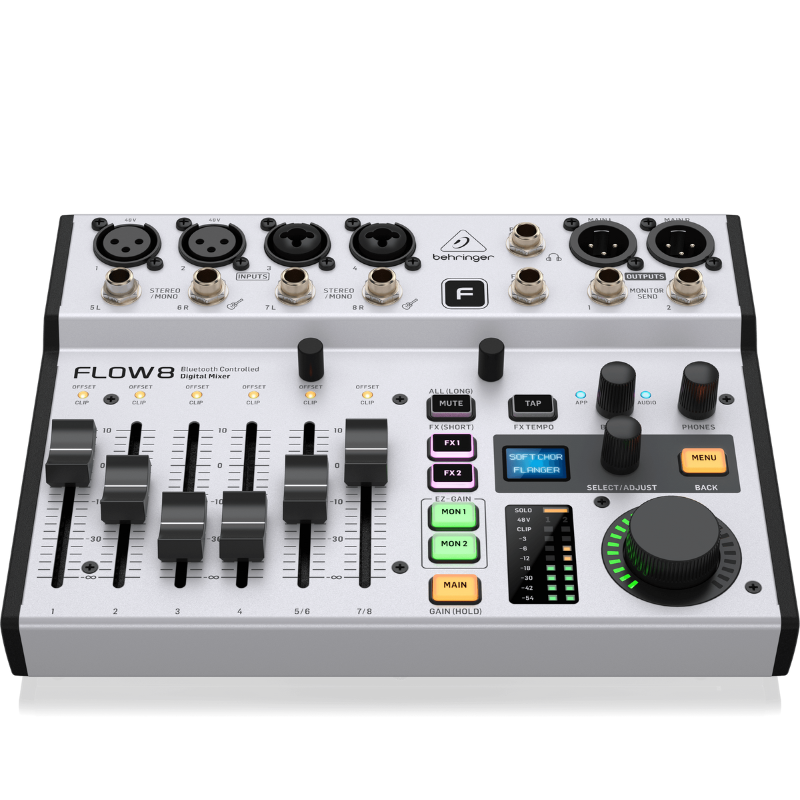
1. **Connect Audio Sources**: Begin by connecting your microphones, instruments, or other audio sources to the input channels using XLR or TRS combo jacks. Ensure each input is securely connected.
2. **Set Input Levels**: Adjust the input gain controls for each channel to set appropriate levels for your audio sources. Use the LED meters to monitor input levels and avoid clipping.
3. **Adjust EQ and Effects**: Utilize the built-in EQ and effects to shape and enhance your audio. Each channel on the Flow 8 offers EQ controls for fine-tuning frequencies, as well as effects such as reverb and delay to add depth and ambiance.
4. **Mixing**: Use the faders and pan knobs to balance and mix the levels of each channel. Adjust the pan knobs to position each channel within the stereo field as needed for your mix.
5. **Output and Monitoring**: Connect your main speakers or amplifiers to the main outputs of the Flow 8. Use the headphone output for monitoring purposes, adjusting the headphone level to ensure accurate listening during mixing and recording.
Cle Usb Fridge
YH 25 PS4 Multifunctional Heat Dissipation Charging Bracket
USAMS Iphone 11 Pro Metal Camera Lens Glass Film
Sony PS4 Minecraft Dungeons Hero Edition Game CD
Max Bms 135 Boom Mic Stand
SONY PS4 Rock of Ages 3 Game CD
Kalimba 17 Keys Finger Piano
New Arrivals
Offers
Service & Repair


There are no reviews yet.