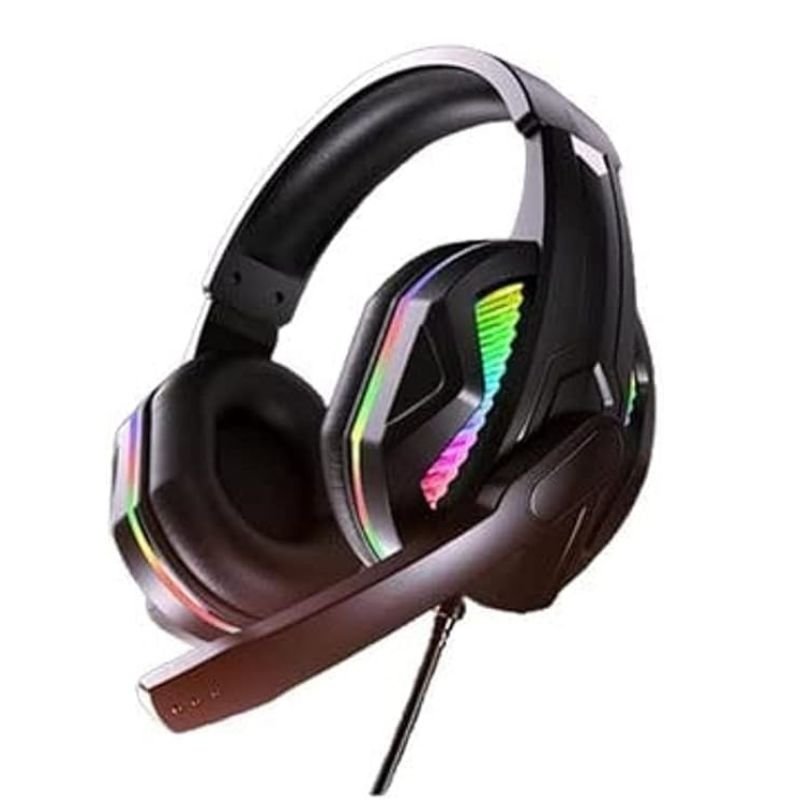
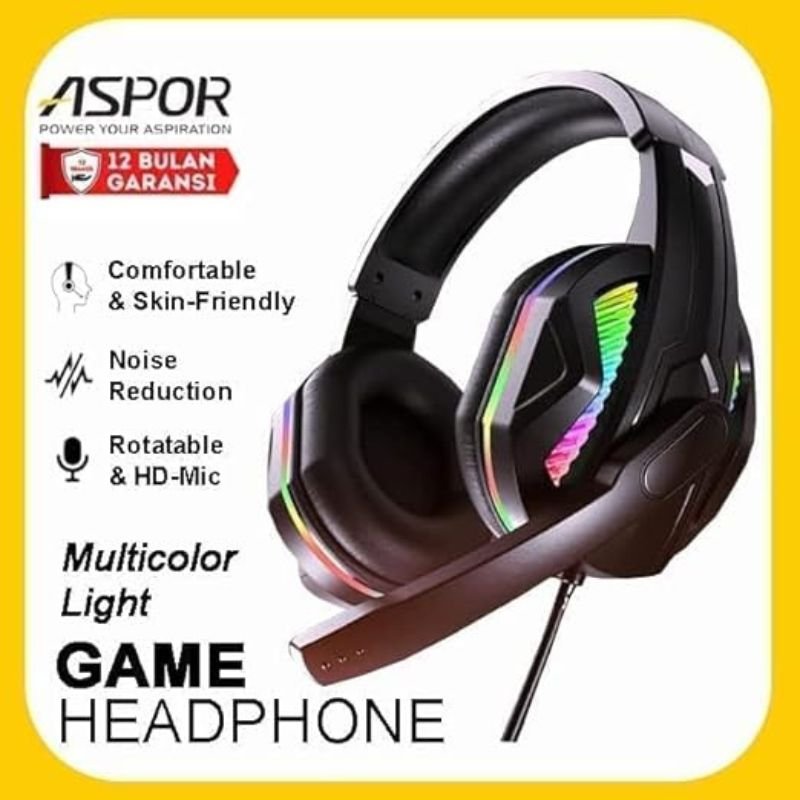
1. Unboxing: Carefully open the packaging of the ASPOR IQA217 Multi-color Light Game Headset. Inside, you’ll find the headset itself, any detachable components like a microphone, user manual, and any other accessories included.
2. Compatibility Check: Ensure that the headset is compatible with your device. The ASPOR IQA217 is commonly compatible with various gaming consoles, PCs, laptops, and mobile devices with a standard audio jack or USB connection.
3. Connection: Depending on the model, you can connect the headset to your device via a 3.5mm audio jack or USB port. Insert the audio jack into the headphone or audio port of your device. If using USB, simply plug it into an available USB port.
4. Microphone Setup (Optional): If your headset comes with a detachable microphone, connect it to the designated port on the headset. Position the microphone near your mouth for optimal voice pickup.
5. Adjustments: Put on the headset and adjust the headband and ear cups for a comfortable fit. Ensure that the ear cups cover your ears completely to provide passive noise isolation and enhance sound quality.
6. Volume Control: Locate the volume control buttons or wheel on the headset. Adjust the volume to your preferred level using these controls.
7. RGB Lighting Setup: If your ASPOR IQA217 headset features RGB lighting, connect any necessary cables to your device or power source. Some models may have customizable RGB lighting effects that can be adjusted using accompanying software.
8. Software Installation (Optional): If your headset comes with dedicated software for customization or additional features, install it on your device according to the instructions provided in the user manual.
9. Testing: Play some audio or launch a game on your device to test the headset. Ensure that sound is coming through both ear cups and that the microphone is picking up your voice clearly.
10. Enjoyment: Once everything is set up and working properly, enjoy using your ASPOR IQA217 Multi-color Light Game Headset for gaming, listening to music, watching movies, or any other audio-related activities.
By following these steps, you’ll be able to set up and use your ASPOR
DOBE PS4 TP4 023B Charging STAND
Bm 13k Bee Melodica
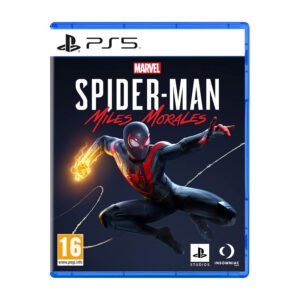
Sony Ps 5 Spider Man Miles Morales CD
BBurago Metal Car Ferrari 296 GTB Size 1.18 18-16018
SONY PS4 NIOH 2 GAME CD
Nintendo Switch Oled 64GB Console White
Used Nokia 6234
Sony PS4 Village Resident Evil Game CD
SONY PS4 TONY HAWKS PRO SKATER 1+2 GAME CD
Cleo-EL Mini Turbo Jet Fan ZY7400
DOBE PS4 TP4 016 Mobile Phone CLAMP
Sony PS5 Village Resident Evil Game CD
XBOX ONE TOM CLANCY'S THE DIVISON 2 GAME CD
Belkin F2CU012bt Mixit Cable Usb A to Micro 3mtr
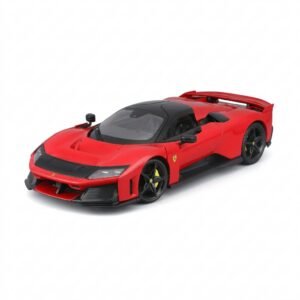
BBurago Metal Car Ferrari F80 Size 1.18 18-16022
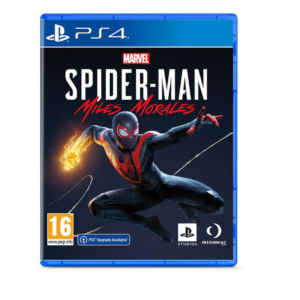
Sony PS4 Spider Man Game CD
Boya Wireless Microphone By Wm4 Pro
Telionix Electric Air Fryer 9L TAF4424
Cleo-EL Portable Power Station 300W ZHY-CN01
Samsung Car Adaptor Duo EP-L4020 Super Fast Dual 25w/15w
Maisto Metal Car Porsche 911 GT3 Size 1.18 36458
Cleo-MA Smart Bracelet X6 NGB
ONTEN USB C to HDMI CABLE
Apple Ipad Pro 12.9" 4th Gen Smart Keyboard Folio
New Arrivals
Offers
Service & Repair


There are no reviews yet.